Blue Screen of Death–Interview Question & Answers in Tamil
Автор: Bridge Tech
Загружено: 2022-03-31
Просмотров: 7640
Hardware,Network,Server, CCNA, Course in Chennai WANT TO JOIN OUR COURSES?
➽ 100 % Placement Assured Networking Training Programs :
https://bridge.org.in/networking-clou...
➽For more information, call us Bridge Technologies :+91 9884861719 | +91 9790870506
➽The Success Story of Bridge Technologies : • I Took CCNA Course in Chennai and Found th...
This video explain
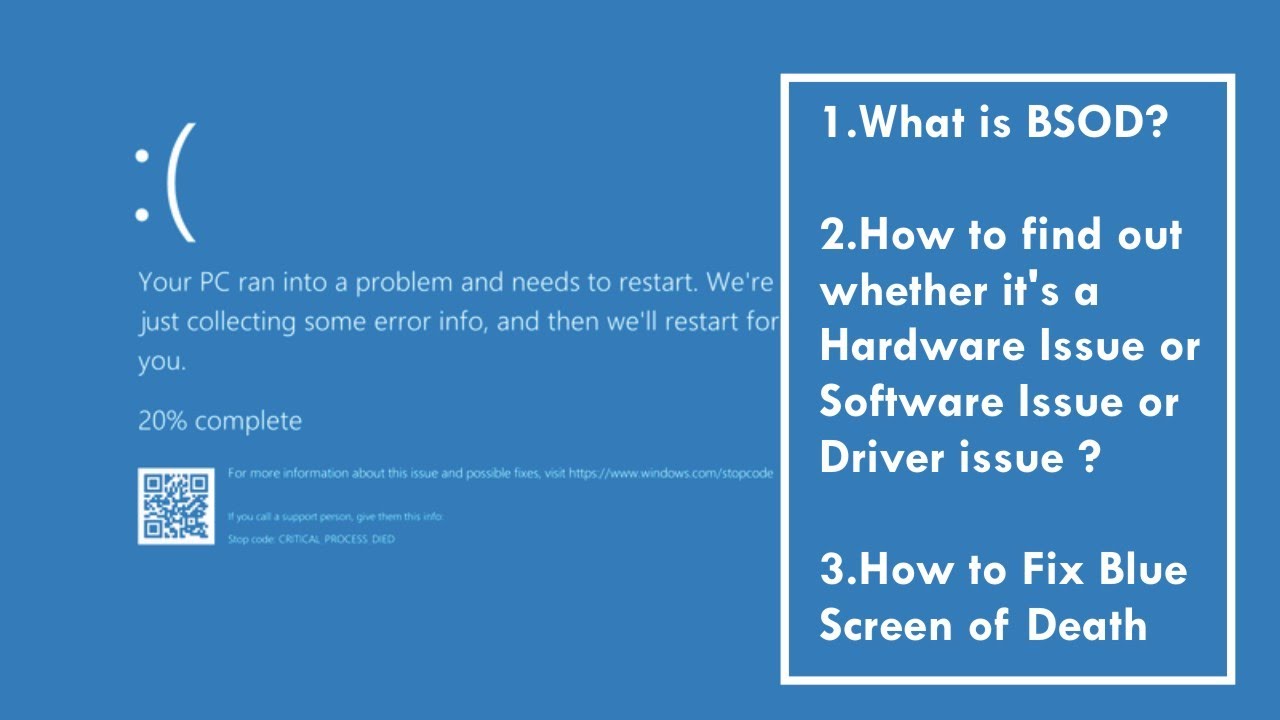
1. What is BSOD?
2. How to find out whether it’s a Hardware Issue or Software Issue or Driver issue ?
3. How to Fix Blue Screen of Death
1. What is BSOD?
BSOD stands for blue screen of Death. It occurs due to hardware issue or software issue or Device Drivers . Best way to resolve is press F8 Go to Advanced Boot Menu Option Select "Last known good configuration", issue will be Solved.
2.How to find out whether it’s a Hardware Issue or Software Issue or Driver issue ?
When OS is boot with safe mode its software issue
When OS is not boot with safe mode its hardware issue
When IRQ Message appear in blue screen that is driver issue
3. If not solve , How To Troubleshoot ?
In My ownExperience
When I Install Windows 10 Os, Bsod error occurred
I changed ram. The issue was solved.
In another case
I updated Display driver when BSOD error occurred , and then
role back the driver. The issue was solved.
In another case
I uninstalled unpunished software .The issue was solved.
In another case
Processor fan was not running
I changed the processor fan .The issue was solved.
In another case
There was no free space In primary Partition hard Disk
I created free space. The issue was solved
#BSOD,#HARDWARE
Доступные форматы для скачивания:
Скачать видео mp4
-
Информация по загрузке: