Популярное

Музыка Кино и Анимация Автомобили Животные Спорт Путешествия Игры Юмор

Интересные видео

2025 Сериалы Трейлеры Новости Как сделать Видеоуроки Diy своими руками

Топ запросов

смотреть а4 schoolboy runaway турецкий сериал смотреть мультфильмы эдисон
dTub
Скачать

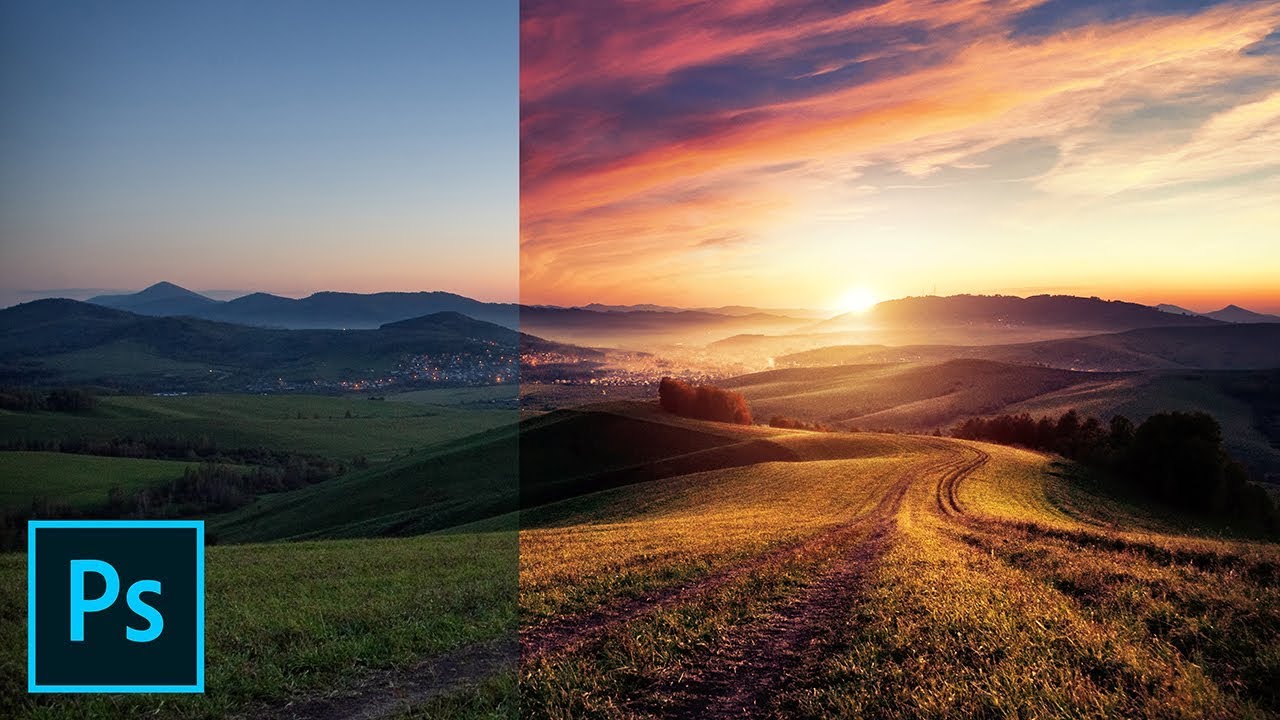
How to add SUN LIGHT with Adobe Photoshop (Raw included)

Автор: Christian Möhrle - The Phlog Photography

Загружено: 2021-11-20

Просмотров: 17067

Описание:

In this #Photoshop #Tutorial Im adding artificial sun light to a grey, foggy raw photo.

If you want to follow along this video, feel free to download the raw file here:
https://drive.google.com/file/d/1eMxz...

Sun star Overlays:
https://drive.google.com/drive/folder...

▬▬▬▬▬▬▬▬▬▬▬▬▬▬▬▬▬
Thank you for watching my video!
► Prints: http://www.the-phlog.com
► Patreon:   / phlog  
► Instagram:   / thephlog  
► Facebook:   / phlog  
▬▬▬▬▬▬▬▬▬▬▬▬▬▬▬▬▬

0:00 Intro
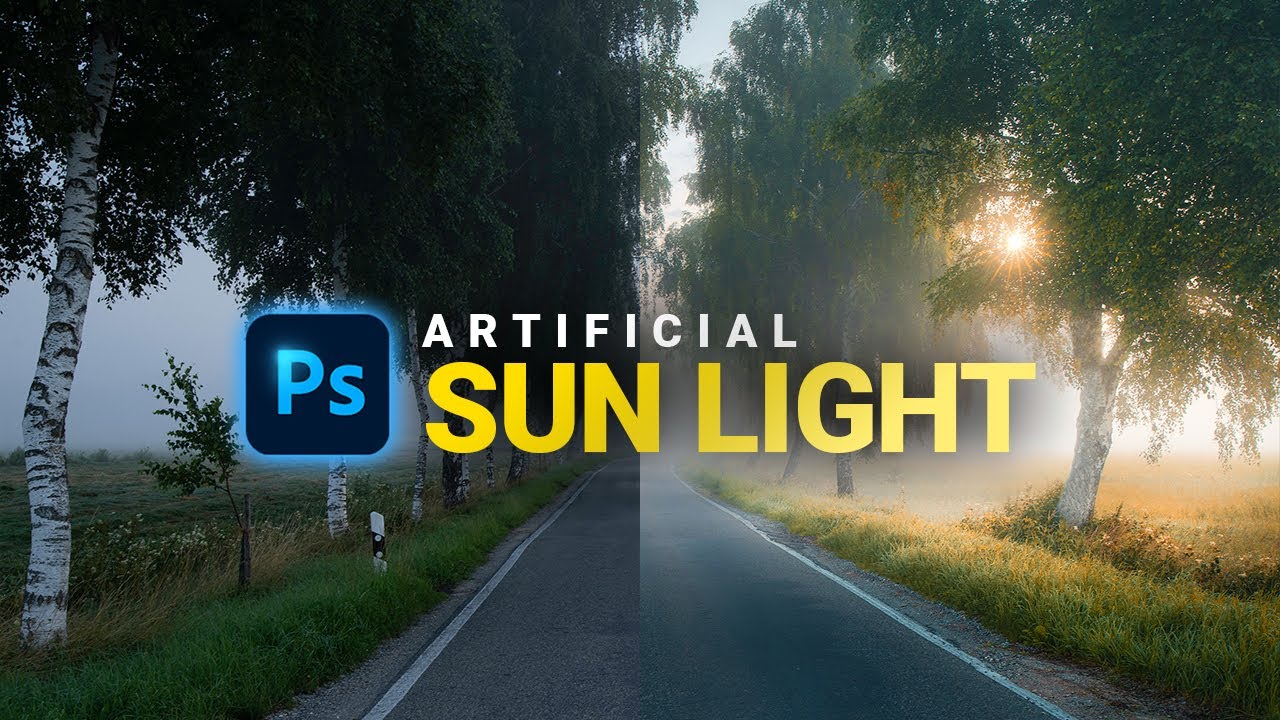
As the original raw was rather flat and boring, I wanted to add more warmth and morning light to the image. A lot of this happened in the camera raw editor, while I used a bit of Photoshop to add a sunstar and further enhance the photo.

0:24 1. Basic Adjustments
To start I changed the white balance slightly to gibe me warmer colors. Next, I increased the whites for more brightness. For a softer look, I dropped the clarity slightly. Finally, I boosted the vibrance for richer colors.

2:00 2. Local Adjustments
Using a few linear gradients I darkened the highlights in the top part of the image and reduced the contrast as well. This helps with the softer look. For the foreground, I used another linear gradient and brought down the exposure. Finally, I used radial gradients to introduce “light” on the right side by increasing blacks, decreasing dehaze and adjusting the temperature to make the area look warmer.

4:00 3. Color Grading
First off, I dropped the yellow hue, which makes the greens and yellows look a bit warmer. Then, I boosted the yellow saturation and slightly dropped the green saturation. For the split toning I simply applied a warm tone to the highlights.

5:35 4. Photoshop
First, I got rid of a few things using the spot healing brush and clone stamp tool. Then, I used the TK panel plug in to target specific spots (mostly mid- tones and highlights) and dodge them (making them brighter). Thus, I added more “artificial” light coming in from the right side. To make this effect stronger, I added a sunstar-overlay to make it look like the sun is shining through the trees.
How to add SUN LIGHT with Adobe Photoshop (Raw included)

Поделиться в:

Доступные форматы для скачивания:

Скачать видео mp4

  • Информация по загрузке:
Скачать аудио mp3

Похожие видео

How to Create PANORAMA Photos with DRAMATIC LIGHT in Photoshop (Raws included)

How to Create PANORAMA Photos with DRAMATIC LIGHT in Photoshop (Raws included)

How to Use SELECTIVE White Balance in LIGHTROOM!

How to Use SELECTIVE White Balance in LIGHTROOM!

Как рисовать свет в Photoshop — СЕКРЕТНЫЙ режим наложения!

Как рисовать свет в Photoshop — СЕКРЕТНЫЙ режим наложения!

How to Make a Realistic Sunstar Effect in Photoshop - Landscape Photography

How to Make a Realistic Sunstar Effect in Photoshop - Landscape Photography

Это ИЗМЕНИЛО мой подход к редактированию... Изучите кривые Lightroom за 20 минут

Это ИЗМЕНИЛО мой подход к редактированию... Изучите кривые Lightroom за 20 минут

No More HALOS When using Lightrooms SKY MASK!

No More HALOS When using Lightrooms SKY MASK!

Урок по фокус-стекингу, который я хотел бы иметь раньше (PHOTOSHOP)

Урок по фокус-стекингу, который я хотел бы иметь раньше (PHOTOSHOP)

Создаём реалистичные солнечные лучи в Photoshop

Создаём реалистичные солнечные лучи в Photoshop

Скрытые эффекты Da Vinci, которые делают видеоматериалы ОЧЕНЬ ДОРОГИМИ

Скрытые эффекты Da Vinci, которые делают видеоматериалы ОЧЕНЬ ДОРОГИМИ

Create Light Rays in 3 Simple Steps with Photoshop

Create Light Rays in 3 Simple Steps with Photoshop

Make COLORS POP with This HIDDEN PROFILE in LIGHTROOM!

Make COLORS POP with This HIDDEN PROFILE in LIGHTROOM!

Stop Using SATURATION - do THIS instead! (Lightroom Tutorial)

Stop Using SATURATION - do THIS instead! (Lightroom Tutorial)

Fake the Sun in Photoshop!

Fake the Sun in Photoshop!

One Trick to Add Light or Shine to Anything in Photoshop

One Trick to Add Light or Shine to Anything in Photoshop

This LIGHTROOM TRICK will make HIGHLIGHTS GLOW (no Photoshop needed)!

This LIGHTROOM TRICK will make HIGHLIGHTS GLOW (no Photoshop needed)!

Photoshop: How to Add Beautiful Sun Rays or Sunbeams to Photos

Photoshop: How to Add Beautiful Sun Rays or Sunbeams to Photos

Как добиться правильного восприятия цветов (урок по Lightroom)

Как добиться правильного восприятия цветов (урок по Lightroom)

How to Use MASKS to Create SMOOTHER Backgrounds! (Lightroom Tutorial)

How to Use MASKS to Create SMOOTHER Backgrounds! (Lightroom Tutorial)

Add beautiful GOLDEN LIGHT with Photoshop (Raw in Description)

Add beautiful GOLDEN LIGHT with Photoshop (Raw in Description)

How to CREATE REALISTIC Sunlight: QUICK and EASY in PHOTOSHOP

How to CREATE REALISTIC Sunlight: QUICK and EASY in PHOTOSHOP

© 2025 dtub. Все права защищены.


  • Контакты
  • О нас
  • Политика конфиденциальности


Контакты для правообладателей: infodtube@gmail.com