Supernote A6X2: Adding & Using Email
Автор: Organizing for Change
Загружено: 2024-02-18
Просмотров: 4852
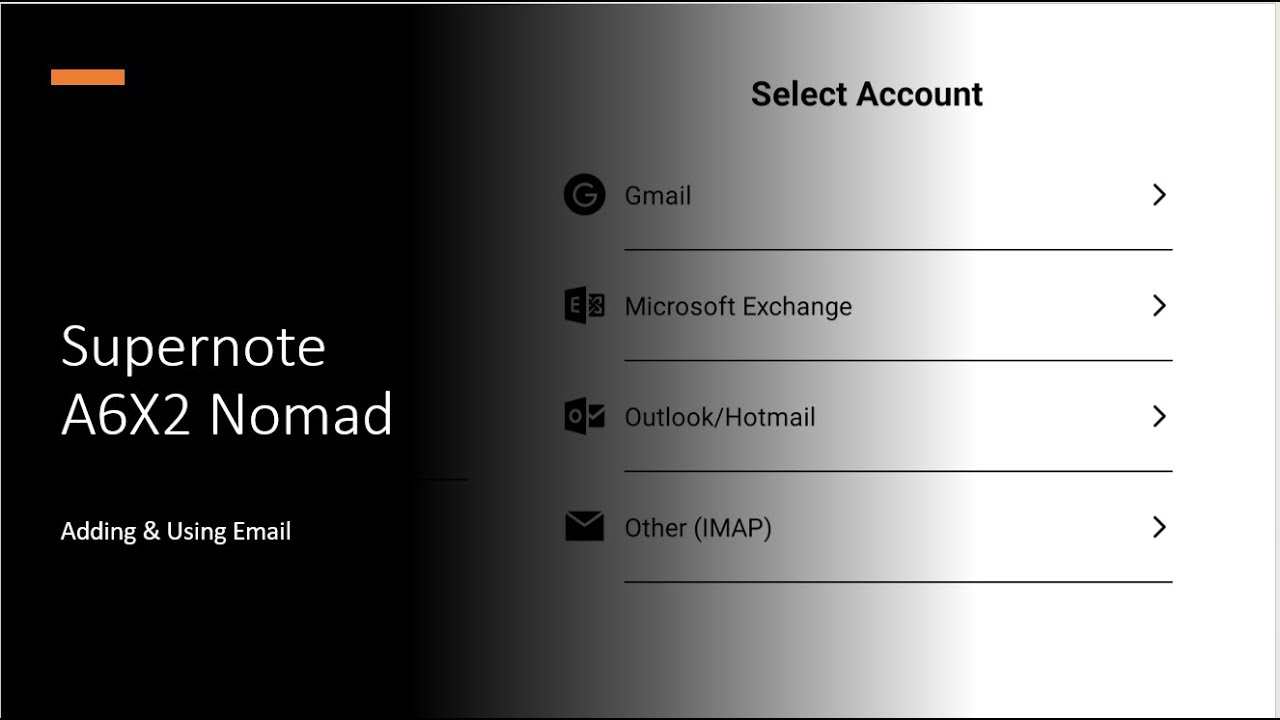
In this video, we will quickly walk through the setup process for using email on the Supernote A6X2. It is important to remember that the process will be the same on the A5X as well.
This is a video I have wanted to make for quite a while. If there is a downside to starting videos on your organizational system, it is having your information so embedded in it. This is the first time I was able to show how to connect email without disconnecting all of my current accounts.
If you enjoy the content I provide, please think of liking, commenting, and subscribing to the channel. I would love to have you join the conversation.
If you find yourself in a position to purchase a Supernote, or just want to get a closer look at the devices, please feel free to use the affiliate link below:
https://tinyurl.com/2p9ttt48
If you are interested in my workstation setup, and are budget conscious, please check out the Amazon Affiliate links below:
Laptop: https://amzn.to/3K07way
Keyboard & Mouse: https://amzn.to/4bGlIRJ
LED Desk Lamp: https://amzn.to/44GhC9Y
Laptop Stand: https://amzn.to/3yla0xE
Mini Tripod: https://amzn.to/4biv4DI
Selfie Stick Tripod: https://amzn.to/3wEuRvt
Media Editing: https://amzn.to/3yiKPM9
Lavalier Microphone: https://amzn.to/3K1pae1
Boom Mic Arm: https://amzn.to/3QJWpX0
Main Microphone: https://amzn.to/3yhg2Q2
Main Webcam: https://amzn.to/4bz28qC
Document Camera: https://amzn.to/4b97OYF
Phone: https://amzn.to/4bERDSJ
Universal Dock: https://amzn.to/4bBOwLi
Monitor (2): https://amzn.to/4dJsMPG
Доступные форматы для скачивания:
Скачать видео mp4
-
Информация по загрузке: