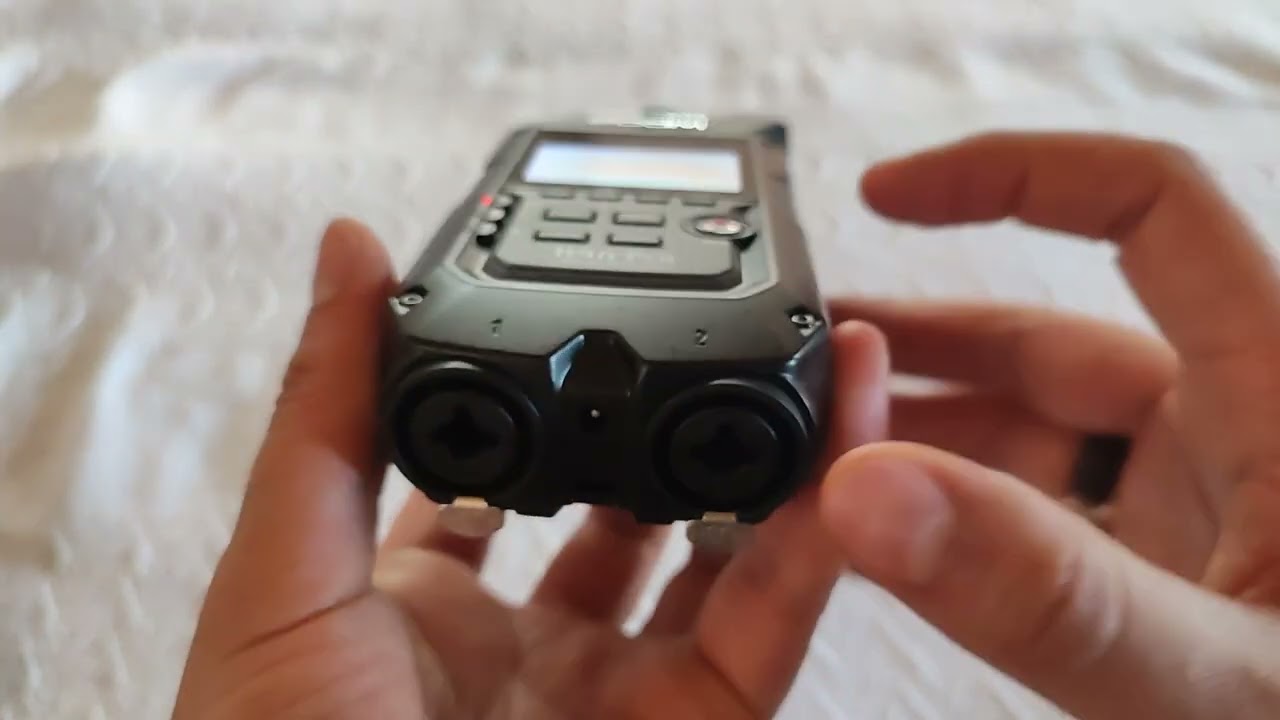
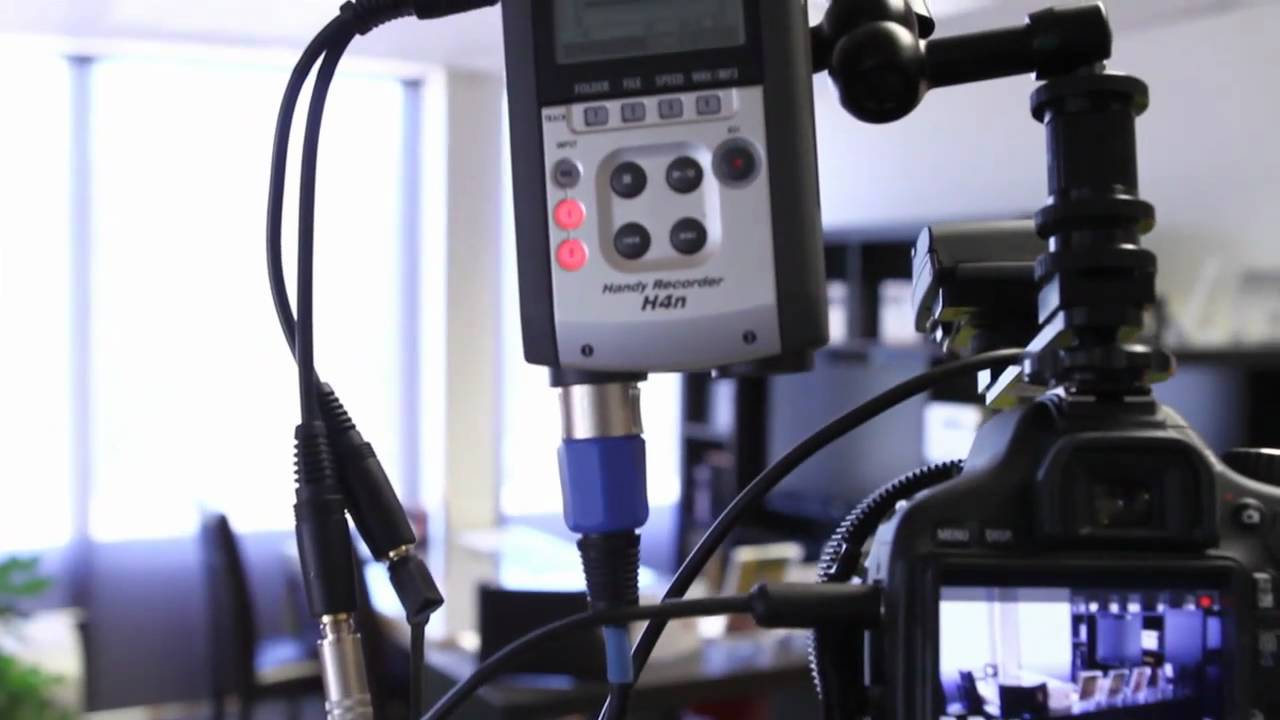
Zoom H4n Pro: Updating the Firmware
Автор: ZoomSoundLab
Загружено: 2018-06-08
Просмотров: 46437
DOWNLOAD FIRMWARE HERE: https://zoomcorp.com/en/us/handheld-r...
Hi everyone, this is John from Zoom and in this video we will go over updating the firmware on your H4n Pro.
You can check your current firmware as the H4n Pro powers on.
For the most current version, go to Zoomcorp.com and click on Support and Downloads. Select the H4n Pro under Field Recording then click to download the firmware update .ZIP file. Unzip this file, and in this folder you will find a DOT BIN file. This file will be needed to update your H4n Pro.
Plug in your device, select card reader, and place this DOT BIN file into your SD card’s root directory.
Unplug your device from the computer and power on while holding down the PLAY/PAUSE button. Scroll to highlight OK then select it. Do not attempt the firmware update with low battery.
Once complete, your H4n Pro is now up to date.
For more information and product updates, please go to zoomcorp.com

Доступные форматы для скачивания:
Скачать видео mp4
-
Информация по загрузке: