Steal THIS Workflow: Budgeting for 2026
Автор: Hostinger Academy
Загружено: 2026-01-20
Просмотров: 394
Build an app for budget tracking that stops impulse buys in 2026 👉 https://bit.ly/3LUYNej
🏷️ Get 10% off your new plan with code n8n10!
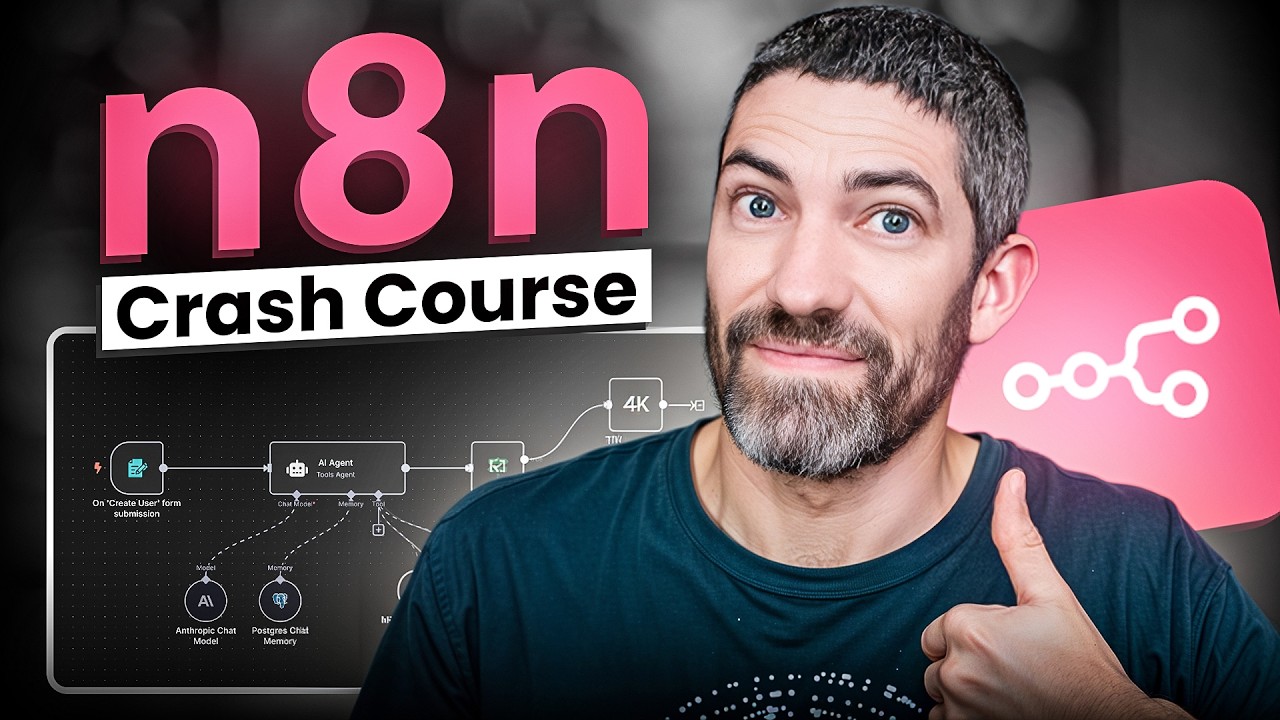
Welcome to 2026! Start the new year right with this n8n workflow for saving money that tracks every purchase automatically. This tutorial shows you how to build an n8n automation that turns your phone into a smart app for savings by monitoring impulse buys in real-time. Learn how to create an n8n workflow that captures spending data, categorizes purchases, checks your monthly budget limits, and sends AI-powered financial summaries. Perfect for anyone looking to keep their new year resolution for 2026 on track with a self-hosted n8n automation that acts as your personal financial assistant.
📌 Handy Links
Hostinger | n8n Creator: https://n8n.io/creators/hostinger/
Hostinger n8n API: https://bit.ly/3NxiBF3
Hostinger Tutorials: How do I use an API with n8n on a self-hosted setup? https://bit.ly/4qXSRjN
Hostinger Tutorials: 10 n8n best practices for successful automation - https://bit.ly/4pZ9pXP
Hostinger Tutorials: How to create a budget-tracking web app without a single line of code: https://bit.ly/4pGcz2j
Hostinger Tutorials: How AI became essential for website creation: Tools & challenges in 2026: https://bit.ly/4jIHtG2
🕒 Timestamps
00:00 - Introduction
00:34 - Workflow Demo
05:24 - Step by Step
05:33 - Creating the iOS Shortcut
06:24 - Setting Up the Webhook in n8n
06:55 - Creating Data Tables
08:04 - Adding Budget Thresholds
08:10 - Filtering Monthly Transactions
08:34 - Building the Monthly AI Summary
How do I track impulse buys automatically with my phone? Set up an iOS Shortcuts workflow that captures purchase amount, category, and impulse buy status, then sends this data to n8n via webhook for real-time budget tracking.
What's the best app for budget tracking that sends instant notifications?
Why pay for an app when you can build it yourself! Minijus presents an n8n automation that compares each purchase against your monthly category budgets and sends immediate feedback to your phone showing whether you're on track or overspending.
How can I get AI-powered insights on my spending habits? Configure a monthly schedule trigger in n8n that analyzes all previous month's transactions using AI, identifies impulse buying patterns, and generates personalized coaching tips delivered via email.
What are the key components of a self-hosted n8n workflow for savings? Create data tables for transaction storage, set custom budget thresholds per category, filter transactions by month and category, aggregate spending data, and integrate AI analysis for comprehensive financial insights.
⭐Follow Us⭐
TikTok: / hostingeracademy
Instagram: / hostingeracademy
Twitter: / hostinger
Facebook: / hostinger
Reddit: / hostinger
Hostinger Tutorials: https://www.hostinger.com/tutorials
▶ Subscribe to our channel: https://www.youtube.com/c/HostingerAc...
Ready to take control of your finances in 2026? Subscribe for more AI-powered automation tutorials and share your new year's financial goals in the comments! 🚀
Three. Two. Online🚀
#appforbudget #impulsebuys #newyears #newyearresolution2026 #welcometo2026 #appforsavings #appforsavingmoney #n8nautomation #n8nworkflow #selfhostedn8n #HostingerAcademy

Доступные форматы для скачивания:
Скачать видео mp4
-
Информация по загрузке: