iPhone Transfer to Galaxy S8 With Samsung Smart Switch (2017)
Автор: Tech With Brett
Загружено: 2017-04-21
Просмотров: 994308
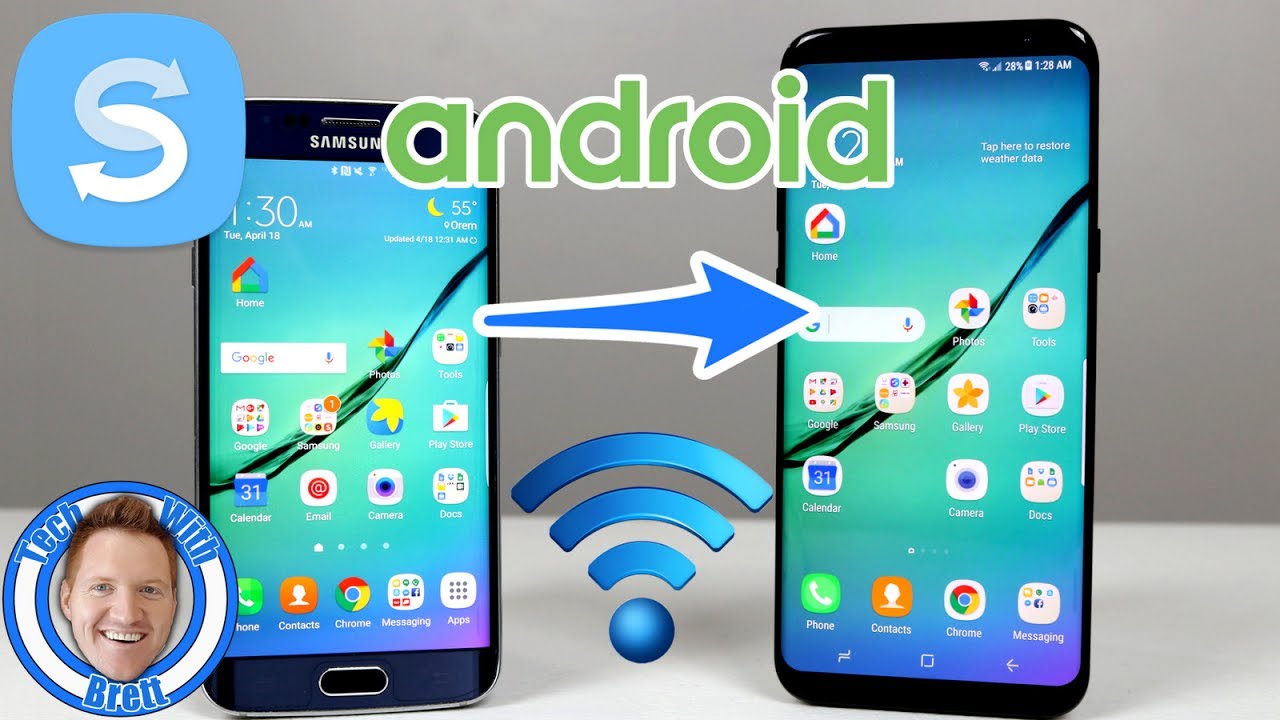
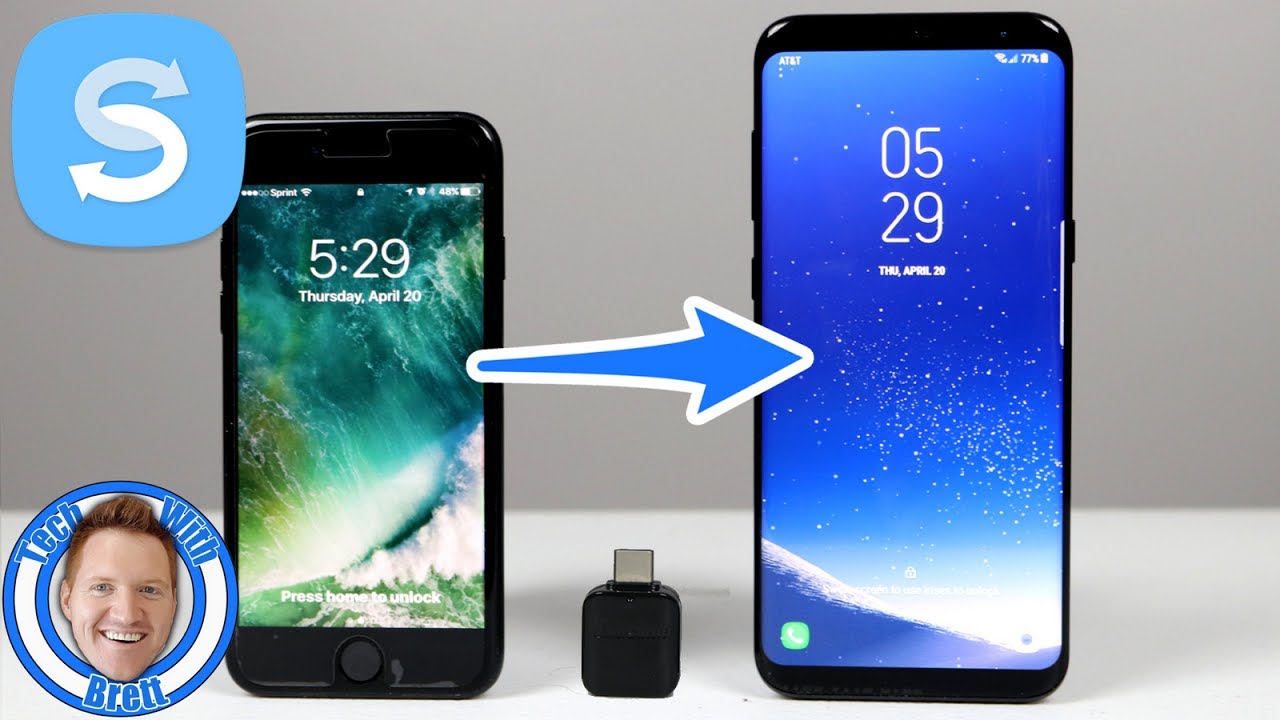
Make the switch to Samsung and keep all your data! In today's tutorial I show you how to use the USB Connector that comes in the box of the Galaxy S9, S9+, S8, S8+, S7, S7 edge and show you how to transfer "almost" everything from your iPhone (The wallpaper didn't make it over for some reason).
This tutorial will give you a step by step guide of what you need to do to make sure the transfer works flawlessly as well as what you need to know to get started with your new Galaxy S8 or Galaxy S8+. Enjoy!
Lose your USB Connector? Get one here:
USB C to USB (Galaxy S8/S8+): http://amzn.to/2ouuC1M
Micro USB to USB (Galaxy S6 edge, Note 5, S7, S7 edge): http://amzn.to/2qcO13B
New to Android? Check out my How to Use Android 101 Course: https://goo.gl/Qv3wjF
Help Tech With Brett grow: / techwithbrett
SUBSCRIBE here, it's FREE! https://goo.gl/vqO8kP
Easy Home Tech Upgrades:
Google Home Mini: https://goo.gl/m7FBeJ
Google Home: https://goo.gl/WvJGvy
Chromecast: https://goo.gl/voehGm
Chromecast Ultra: https://goo.gl/qGXkiG
My Video Equipment:
My Camera: http://amzn.to/2na6EnN
My Microphone: http://amzn.to/2pFtPLM
My Camera Mic : http://amzn.to/2na8JA3
My Lights: http://amzn.to/2nsTHrI
Tech With Brett is a participant in the Amazon Services LLC Associates Program, an affiliate advertising program designed to provide a means for sites to earn advertising fees by advertising and linking to amazon.com.
Connect with me on the socials @TechWithBrett
#SmartSwitch #SamsungSmartSwitch #TechWithBrett #Samsung #Android #Google #Tutorial #iPhonetoSamsung #messages #contacts #pictures #videos #note8
Доступные форматы для скачивания:
Скачать видео mp4
-
Информация по загрузке: