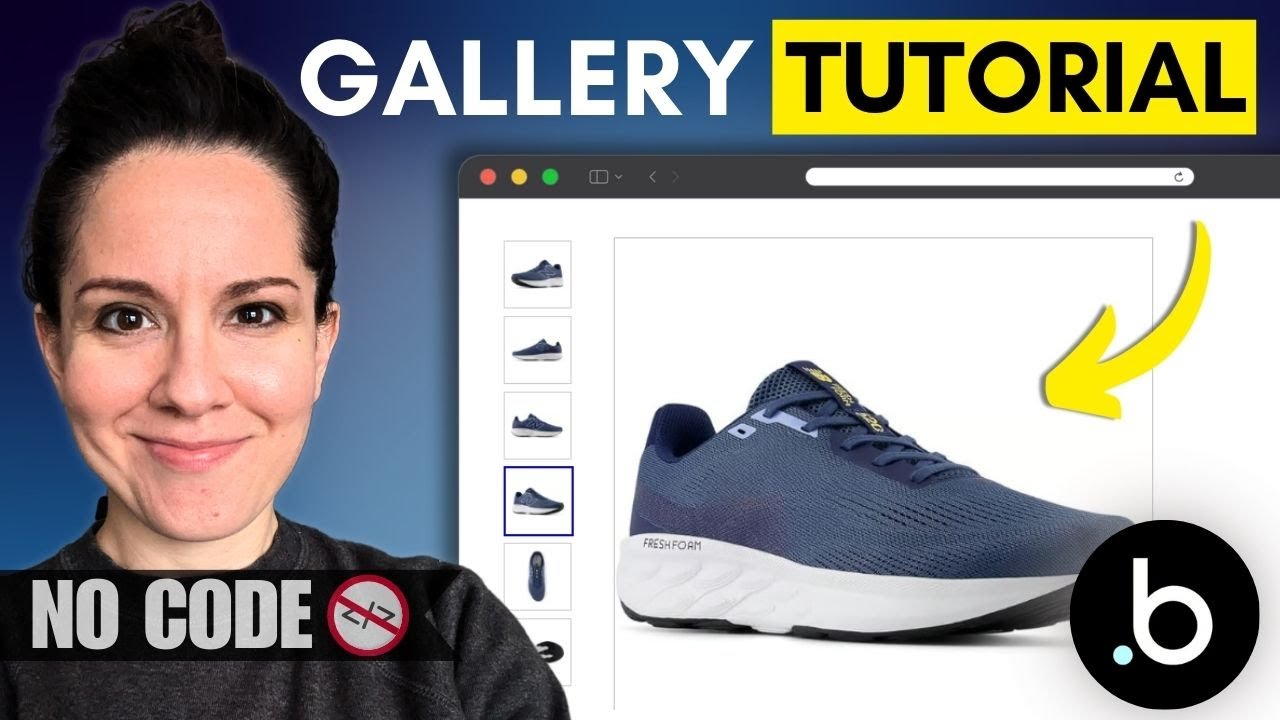
How to Build a Product Image Gallery in Bubble.io
Автор: Coaching No Code Apps
Загружено: 2025-08-13
Просмотров: 804
Learn how to create a beautiful, dynamic product image gallery in Bubble! This step-by-step tutorial is perfect for anyone building an e-commerce store, a marketplace, or any app that needs to showcase multiple images for a single product. As always, there is no code required! We'll use Bubble's powerful visual builder to get this done in minutes.
💥 Link from the video: https://coachingnocodeapps.com/workshop
0:00 - Product image gallery overview
1:05 - Data structure for images
2:29 - Data sources in visual elements
5:59 - Hover interaction to change images
💥 What to Watch Next:
Using Bubble to Build Your App: • Complete Bubble.io Course for Beginners: B...
💥 Courses on How to Build a Bubble App:
Build a Scalable MVP App from Start to Finish: https://coachingnocodeapps.com/fast-t...
Customize and Expand Your Existing App: https://coachingnocodeapps.com/vip-me...
Use APIs in Your App (connect with outside services): https://coachingnocodeapps.com/api-vi...
💥 Free Stuff:
In-Depth Bubble Guide: https://coachingnocodeapps.com/bubble-io
Facebook Community for No Code App Entrepreneurs: / 1165236046981865
💥 Private, 1-on-1 Guidance:
https://coachingnocodeapps.com/consul...
Доступные форматы для скачивания:
Скачать видео mp4
-
Информация по загрузке: