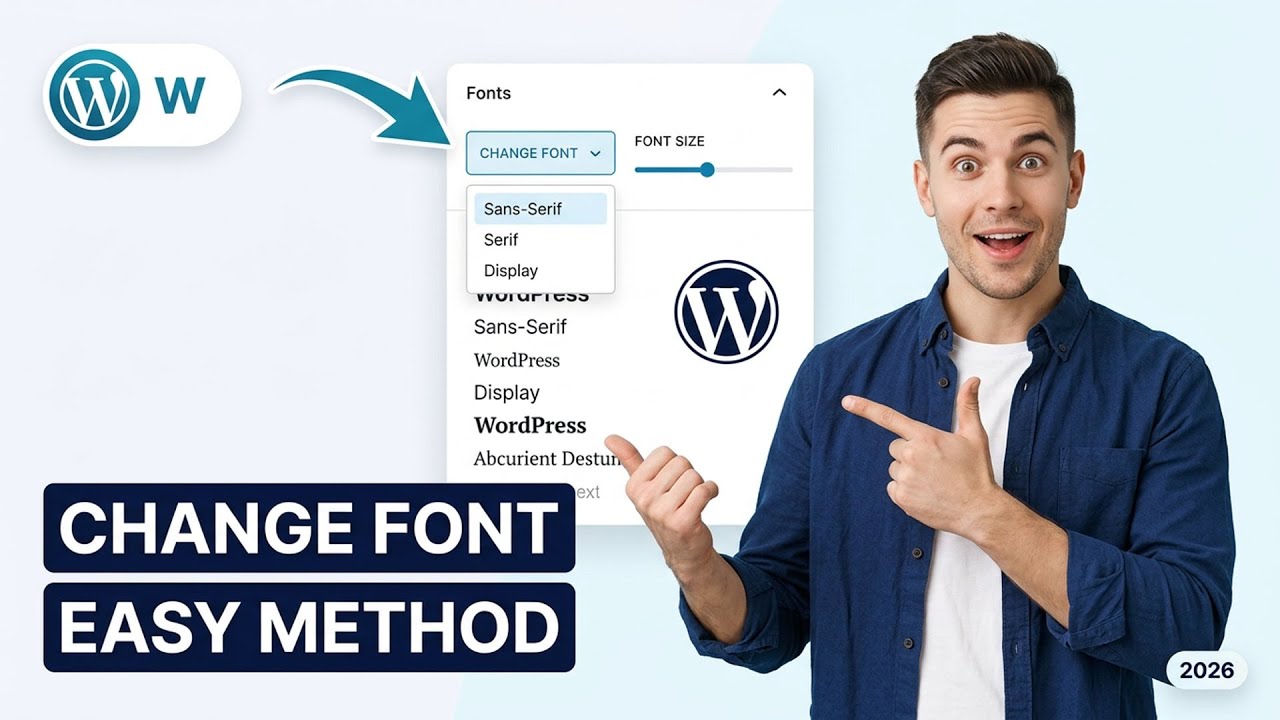
How to change the size and style of font in WordPress (Easiest Way)(2026 Guide)
Автор: How To with Alex
Загружено: 2026-01-22
Просмотров: 1
🔧 Hosting we use for WordPress projects:
👉 Cloudways (best value, top-tier infrastructure): https://rb.gy/70qc34
Learn how to change the font size and style in WordPress—without using any plugins! In this step-by-step tutorial, you'll discover how to customize your website's typography using the built-in WordPress Customizer and simple CSS edits. Perfect for WordPress 6.x users, this guide works on both Desktop and Web versions for most popular themes like Astra, OceanWP, and Twenty Twenty-Three.
Timestamps:
00:00 Introduction
00:45 Accessing the WordPress Customizer
02:10 Changing Font Size with Customizer Settings
04:00 Modifying Font Style (Bold, Italic, Underline)
06:00 Editing Fonts with Additional CSS
08:30 Tips for Mobile Responsiveness
10:00 Final Review & Best Practices
Features covered: Theme Customizer, Additional CSS method, Font families, Google Fonts integration, device-specific font settings. No plugins or coding experience required!
If you found this tutorial helpful, please like the video and subscribe for more WordPress tips.
Disclosure: Some links may be affiliate links. This helps support the channel at no extra cost to you.
##WordPress #FontCustomization #NoPlugin #WebsiteDesign #CSS #WebDevelopment #WordPressTips #Typography #ThemeCustomizer
Доступные форматы для скачивания:
Скачать видео mp4
-
Информация по загрузке: