Скачать
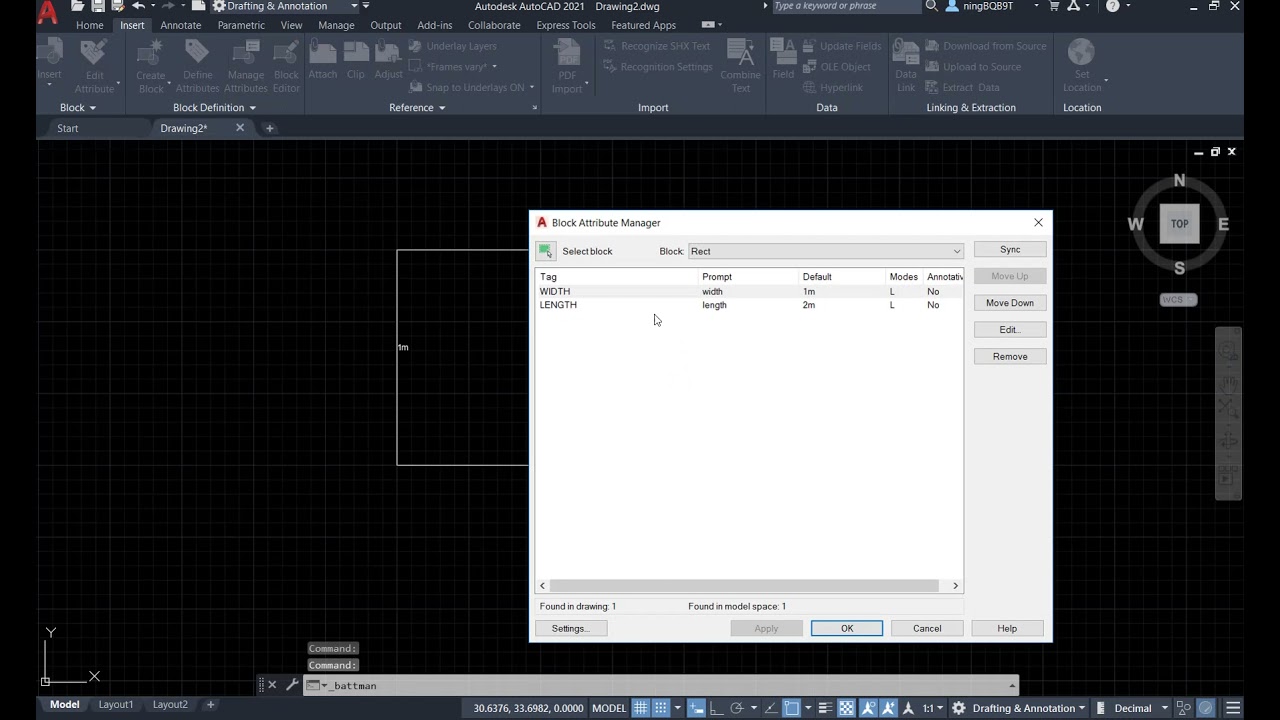
AutoCAD 2021 Tutorial: Block(VII)-how change attributes font size and color in a block?
Автор: STG CAD
Загружено: 2021-06-07
Просмотров: 3503
Описание:
Way one: Double click the block to show up Attribute Editor
Way two: Go to Home Tab/Block panel or Insert panel/Block panel to select the Attribute Editor
Way three: Go to Insert panel/Block Definition panel to select the Manage Attributes
Watch the video and see the details
https:// www.SciTekGo.com
Доступные форматы для скачивания:
Скачать видео mp4
-
Информация по загрузке: