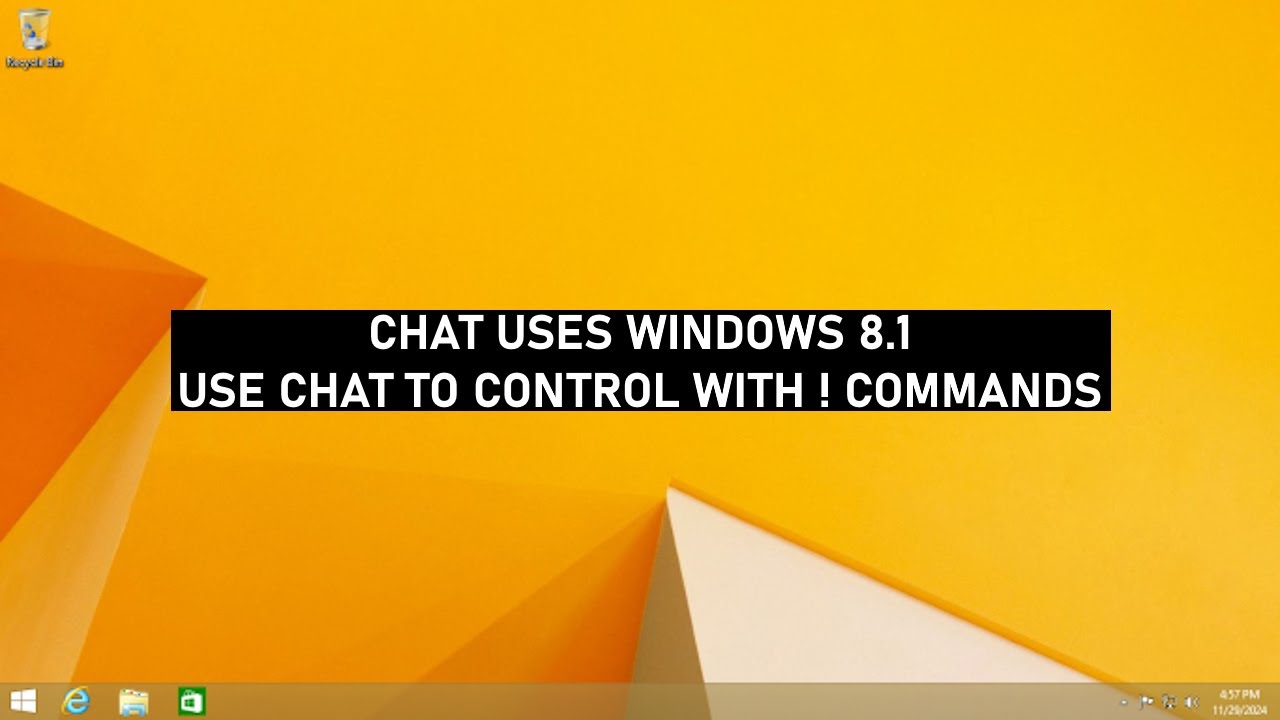
Chat uses Windows 8.1
Автор: vlc2
Загружено: 2026-01-21
Просмотров: 5
Chat controls a Windows 8.1 virtual machine in real time. You send commands, the VM responds: moves the cursor, clicks, types, opens programs. Drop "!startvm" to boot it up, "!move 50 -30" to push the cursor around, "!click" to tap, "!send notepad" to type and hit enter, or "!combo win+r" for shortcuts. You can chain commands in one message like "!combo win+r !wait 0.3 !send cmd".
Discord server: / discord
Commands (type with ! prefix)
!restartvm - requires a 30% vote threshold from active users to restart the VM.
!revert - requires a 30% vote threshold from active users to restore a snapshot.
!restartvbox - requires a 30% vote threshold from active users to restart VirtualBox. (Fixes PXE-E06 error on boot)
(Active users = those who sent commands in the last 15 mins. Spamming these 3 commands for no reason - 24h mute
Start VM: !startvm, !modlaunch, !launchvm, !start_mc, !startmc
Start the virtual machine (cooldown enforced)
Example: !startvm
Focus window: !restore, !refresh, !focus, !front, !bringtofront
Bring VM window to foreground
Example: !focus
Move mouse (relative): !move, !mouse, !mv, !mouse_move
Move cursor by offset or direction (left/right/up/down/upleft/upright/downleft/downright)
Example: !move 50 -20 or !move up
Move mouse (absolute): !abs, !cursor, !moveabs
Move cursor to exact position
Example: !abs 800 400
Drag (relative): !drag, !dragrel
Drag from current position by offset
Example: !drag 100 50
Drag (absolute): !dragabs, !drag_absolute
Drag to exact position
Example: !dragabs 900 500
Left click: !click, !lclick
Left mouse button, optional count
Example: !click 2
Right click: !rclick, !rightclick
Right mouse button, optional count
Example: !rclick
Middle click: !mclick, !middleclick
Middle mouse button
Example: !mclick
Scroll: !scroll, !wheel
Scroll wheel, negative is down, positive is up
Example: !scroll -120
Type text: !type, !text, !say
Type without pressing enter
Example: !type hello world
Type and enter: !typeenter, !send, !sendline
Type text then press enter
Example: !send notepad
Key press: !key, !press
Press a single key
Example: !key f5
Key combo: !combo, !chord, !multi
Press multiple keys together
Example: !combo ctrl+c or !combo win+r
Hold key: !keydown, !hold
Hold a key down
Example: !keydown shift
Release key: !keyup, !release
Release a held key
Example: !keyup shift
Wait: !wait, !pause, !delay
Pause between chained commands (0.1 to 5 seconds)
Example: !wait 1.5
Fullscreen: !fullscreen, !fs
Toggle fullscreen mode
Example: !fullscreen
Command chains: You can put multiple commands in one message
Example: !combo win+r !wait 0.3 !send cmd.exe !wait 0.2 !send dir
Key names: a-z, 0-9, f1-f12, enter, space, tab, backspace, escape, delete, insert, home, end, pageup, pagedown, up, down, left, right, ctrl, alt, shift, win, capslock, printscreen, menu
Доступные форматы для скачивания:
Скачать видео mp4
-
Информация по загрузке: