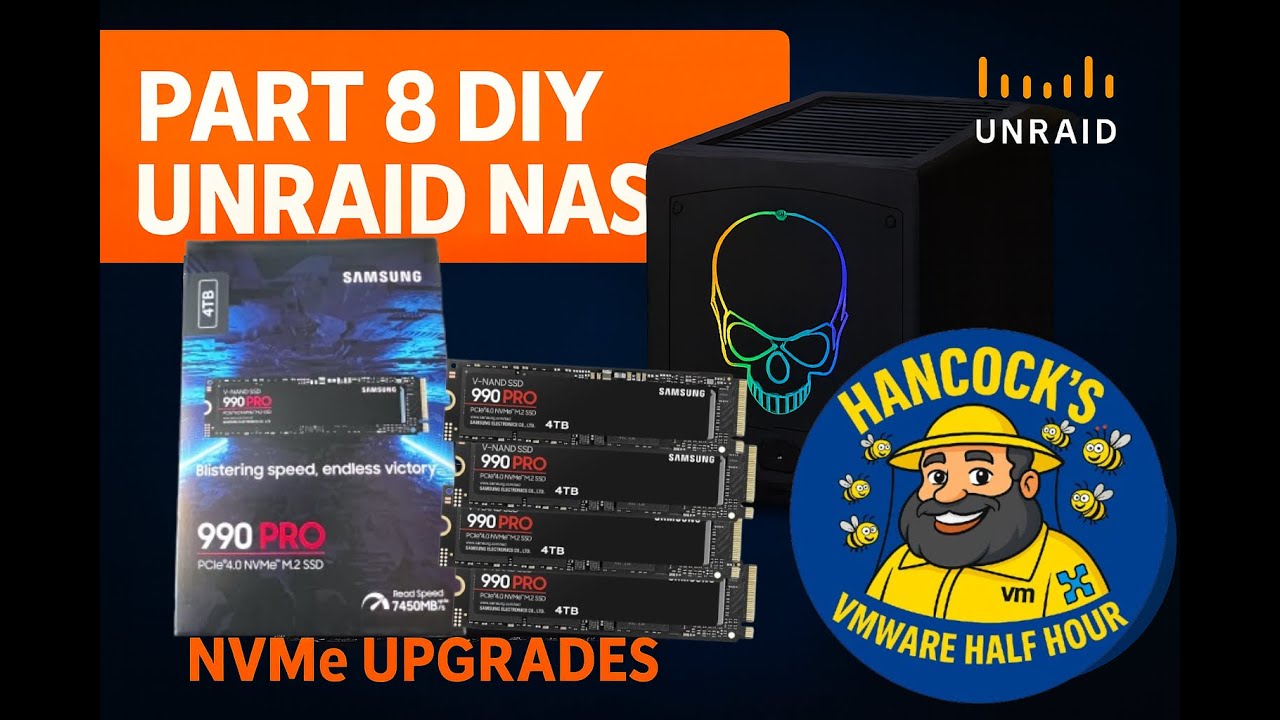
Part 8: DIY UNRAID NAS: Preparing the Zero-Downtime NVMe Upgrade (512GB → 4TB)
Автор: Hancock's VMware Half Hour
Загружено: 2025-12-10
Просмотров: 88
Welcome back to Hancock’s VMware Half Hour and to Part 8 of the DIY UNRAID NAS series!
In this episode, we go deep into planning and preparing the upgrade from a single 512GB XPG NVMe cache device to new Samsung 4TB NVMe SSDs, using a staged, non-destructive approach with Btrfs.
Part 8 includes: system overview, UnRAID architecture explanations, hardware changes, PCIe passthrough, VM shutdowns, installing the first 4TB NVMe, and validating hardware inside Windows using Samsung Magician.
Part 9 will complete the second half of the upgrade — building the final dual-4TB Btrfs RAID1 cache pool.
🔧 Chapters
00:00 - Intro
00:05 - Welcome to Hancock's VMware Half Hour
00:47 - This is Part 8 DIY UNRAID NAS
01:21 - Explaination of UnRAID and How I've setup UnRAID
04:20 - Explaination of UnRAID Array and Cache devices
04:51 - Future spcifications for homelab UnRAID NAS
05:54 - Future use of Enterprise NVMe U.2 device
09:42 - I have a cunning plan says - Andy!
12:02 - We cannot create another cache pool!
12:56 - Stop Docker and VMs
13:10 - Shutdown ESXi on UnRAID
13:28 - Shutdown WIndows 11 on UnRAID
14:22 - New NVMe installed old XPG removed
15:16 - PCIe Passthrough demonstration configuration for UnRAID VMs
17:14 - Restart NAS
17:29 - NVMe Devices are enabled for PCI Passthrough
18:11 - VMware VM Direct I/O = PCI Passthrough
18:46 - Configure Windows 11 VM for PCI Passthrough
20:00 - Samsung Magician already advising me firmware update available
20:48 - Update firmware of Samsung 990 PRO from WIndows 11
23:14 - Confirmation that all Samsung NVMe are Authenticated
26:22 - NVMe slots in Intel NUC 11 Extreme are 2xGen3 and 2xGen4
27:06 - Remove NVMe devices from Windows 11 VM
🔁 Upgrade Path (Part 8 Covers the First Half)
1️⃣ Safe shutdown
2️⃣ Remove unused 512GB NVMe
3️⃣ Install first Samsung 4TB NVMe
4️⃣ Boot into UnRAID
5️⃣ Add the drive to the Btrfs cache pool
6️⃣ Rebalance (preserves all data)
➡️ Part 9 continues by removing the active 512GB NVMe, adding the second 4TB SSD, and completing the dual-drive RAID1 upgrade.
🎥 About the Series
This ongoing DIY UNRAID NAS series documents a complete, real-world homelab build using the Intel NUC 11 Extreme — covering PCIe passthrough, NVMe upgrades, nested ESXi, storage tuning, Btrfs behaviour, and more.
Watch the full playlist to follow the entire transformation!
🖥️ About This Build
This DIY NAS series focuses on turning the Intel NUC 11 Extreme into a compact yet powerful UNRAID NAS with NVMe performance at its core.
These Samsung 990 PRO NVMe drives will play a major part in storage performance in the later episodes.
👍 Support the Series
If you’re enjoying the series so far, don’t forget to:
👍 Like the video
🔔 Subscribe to the channel
💬 Leave a comment or question
🔗 Follow along for Parts 7, 8, 9… and yes, even Part 100/101!
Thanks for watching, and see you in the next part of the build!
Gear Used:
Kingston Fury 64GB DDR4 RAM - https://amzn.to/4i7RhZs
512GB XPG GAMMIX NVMe SSDs - https://amzn.to/4o3eLAf
Intel NUC 11 Extreme (Beast Canyon) - https://amzn.to/4p8aNHh
WERPOWER M.2 to U.2 (SFF-8639) PCIe NVMe SSD Cable- PCIe NVMe U.2 (SFF-8639) - https://amzn.to/4pbou8m
Samsung 990 EVO Plus, 4TB, PCIe 4.0 x4 / 5.0 x2, NVMe2.0 (up to 7250 MB/s), NVMe M.2 (2280), Internal Solid State Drive (SSD), MZ-V9S4T0BW - https://amzn.to/4o269Ka
Samsung 990 PRO NVMe M.2 SSD, 4 TB, PCIe 4.0 - https://amzn.to/4hZx2Ng
Enjoy the build and stay tuned for Part 2 where we dive deeper into configuring UnRAID and optimizing the NAS! Don't forget to like, comment, and subscribe for more tech tips and builds.
#IntelNUC #UnRAID #NAS #DIY #TechBuild #NVMe #Storage #HancockVMware
☕ Enjoying the content? Support me with an espresso coffee! 👉 Buy Me an Espresso Coffee! - https://buymeacoffee.com/einsteinagogo
Donate - https://www.paypal.com/paypalme/Andre...
🐝 Want to support British beekeeping? Get RAW PURE honey here! 👉https://meltonbyhoney.com/ Sorry UK only, unless demand increases to international destinations!
🔥 Watch the newest videos in the series:
• Newest Videos | Hancock's VMware Half Hour
• HOW TO: Series - VMware vSphere 7.0
• HOW TO: Series - VMware vSphere 8.0
• HOW TO: Series - VMware Workstation Pro 17.6
• HOW TO: VMware vSphere Hypervisor ESXi ARM...
• Weekly Broadcom and VMware News
• HOW TO: Series - Synology NAS
💡 Follow Hancock’s VMware Half Hour for more:
/ @einsteinagogo
/ einsteinagogo
/ andrewhancock
Доступные форматы для скачивания:
Скачать видео mp4
-
Информация по загрузке: