How to Sketch, Model, and Set Up Stock & Toolpaths in Fusion 360 – Beginner CNC Tutorial
Автор: EsoCam Learn CNC & Design
Загружено: 2025-02-17
Просмотров: 285
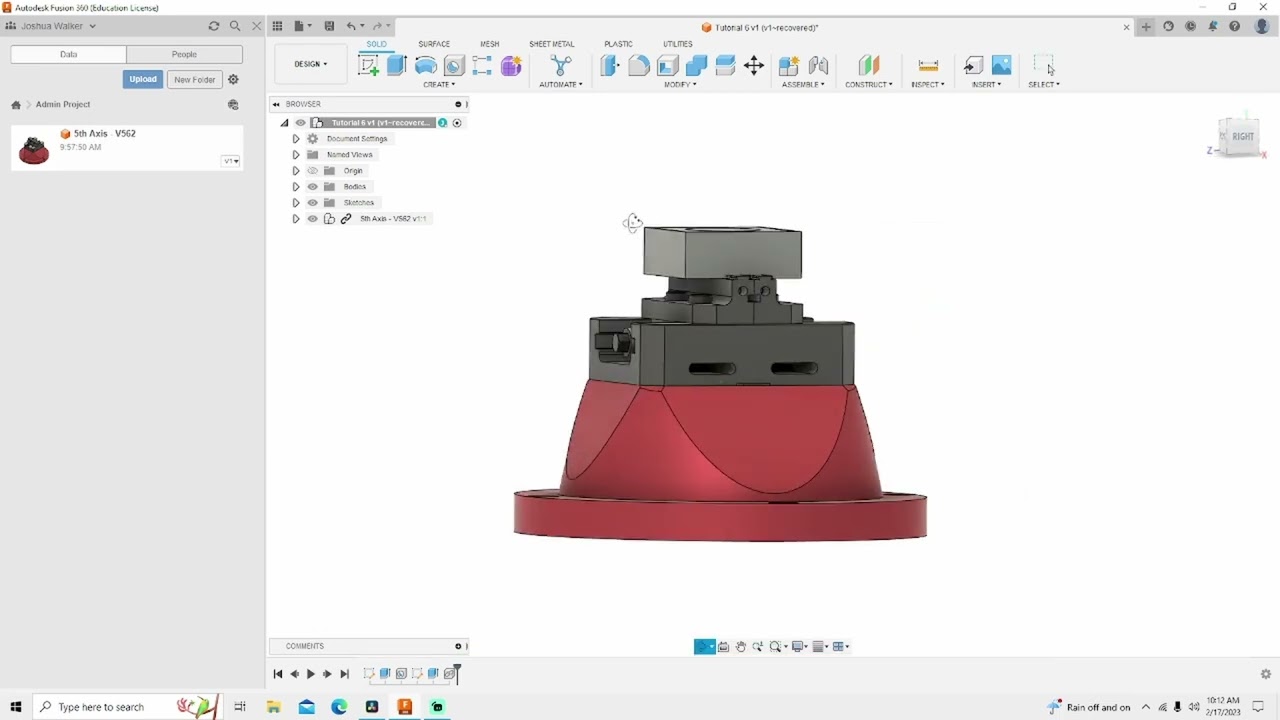
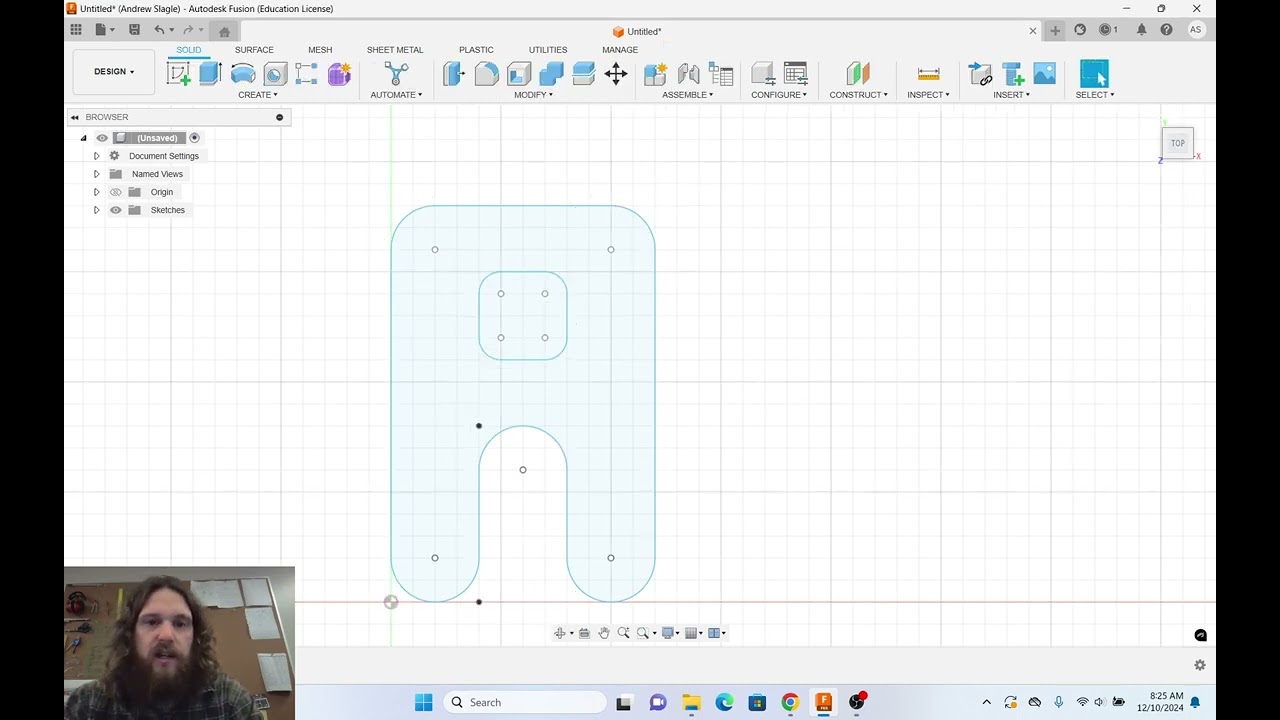
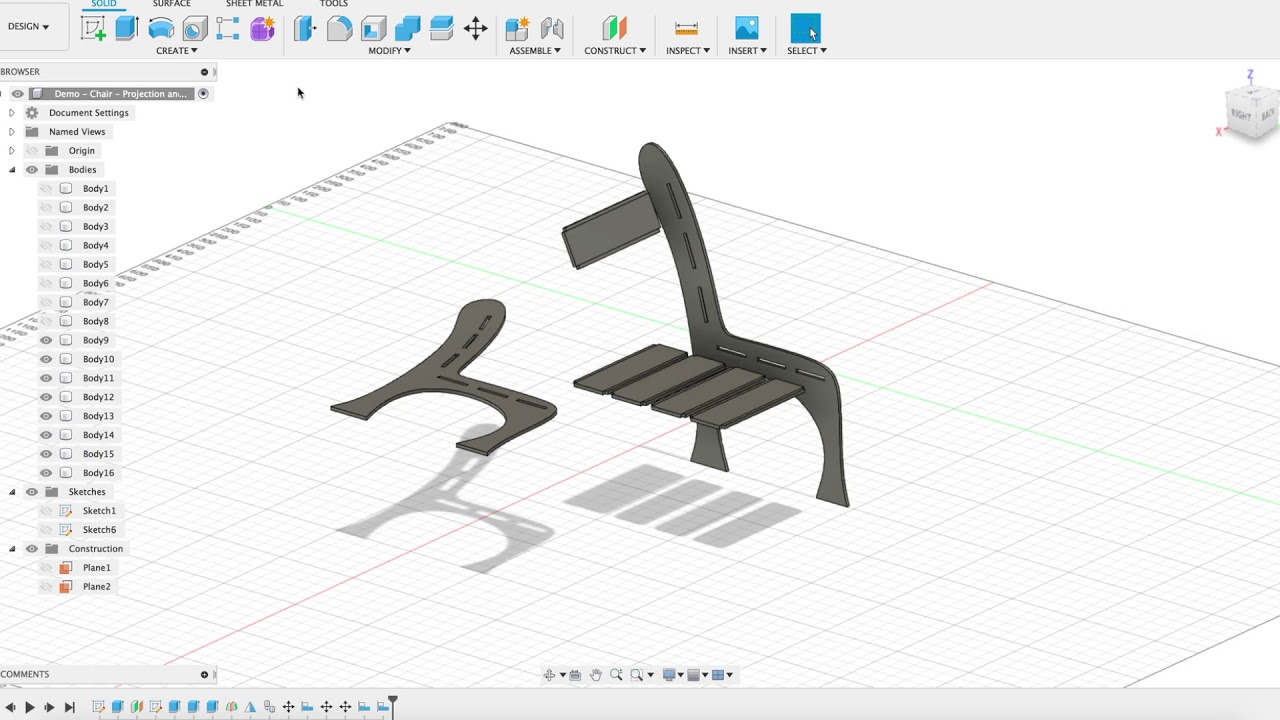
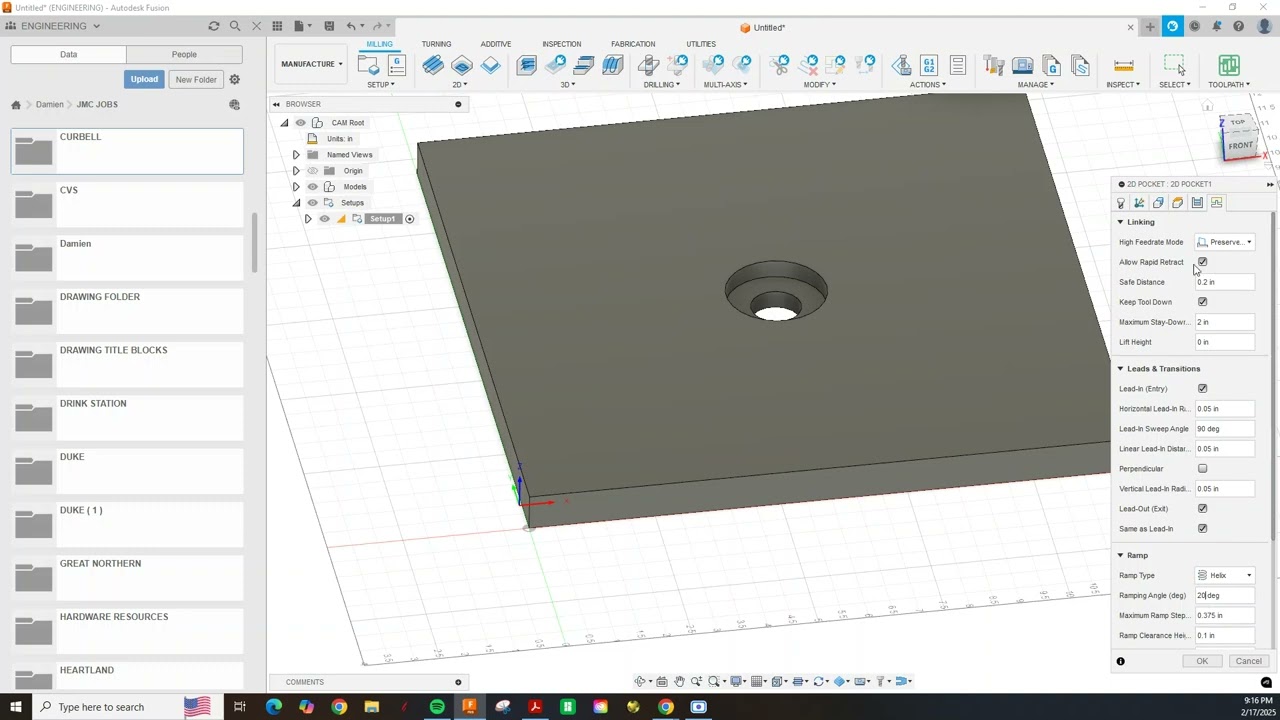
In this video, I walk you through the essential steps to sketch, model, and set up stock and toolpaths in Fusion 360 for CNC machining. Whether you're new to Fusion 360 or looking to refine your workflow, this tutorial will cover:
✅ Sketching & Modeling – How to create and constrain a 2D sketch, then turn it into a solid model.
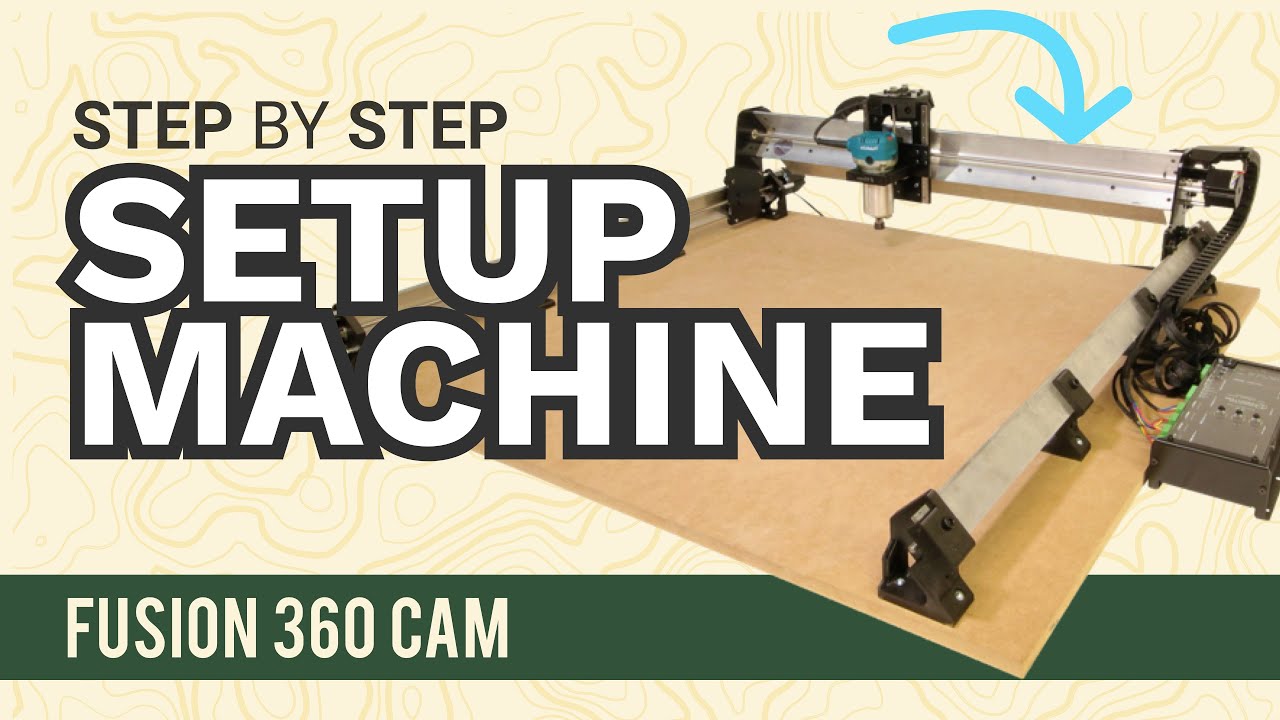
✅ Stock Setup – Defining material size and positioning your part for machining.
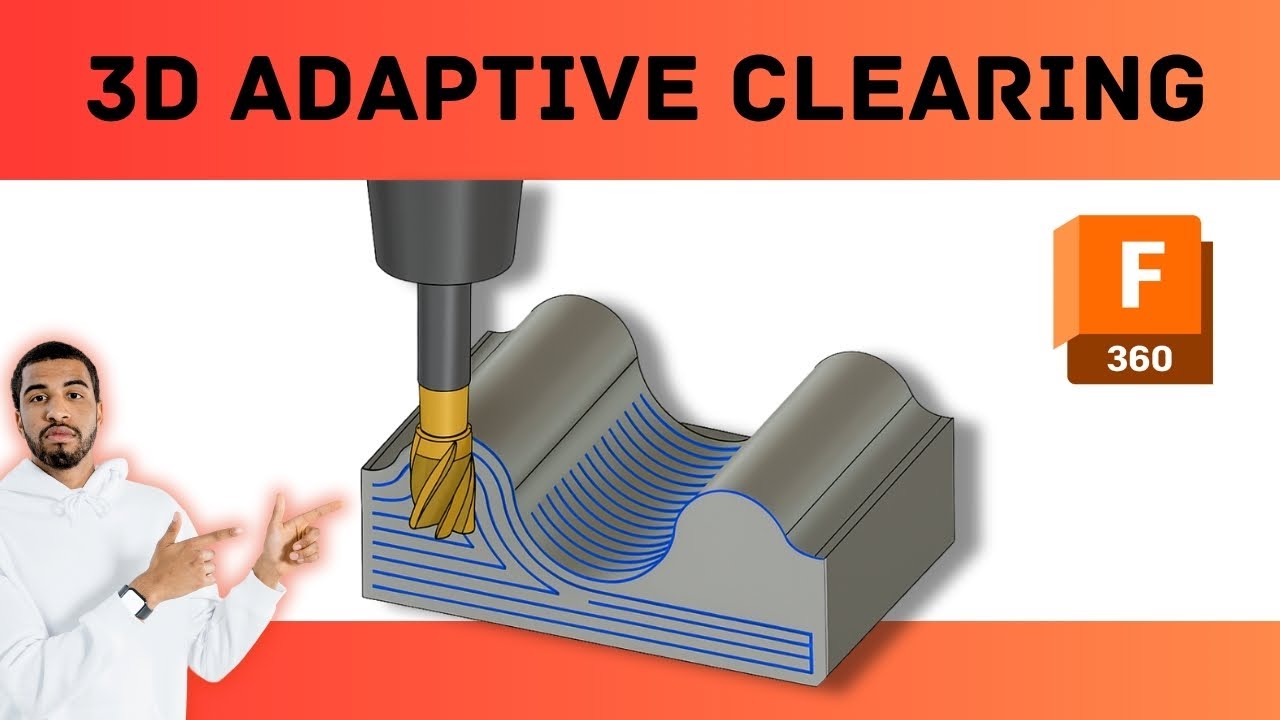
✅ Toolpath Creation – Selecting the right tools, setting up cutting strategies, and optimizing paths for efficiency.
This step-by-step guide is perfect for CNC programmers, machinists, and hobbyists who want to get the most out of Fusion 360 for precision machining.
🔧 Software Used: Fusion 360
⚙️ Machines Used: (Mention your CNC machines if relevant)
📌 Subscribe for more CNC content!
👍 If you found this video helpful, give it a like and drop a comment with any questions or future video requests.
💻 Need custom CNC work? Visit my website: www.cncproservices.com
📞 Contact: sales@cncproservices.com | Phone: 618-444-8025
#Fusion360 #CNCProgramming #CNCmachining #Fusion360Tutorial #Toolpaths
Доступные форматы для скачивания:
Скачать видео mp4
-
Информация по загрузке: