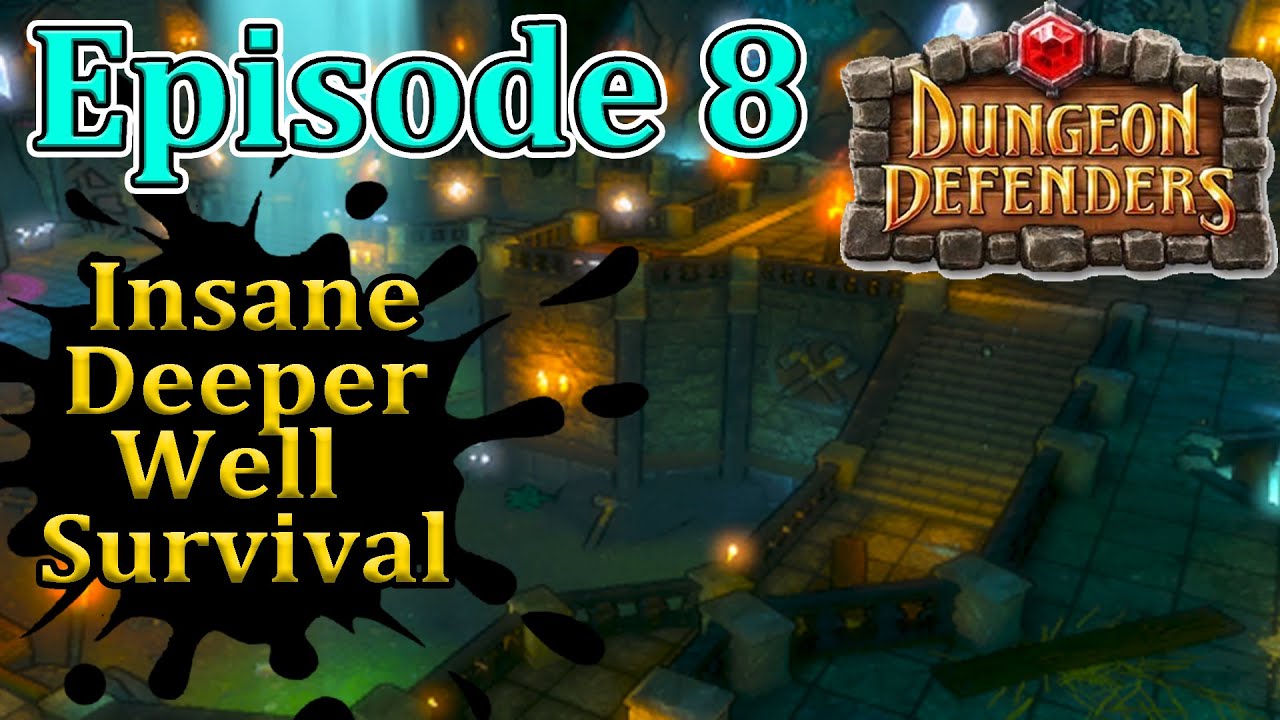
Episode 8 Insane Deeper Well Survival Dungeon Defenders 1 Full Walkthrough
Автор: Dead Zpikes
Загружено: 2024-11-19
Просмотров: 481
In this video I will be farming deeper well insane survival for experience and for very useful pets!
Most of this description is from Chikus dd1 guide check it out here: https://steamcommunity.com/sharedfile...
Tower Stacking Video: • Dungeon Defenders - Stacking Script
• + - or e will cycle through towers/auras/traps/minions when trying to select them when upgrading/selling/repairing...
•Mouse wheel - Zooms in and out
•Middle mouse button - Opens hero wheel
•Escape - Menu
•F1 - Chat/Chat Log
•F2-F8 - Ingame Emulator(details next page)
•F11 - Toggles windowed/fullscreen
•1-0 - number hotkeys
---Changing number hotkeys - Hover over the option you want in the hero wheel and Hold the number you want to change it to
•1-8 to select heroes in hero selection
•9 and 0 to change pages in hero selection
•Plus and minus buttons - While placing auras and traps, changes trap and aura sizes
•Plus and minus buttons - Swaps between towers when upgrading and selling
•Tab - Chat
•"killme" in chat - kills player
•Hold Alt in Main Menu Hero Selection - Swaps around characters
•Q - Lets you look around
•R - Same as rightclick on mouse
•T - Opens Hero Wheel... Also while in a trade, adds and removes items from trade
•Ctrl+T - Adds/Removes a Page of items to trade
•U - Opens trade
•i - Character Information/Level up screen
•O - Toggle mob cards
•P - Toggle towers on minimap
•G - Readies up for the wave
•Ctrl+G - Force Start the wave as the host
•H - Hud
•L - Toggles locking a single item you're hovering over in item box
•Shift - Open Map
•X - Swap weapons(Series EV/Jester only)
•C - Pings
•V - Skips Boss Timer
•B - Toggles item colour beams
•M - Drop mana
•Ctrl+M - Locally drop mana
•Ctrl+P - Toggle green arrows
•Ctrl+C - Toggle Censer Items
•Ctrl+B - toggle EV beams snap to DU
•Hold Ctrl - Moves Camera with mouse
•Ctrl+Drag - Moves full page of items into a folder in your item box
•Ctrl+O - Toggle item quality borders
•Ctrl+Z - Toggle Step Toward Melee Target
Emulator hotkeys:
•F2 - Swaps to player 1
•F3 - Spawns in and/or swaps to player 2
•F4 - Spawns in and/or swaps to player 3
•F4 - Spawns in and/or swaps to player 4
•F6 - Spam in Splits(the first few heroes listed)
•F7 - Rids of all Splits
•F8 - Hides Splits, shows only player 1
Stream- / deadzpikes
Discord- / discord
Twitter- / dzpikes
Доступные форматы для скачивания:
Скачать видео mp4
-
Информация по загрузке:




![[Dungeon Defenders] The Deeper Well - Nightmare Hardcore (Solo)](https://imager.clipsaver.ru/4kvBPALb070/max.jpg)