How I Created a Genetics Comedy with Runway References and Act-One
Автор: AI Video School
Загружено: 2025-05-23
Просмотров: 32518
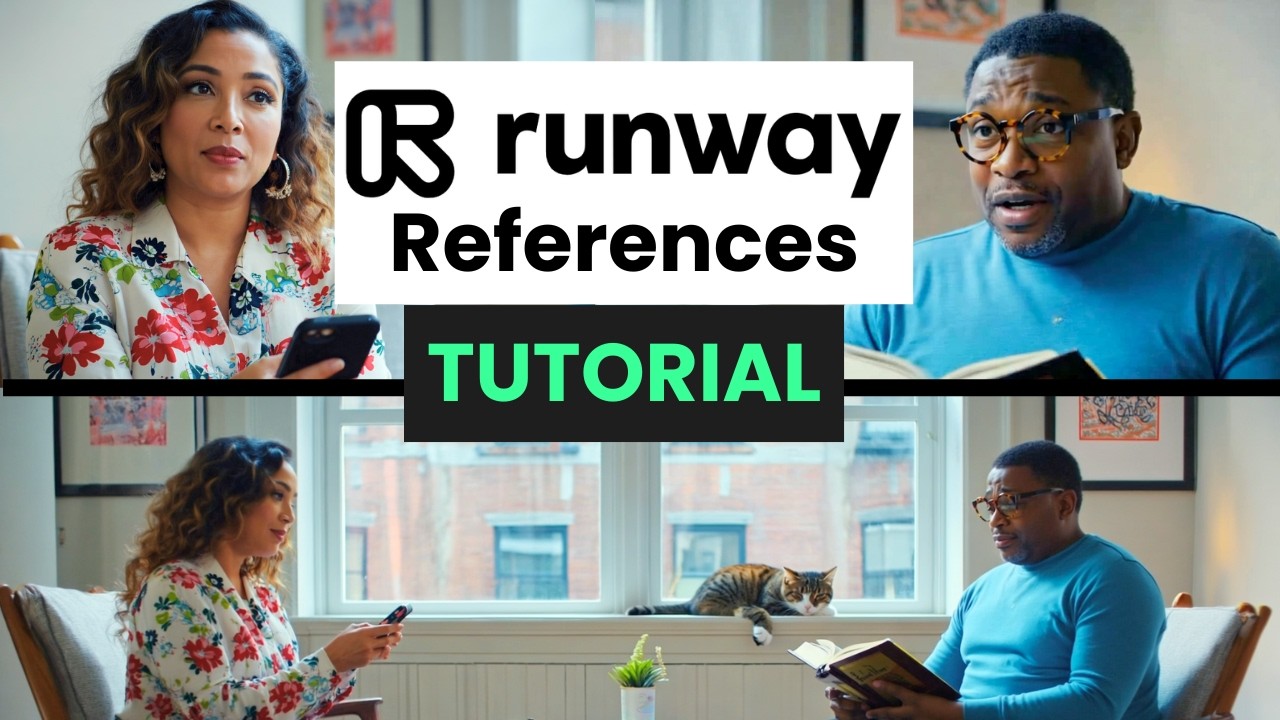
Want to make an AI movie with consistent characters who talk to each other? Runway References allows you to "move the camera around" a generated image so you can use AI to create cinematic scenes with consistent characters. Make your AI characters talk with Lip Sync or level up the realism with Runway Act-One.
🍿 Watch my movie: "23andDelete"
• AI short film "23andDelete" made with Runw...
✨AI VIDEO SCHOOL TOP PICKS ✨
🚀 Watch more AI video tutorials and workflows:
• AI Filmmaking Tutorials and Workflows
🍿 Check out my original AI movies:
• Movies by AI Video School
🛠️ Tools I used
Runway: https://runwayml.com/
ElevenLabs (optional): https://elevenlabs.io/ or my affiliate link https://try.elevenlabs.io/lcol016s31sw
CapCut: https://www.capcut.com/
CHAPTERS
00:00 Introduction to Runway References Workflow
01:03 Getting started with Runway References
01:47 Generating characters
02:51 Add character references to a scene
05:22 Moving the camera around the scene (over the shoulder shots)
06:46 Turning the scene into a video
07:29 Fav your favorites as you go!
08:54 Using Actions: Adjust Video, Lip Sync, Act-One
10:25 Lip Sync using text-to-speech in Runway
11:47 Change your voice in Runway with Stylize Speech
14:09 Quick review of everything so far
14:34 How to use Runway's Act-One
16:47 Runway Prompting Tip (create a GPT from the guides!)
17:18 Generating characters with character
19:01 Prompting for emotion
19:19 Generate a prompt from a reference image to match that style
20:48 Using a sketch as a reference
21:48 Getting creative for longer shots
22:51 Fun easter egg from another movie I made
23:05 Conclusion and out-takes!
#runwaygen4 #runwayreferences #runwayactone #runwayml #aitutorial #aitutorialforbeginners #elevenlabs #ailipsync #aivideo #runwaygen3 #23andDelete
Доступные форматы для скачивания:
Скачать видео mp4
-
Информация по загрузке:


