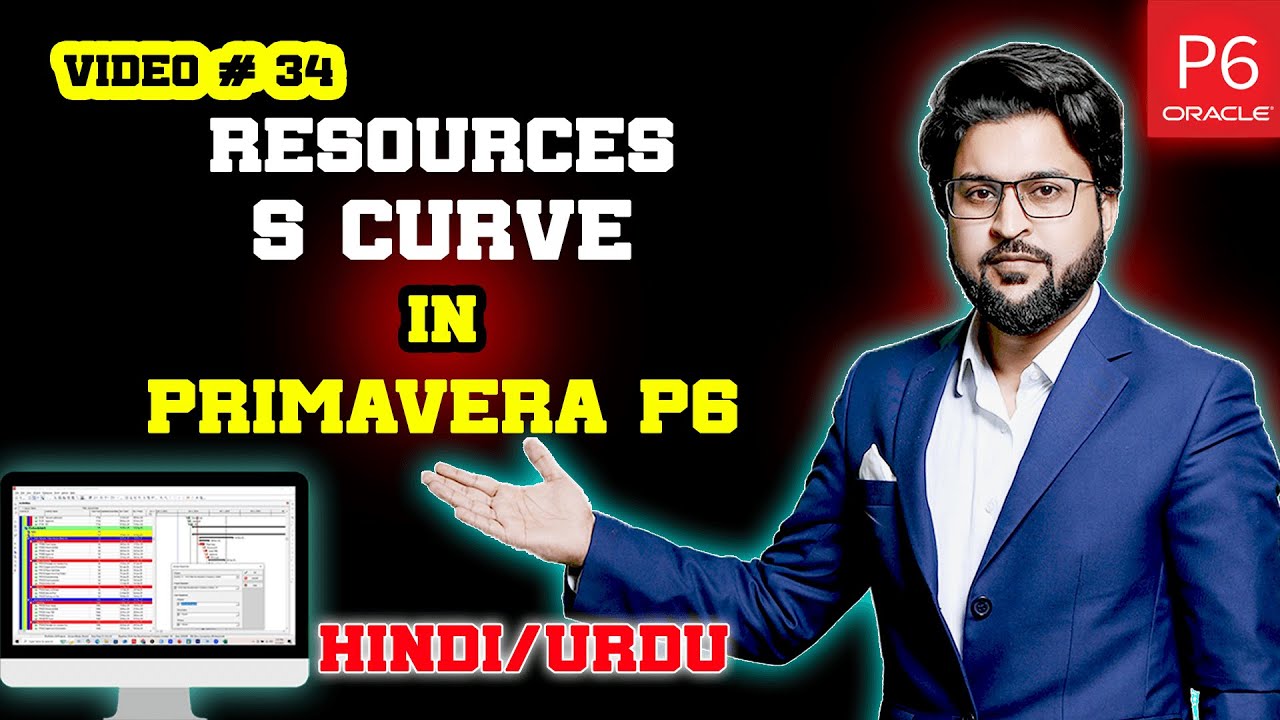
Resource Usage Profile Histogram in Primavera P6 | Video 34
Автор: Learn with EngrWaqas
Загружено: 2025-08-20
Просмотров: 954
In this video, you’ll learn how to generate and interpret Resource Usage Profile Histograms in Primavera P6. These visual tools are essential for project planners and schedulers to monitor resource allocation, identify over-allocation, and balance workloads effectively.
We’ll cover:
✅ How to access and set up the Resource Usage Profile
✅ Understanding histogram bars and colors (planned vs. actual vs. remaining units)
✅ Using histograms to detect resource constraints and optimize schedules
✅ Practical tips for reporting and decision-making in EPC projects
Whether you’re new to Primavera P6 or an experienced planner, this tutorial will help you use histograms to ensure efficient resource planning and control across your projects.
🔔 Don’t forget to subscribe for more Primavera P6 tutorials on project planning.
WhatsApp +923417213439
#primaverap6 #planningengineer #constructionscheduling #P6Tips #ProjectPlanning #PrimaveraTips #primaveratutorial #p6tutorials #engineering #careergrowth #skills #activities #precentage
Доступные форматы для скачивания:
Скачать видео mp4
-
Информация по загрузке: