How to Output Data to Multiple Text Files in Python
Автор: vlogize
Загружено: 2025-10-09
Просмотров: 0
Learn how to easily print digits or data to multiple text files in Python, handling file I/O with clarity and efficiency.
---
This video is based on the question https://stackoverflow.com/q/64708612/ asked by the user 'Vijayendra Dev' ( https://stackoverflow.com/u/14587488/ ) and on the answer https://stackoverflow.com/a/64709459/ provided by the user 'Aman Neo' ( https://stackoverflow.com/u/9471319/ ) at 'Stack Overflow' website. Thanks to these great users and Stackexchange community for their contributions.
Visit these links for original content and any more details, such as alternate solutions, latest updates/developments on topic, comments, revision history etc. For example, the original title of the Question was: How to show the output in multiple text files in python, for example: print digits from 1 to 10 in 1.txt,2.txt,3.txt
Also, Content (except music) licensed under CC BY-SA https://meta.stackexchange.com/help/l...
The original Question post is licensed under the 'CC BY-SA 4.0' ( https://creativecommons.org/licenses/... ) license, and the original Answer post is licensed under the 'CC BY-SA 4.0' ( https://creativecommons.org/licenses/... ) license.
If anything seems off to you, please feel free to write me at vlogize [AT] gmail [DOT] com.
---
Output Data to Multiple Text Files in Python
When working with Python, there may be times when you want to store output in multiple text files. For instance, if you want to print digits from 1 to 10 in separate files named 1.txt, 2.txt, 3.txt, and so on, it can be achieved with a simple loop. This guide will guide you through the process, breaking down the solution into easy-to-follow sections.
Problem Statement
The goal is to output digits or data into multiple text files named sequentially (e.g., 1.txt, 2.txt, 3.txt, etc.). This can be applicable in cases like saving data from images processed by OCR (Optical Character Recognition) tools like Tesseract. Whether you’re dealing with numerical output or text extracted from images, understanding how to handle file I/O is critical.
Solution Overview
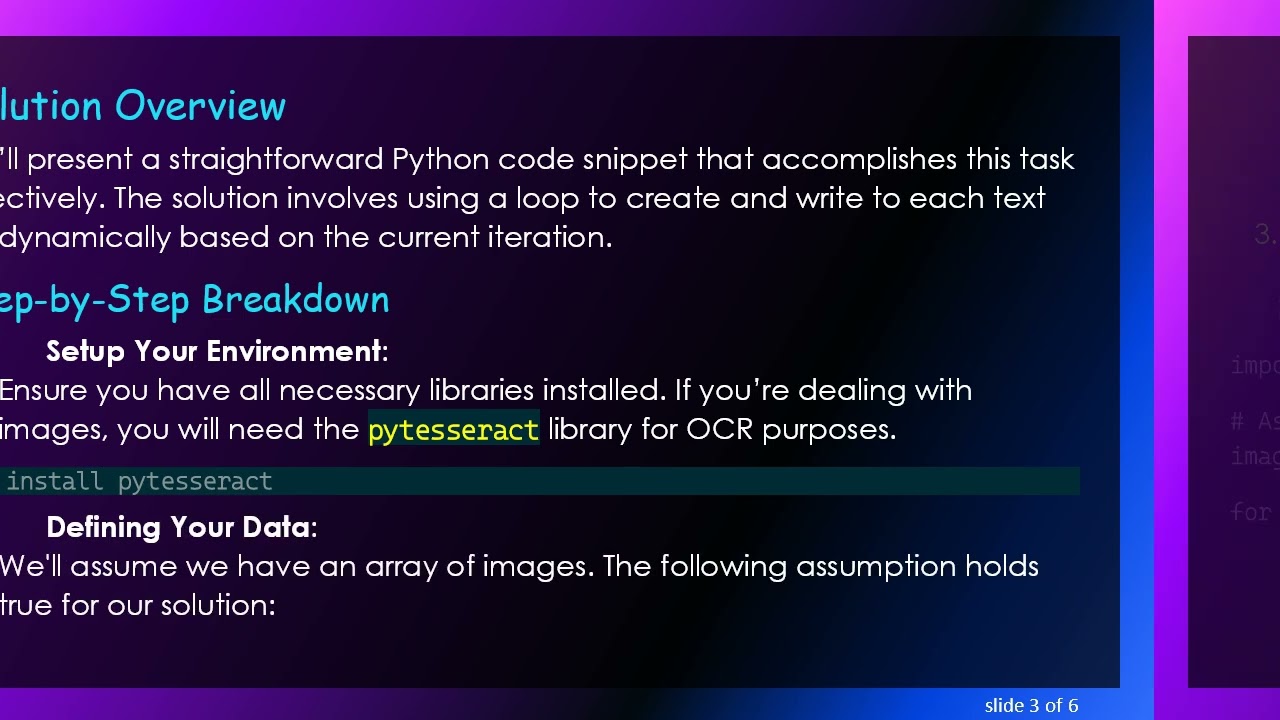
We’ll present a straightforward Python code snippet that accomplishes this task effectively. The solution involves using a loop to create and write to each text file dynamically based on the current iteration.
Step-by-Step Breakdown
Setup Your Environment:
Ensure you have all necessary libraries installed. If you’re dealing with images, you will need the pytesseract library for OCR purposes.
[[See Video to Reveal this Text or Code Snippet]]
Defining Your Data:
We'll assume we have an array of images. The following assumption holds true for our solution:
The variable images is a list containing multiple images that will be processed.
Output files should be saved in the current working directory.
Writing the Code:
Below is the code that demonstrates how to write the content of images into separate text files.
[[See Video to Reveal this Text or Code Snippet]]
Explanation of the Code
Enumerate Function: The enumerate function is used to loop through the images while keeping track of the index (idx). We start this index at 1 to ensure the file names are 1.txt, 2.txt, etc.
Extracting Text: Within the loop, the line text = pytesseract.image_to_string(image) extracts text from the current image.
Creating and Writing to Files: The with open(f"{idx}.txt", "w") as file: statement handles file creation and management. By using the with keyword, we ensure that the file is properly closed after writing without the need for manual closing.
Conclusion
With this approach, you can easily output numbers or data from different sources into multiple clearly named text files. This method enhances both organization and accessibility, especially when dealing with large amounts of data. Whether you're extracting text from images or simply need to create multiple files of formatted data, Python's file I/O capabilities empower you to execute these tasks swiftly and efficiently.
By following these instructions, you should be able to implement your own solution with ease. Happy coding!
Доступные форматы для скачивания:
Скачать видео mp4
-
Информация по загрузке: