SignalFire DIN RANGER Overview & Basic Setup | Wireless Telemetry Node Configuration
Автор: SignalFireTelemetry
Загружено: 2026-01-16
Просмотров: 26
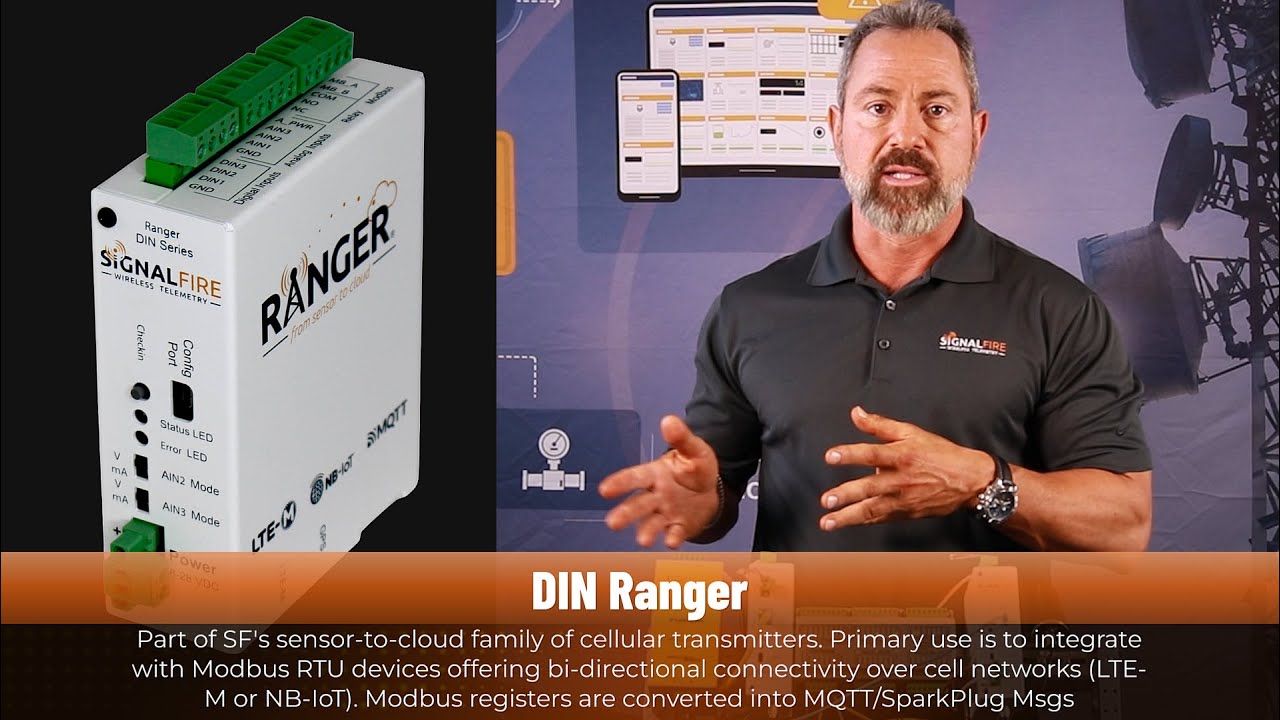
In this video, we provide an introduction to the SignalFire DIN RANGER and walk through the basic setup and configuration process. You’ll learn how the DIN RANGER fits into the SignalFire Wireless Telemetry ecosystem and how to quickly get it up and running for reliable data transmission.
This tutorial covers:
What the SignalFire DIN RANGER is and where it’s used
Basic hardware overview
Initial setup and configuration steps
How the DIN RANGER integrates with SignalFire Wireless Telemetry gateways and wireless networks
The DIN RANGER is designed for industrial monitoring applications where reliability, flexibility, and long-range wireless communication are critical. Whether you’re new to SignalFire Wireless Telemetry products or looking for a quick refresher, this video will help you confidently deploy a DIN RANGER in the field.
Learn more about SignalFire Wireless Telemetry solutions at: https://www.signal-fire.com
0:00 Introduction to Signal Fire & Video Overview
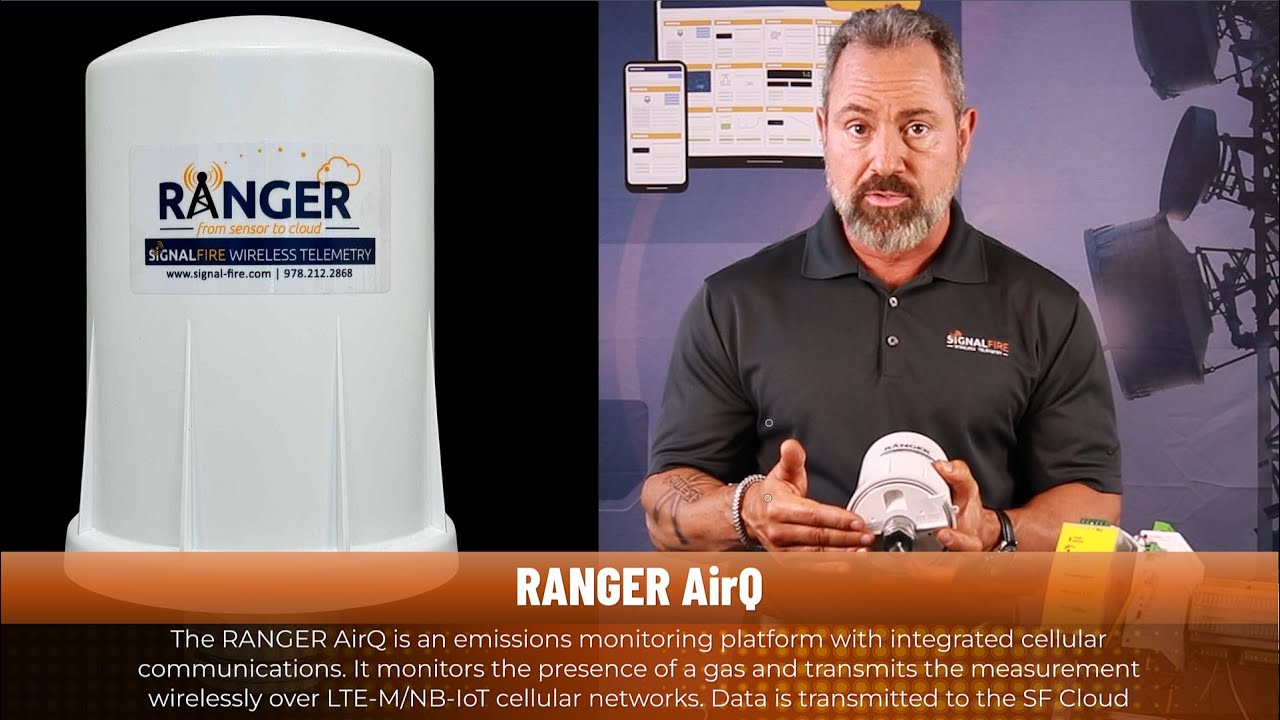
0:12 What Is the DIN RANGER and RANGER Product Family
0:36 DIN RANGER Use Cases & Panel Mount Applications
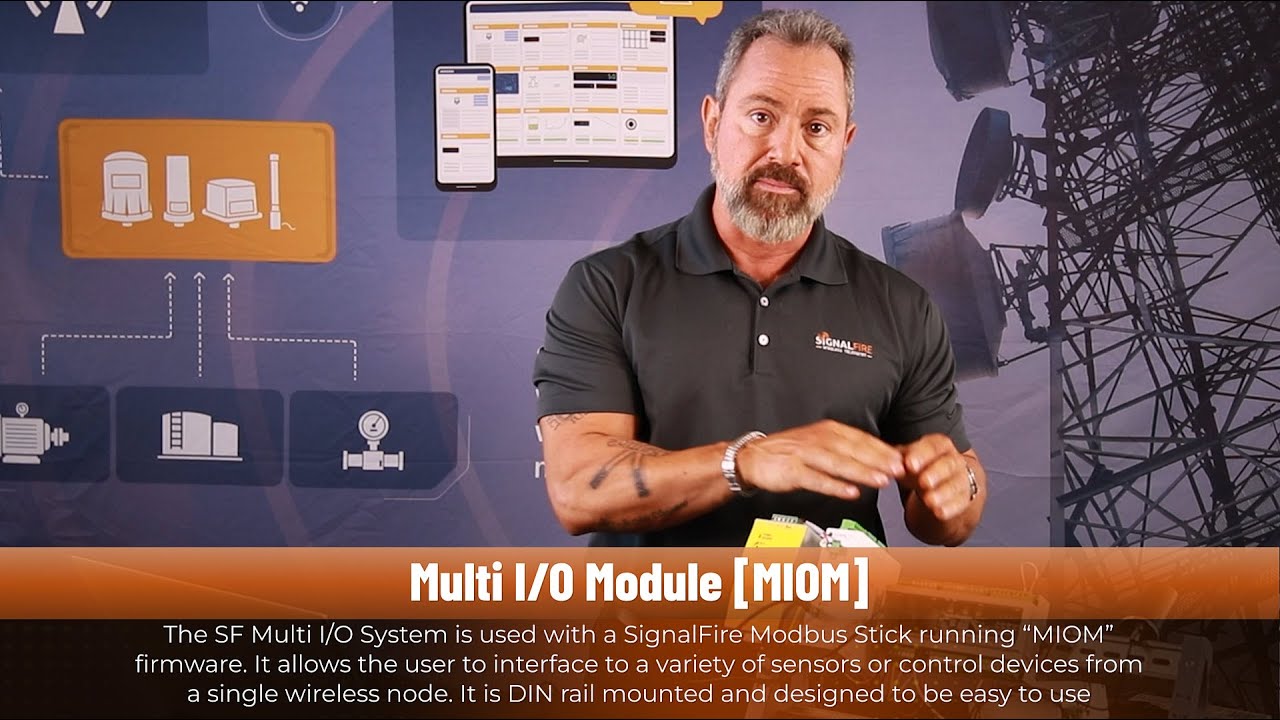
0:48 Connecting Wired Devices & IO Modules
0:59 Cloud Connectivity Options & SIM Card Overview
1:13 Power Requirements & Startup Indicators
1:29 Claiming the DIN RANGER in Signal Fire Cloud
2:05 Adding a Device Using the Serial Number
2:30 Cloud Handshaking & Device Activation
2:52 Built-In Inputs and Outputs Overview
3:19 Modbus RTU Data Collection Explained
3:30 Testing Digital Inputs in the Cloud
3:51 Forcing Measurements & Reporting Data
4:17 State Change Reporting for Digital Inputs
4:29 Summary of DIN RANGER Setup Process
4:55 Additional Resources & Where to Learn More
Доступные форматы для скачивания:
Скачать видео mp4
-
Информация по загрузке: