Loki Studio Transcription Settings: Hidden Features & Efficiency Tips
Автор: Deverydoo
Загружено: 2026-01-15
Просмотров: 7
Loki Studio: Boom Done! It's That Easy.
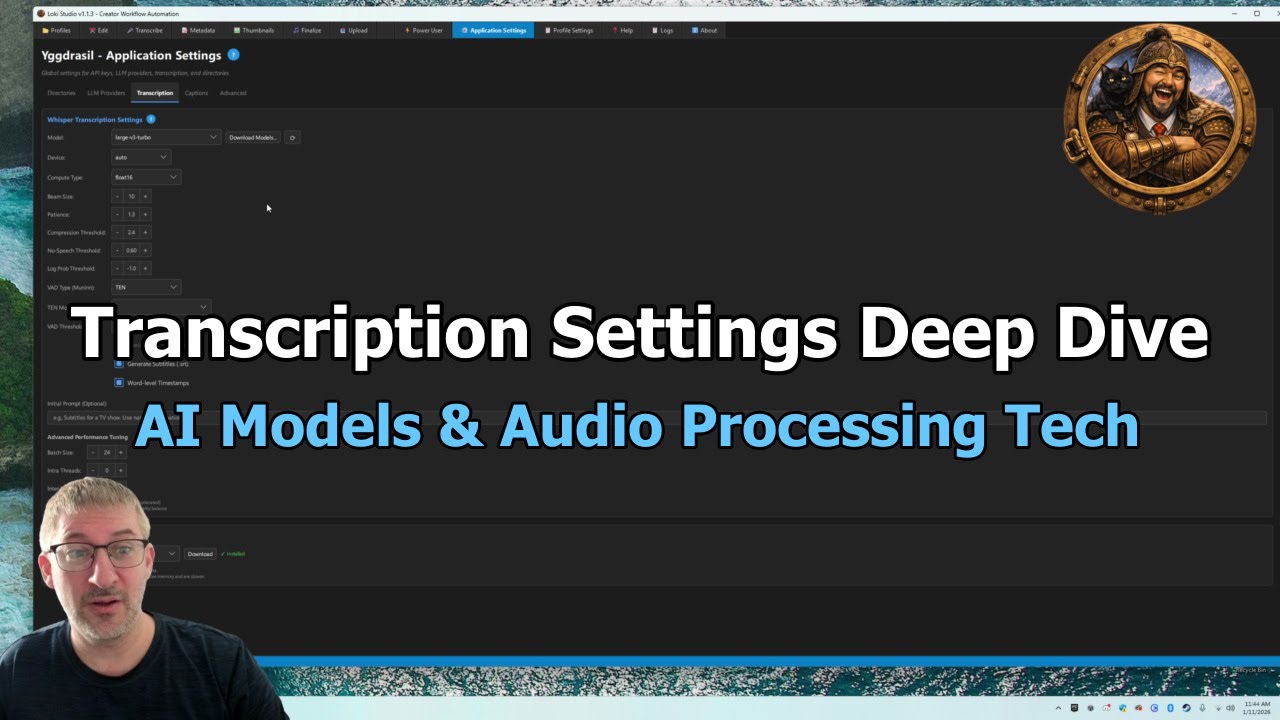
This video explores advanced transcription settings within Loki Studio, focusing on hidden features and efficiency strategies to optimize audio processing. The transcription tab serves as a central hub for configuring models and adjusting parameters, with the interface designed to minimize user interaction by retaining default settings. Key concepts include model selection, where users can download and set preferred models, with defaults optimized for performance. Beam size settings are discussed, highlighting the trade-off between accuracy and computational efficiency, as higher values yield diminishing returns beyond a threshold.
Compression thresholds and speech thresholds are examined as critical tools for balancing noise reduction and transcription quality. The speaker emphasizes the importance of preserving clean audio tracks by isolating background chatter, particularly in environments like video game communications. Silero and Ten are introduced as competing technologies, with Silero noted for its multilingual capabilities and nuanced handling of quiet or background voices. The video also touches on batch size configurations, explaining how processing chunks of audio impacts performance and resource allocation.
Efficiency tips include using auto-sudo settings for CPU/GPU optimization and adjusting thresholds to mitigate hallucination risks in whisper models. The speaker underscores the significance of these settings in achieving accurate transcriptions while maintaining workflow efficiency. Viewers are encouraged to experiment with these parameters to tailor Loki Studio to their specific needs. For further insights, explore related tutorials on audio processing and model customization.
#LokiStudio #AudioTranscription #ModelOptimization #SileroTech #SpeechRecognition
📑 CHAPTERS
0:00 Introduction
0:30 Choosing the Right AI Model
4:05 Siloro vs Ten Neural Tech
5:00 Audio Threshold Adjustments
6:05 Skipping English as Middleman
7:19 NVIDIA 4090 Workflow Setup
8:36 Settings Optimization Explained
✨ KEY MOMENTS
⏱️ 1:30 - around 7. I think it goes up to about 10. Yeah, it still goe...
⏱️ 2:44 - system to the edit tab to basically preserve these to the al...
⏱️ 2:51 - perfectly clean audio track for transcription and all the ba...
⏱️ 3:43 - Comical reaction to sound energy
⏱️ 4:19 - Voice recognition handles multilingual and background voices
Published with Loki Studio, The Ultimate Automation tool for Content Creators
Buy now at Gumroad: https://deverydoo.gumroad.com/l/lokis...
Official Site: https://nordiqai.io/
Official Discord: / discord
🎬 Learn how to automate your YouTube video production workflow with Loki Studio!
Loki Studio is a powerful AI-powered toolkit that helps content creators save HOURS on video processing, transcription, SEO-optimized description writing, and uploads.
✨ PERFECT FOR:
• Vloggers who need quick transcripts and descriptions
• Tutorial creators who want SEO-optimized metadata
• Comedians who need time-stamped transcripts for editing
• Podcast hosts uploading to YouTube
• Educational creators managing multiple videos
• ANY creator who records voice content!
✅ START automating with:
✅ AI transcription in minutes
✅ ChatGPT-generated SEO descriptions
✅ Batch thumbnail creation
✅ Scheduled batch uploads
Доступные форматы для скачивания:
Скачать видео mp4
-
Информация по загрузке:





![ChatGPT и Gemini устарели. Вот реально рабочий инструмент [Opal]](https://image.4k-video.ru/id-video/0RvCVXVMftE)
