How to Create Responsive Mogrts for Premiere Pro
Автор: ukramedia
Загружено: 2019-11-15
Просмотров: 56158
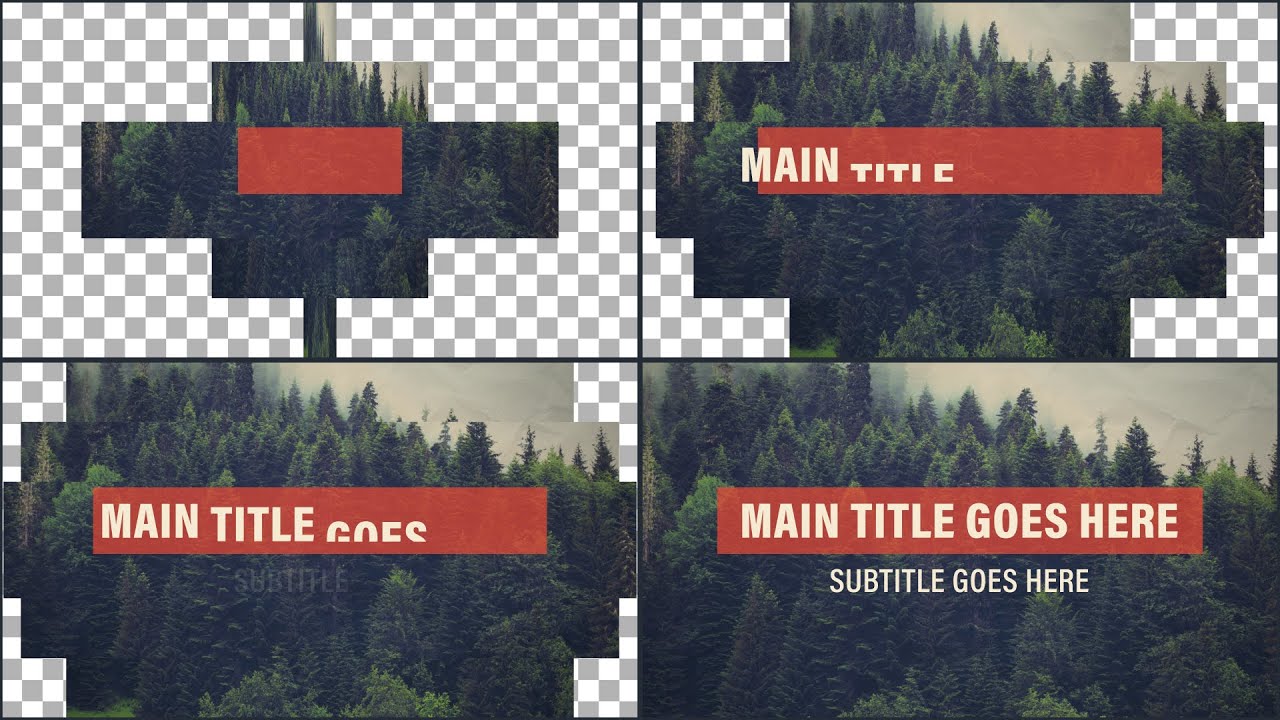
In this tutorial, Sergei will show you how to create a responsive title/lower third animation in After Effects to use and edit in Premiere Pro. We're going to create the entire project from the very beginning. Let's get to it!
We’ll be covering the following topics:
How to set up the project structure in After Effects
How to import files
How to use built-in animation tools
How to create and animate text & shape layers
How to write basic Expressions/Code
How to create MoGRTS for Premiere Pro
Project File & Reference Guide PDF:
https://ukramedia.com/how-to-create-r...
Premium Images Used in the Tutorial:
AdobeStock_145208931: https://stock.adobe.com/images/spruce...
AdobeStock_164991966: https://stock.adobe.com/images/the-te...
Alternative Free Images:
Forest: https://pixabay.com/photos/fog-conife...
Paper Texture: https://pixabay.com/photos/paper-wrin...
Links Mentioned in the Tutorial:
Learn Expressions in After Effects: https://ukramedia.com/course/adobe-af...
Ukramedia Mentoring Group: / ukramedia
Let's Connect:
Facebook: / ukramedia
Sergei's Facebook Page: / sergeiprokhnevskiy
Twitter: / ukramedia
Instagram: / ukramedia
Pinterest: / ukramedia
Linkedin: / ukramedia
YouTube: / ukramedia
Mailing Address:
P.O. Box 621
Huntersville, NC 28070
*** MUSIC BY VLAD SOLOKHA. Vlad is a family friend who is a very talented musician. You can reach out to him by going to his facebook at https://www.facebook.com/vlad.solokha....
#AfterEffects #MotionGraphicsTemplates #Mogrts
Доступные форматы для скачивания:
Скачать видео mp4
-
Информация по загрузке: