SHELL Command in AutoCAD 3D – Make Hollow 3D Objects Easily
Автор: PukhtoSkillz
Загружено: 2026-01-11
Просмотров: 10
SHELL Command in AutoCAD 3D – Make Hollow 3D Objects Easily
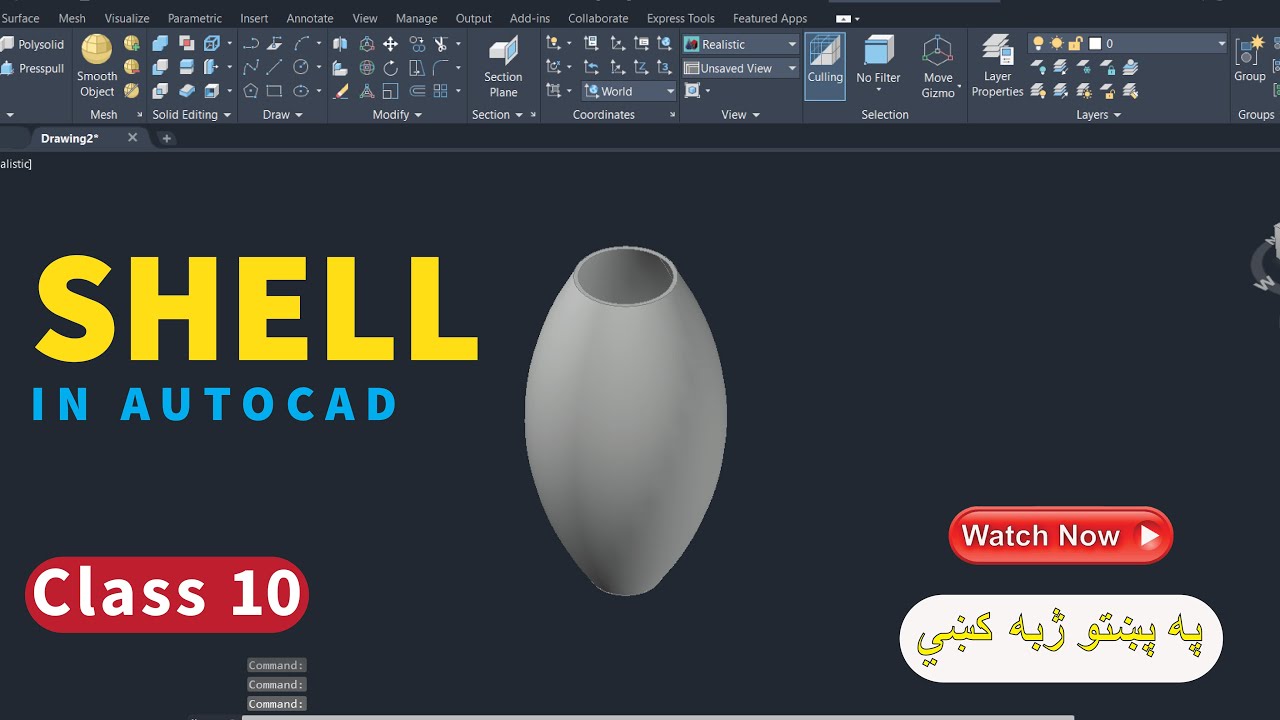
In this video, you will learn how to use the SHELL command in AutoCAD 3D step by step. The SHELL command is used to make hollow 3D objects by removing selected faces and controlling wall thickness.
This tutorial explains:
What is the SHELL command in AutoCAD 3D
How to remove faces correctly
How to set shell thickness
Common mistakes and how to fix them
Practical example for beginners
This video is perfect for students, beginners, engineers, draftsmen, and 3D designers who want to improve their AutoCAD 3D modeling skills.
📌 Software: AutoCAD
📌 Topic: 3D Modeling
📌 Language: Urdu / Hindi (Easy Explanation)
autocad shell command, shell command in autocad 3d, autocad 3d shell command tutorial, how to use shell command in autocad, autocad 3d hollow object, autocad 3d modeling, autocad 3d tutorial for beginners, autocad 3d commands, shell command autocad explained, remove faces in autocad 3d, hollow solid in autocad, autocad 3d solid editing, autocad 3d design tutorial, autocad 3d step by step, autocad 3d practice, autocad 3d basic to advanced, autocad 3d learning, autocad 3d urdu hindi, autocad 3d pashto tutorial, autocad 3d for students, autocad 3d for civil engineers, autocad 3d drafting, autocad modeling commands,
If you find this video helpful, don’t forget to like, share, and subscribe for more AutoCAD 3D tutorials.
Доступные форматы для скачивания:
Скачать видео mp4
-
Информация по загрузке: