Use OPUS to Create a Known Point and Set Up Your Own Local NTRIP Server
Автор: Avios Media
Загружено: 2025-01-16
Просмотров: 1745
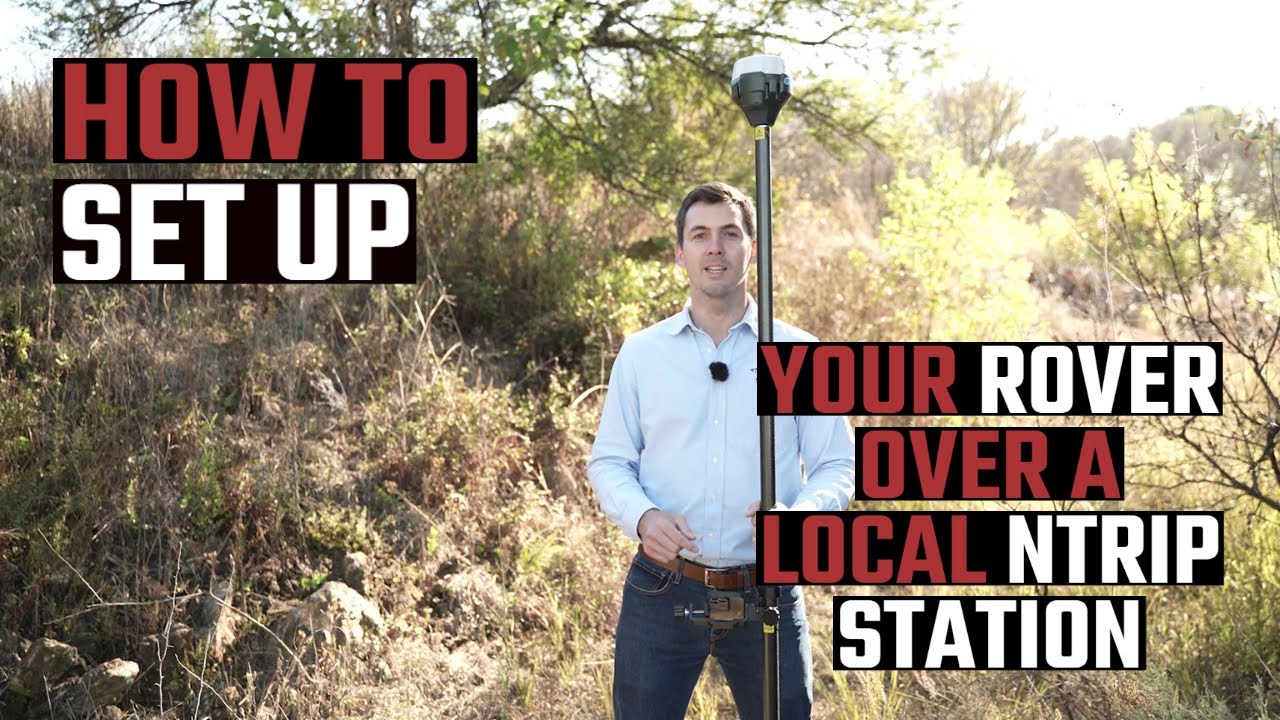
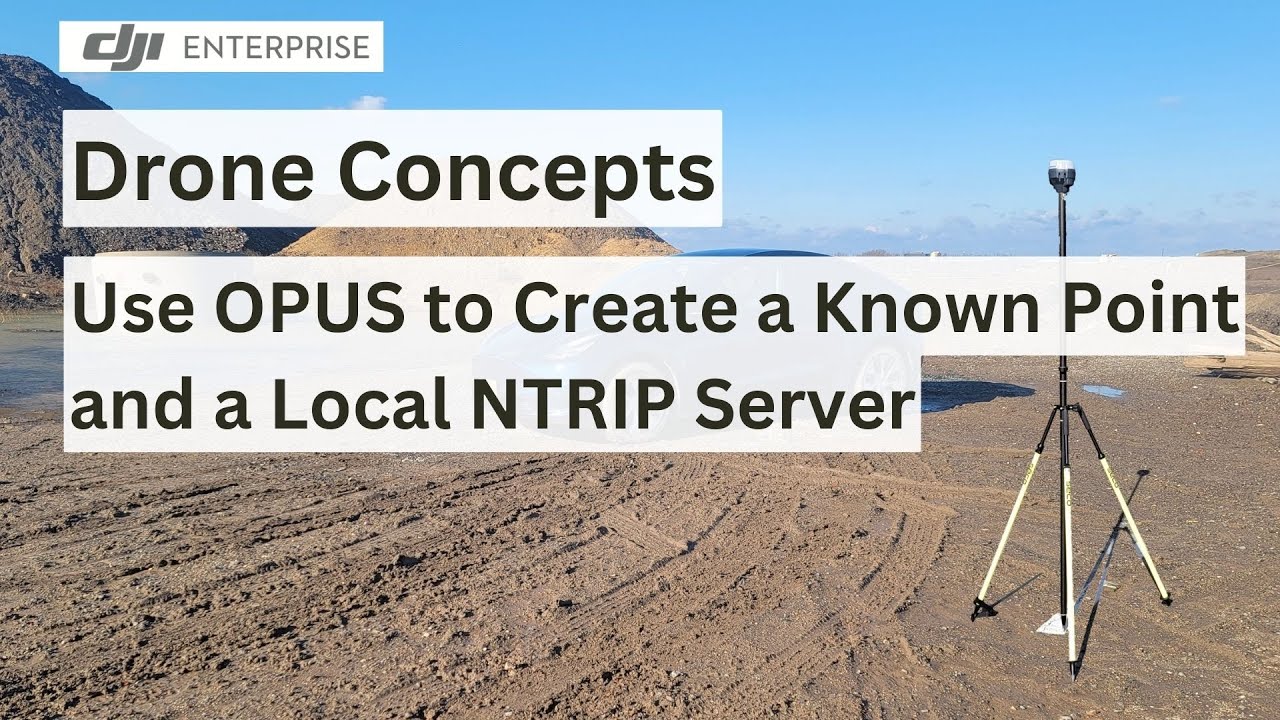
In this video, we’ll guide you step by step on how to use the Online Positioning User Service (OPUS) and a GNSS receiver to establish a known point on a site. This can then be leveraged to set up a local NTRIP (Networked Transport of RTCM via Internet Protocol) server that operates without requiring an active internet connection.
This is a perfect solution for people who are performing repeated work on a site that does not have access to a NTRIP service either due to location or cost.
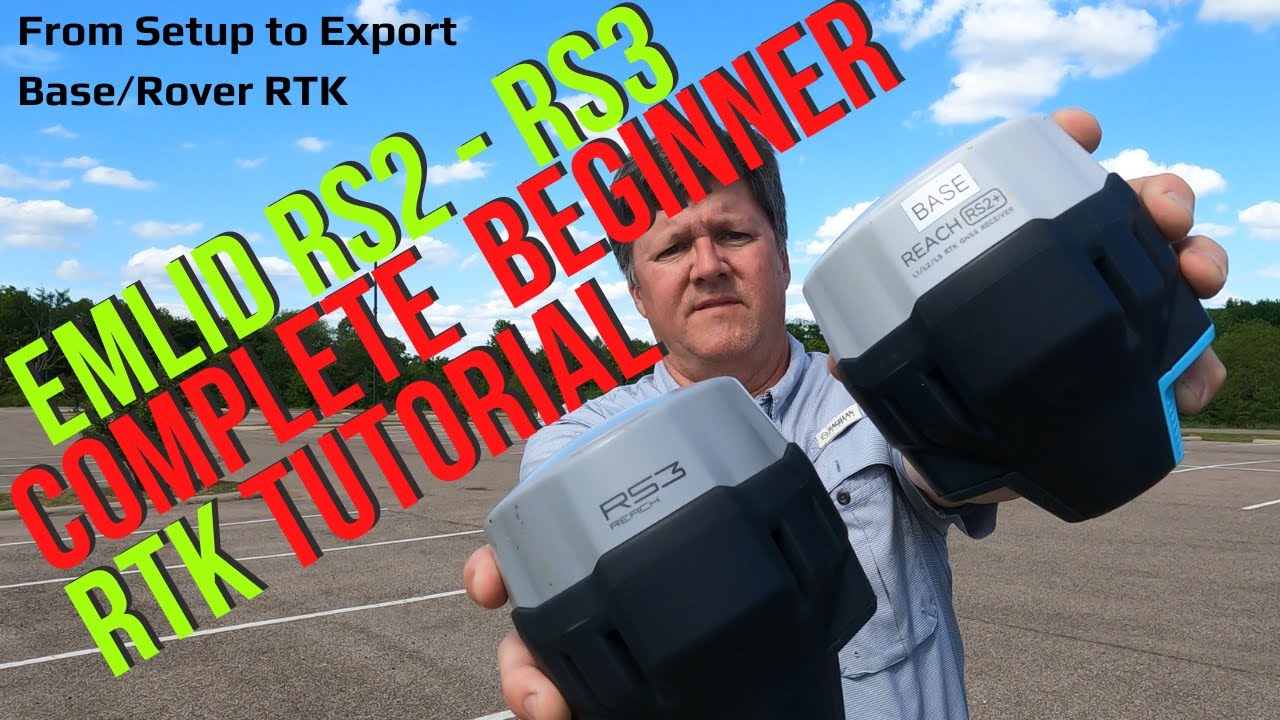
I used an Emlid RS3, but any decent GNSS receiver should work fine for this.
OPUS is just one tool for obtaining GNSS base station location estimates. are some others that were mentioned:
OPUS (US NOAA) - https://www.ngs.noaa.gov/OPUS/index.jsp
CSRS-PPP (Natural Resources Canada) - https://webapp.csrs-scrs.nrcan-rncan....
AUSPos (Geoscience Australia) - https://gnss.ga.gov.au/auspos
CenterPoint RTX (Trimble) - https://trimblertx.com/
Chapters
00:00 Introduction
00:30 OPUS vs NTRIP
01:45 Setting up for data capture
02:40 How long to run data collection
03:00 Collecting, editing and processing the data
03:45 Obtaining and checking the results
04:15 Using the data for your own NTRIP server
04:40 OPUS alternatives
#OPUS #NTRIPServer #GPS #Surveying #DroneMapping #OfflinePositioning
Доступные форматы для скачивания:
Скачать видео mp4
-
Информация по загрузке: