Mac Crashed? Here's How to Check Why Your Mac Shut Down and Fix It
Автор: Moonlock by MacPaw
Загружено: 2026-01-21
Просмотров: 63
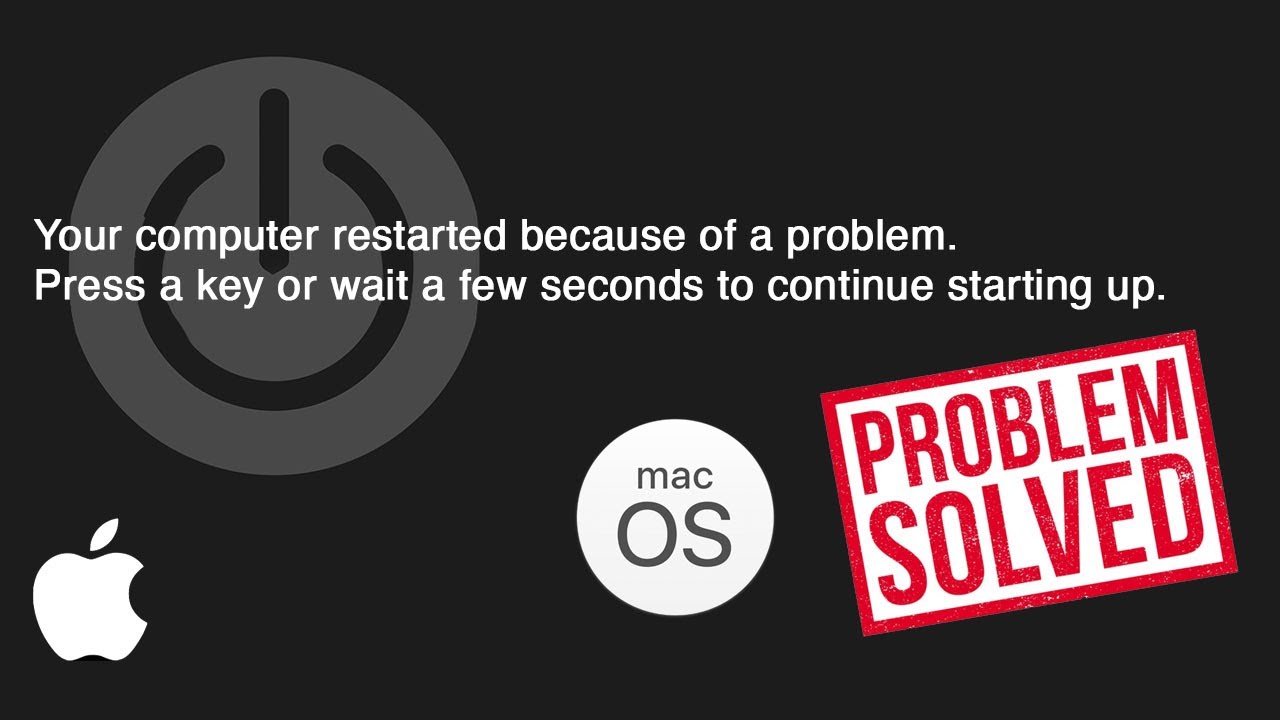
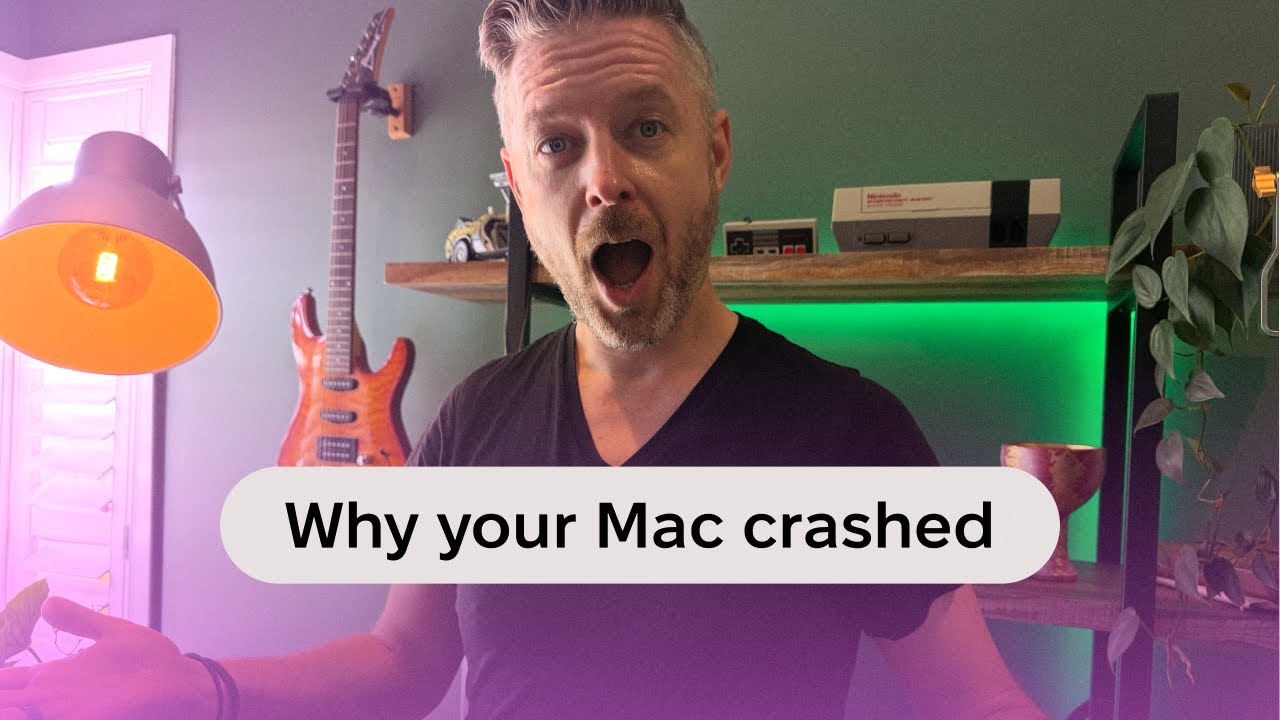
Did your Mac crash out of nowhere? Whether your MacBook shut down, froze, rebooted, or showed a sudden MacBook crash screen, this video explains why it happened and how to prevent it from happening again.
In this guide, we break down the most common reasons a MacBook or iMac might crash, from outdated or conflicting apps to hardware problems, overheating, kernel panics, and even malware. If you’ve been asking “why does my Mac keep crashing?” or trying to figure out how to check why my Mac crashed, this walkthrough will help you understand what’s really going on behind the scenes.
We’ll show you where to find crash reports using macOS Console, how to interpret spin reports and system logs, and what they can tell you about unexpected Mac shut down or MacBook shut down events. You’ll also learn practical troubleshooting steps like booting into Safe Mode, updating macOS and apps, checking Activity Monitor for resource-heavy processes, and knowing when a crash may point to a deeper hardware issue.
While malware isn’t the most common cause, it can contribute to instability — which is why running a full system scan is an important step when diagnosing repeat crashes.
That’s where Moonlock comes in. It scans your entire Mac for malware, removes hidden threats, and highlights security weaknesses that could impact system stability.
🎁 Try Moonlock for free for 7 days and get 10% off with coupon code YOUTUBE10
👉 https://pages.moonlock.com/youtube
If your Mac keeps crashing, this video will help you identify the cause and take the right next step. Subscribe for more macOS security and troubleshooting guides. 🍏🔧
And for ease of navigation, use these chapters:
00:00 - Intro
01:24 - So why does a Mac crash?
04:05 - How to check why your Mac crashed
04:48 - How to fix a crashed MacBook
Доступные форматы для скачивания:
Скачать видео mp4
-
Информация по загрузке: