How to Fix iPhone Home Button not Working-5 Ways
Автор: TenorshareOfficial
Загружено: 2022-05-26
Просмотров: 580825
Fix iPhone Home Button Not Working with ReiBoot😍👉: https://bit.ly/4pbLvZx
Is your iPhone Home button unresponsive? Have you pressed your home button recently and iPhone home button not working happens?Whether it’s a hardware issue or a software glitch, here are five ways to fix it!
⏱TIMESTAMP:
00:00 Intro
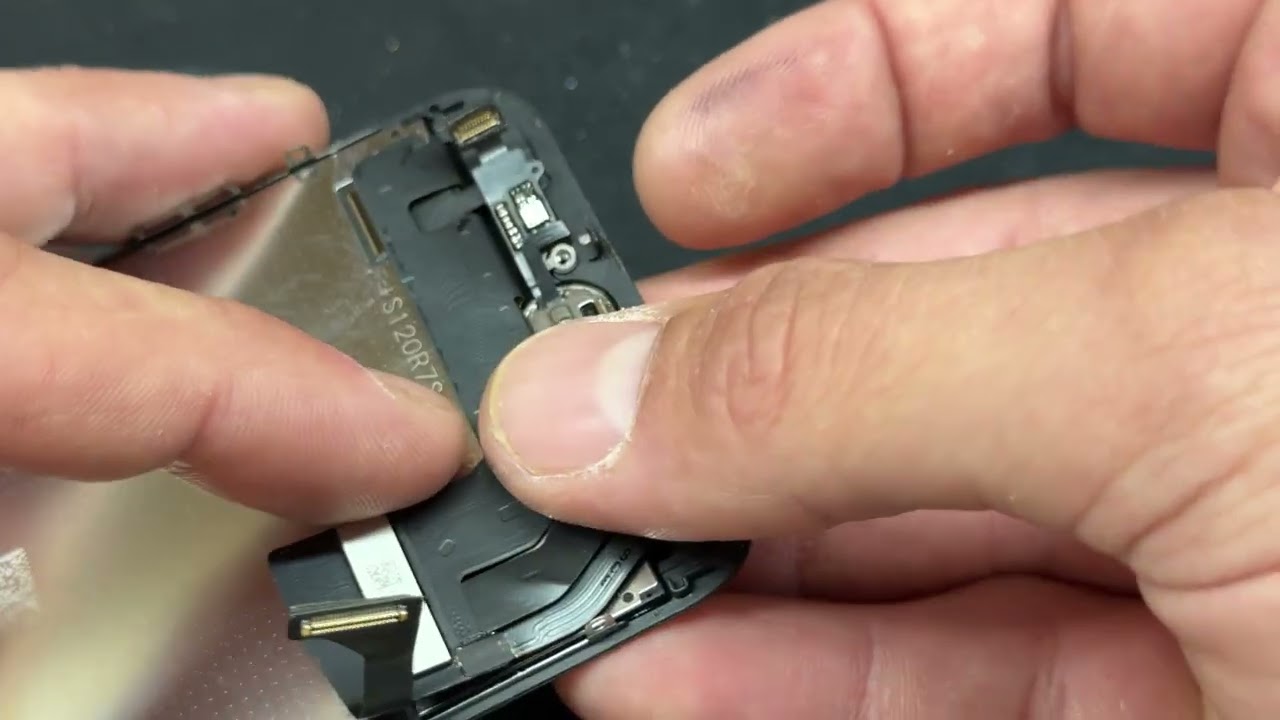
00:23 Method 1 - Return to Apple Store for Repair
00:39 Method 2 - Force Restart Your Phone
01:36 Method 3 - Enable Assistive Touch
02:23 Method 4 - Reset All Settings
02:33 Method 5 - Repair iOS with ReiBoot
💡Text guide here:
How to Fix iPhone Home Button Not Working
Read printable guide here:https://www.tenorshare.com/ios-10/how...
Method 1: Return to Apple Store for Repair
If your iPhone is physically damaged and under warranty, visit an Apple Store for repair.
If out of warranty, repairs can be costly through Apple or third-party services.
Method 2: Force Restart Your Phone
Ensure "iPhone Unlock" or "iTunes & App Store" is enabled under Touch ID & Passcode.
For iPhone 8 or later: Press and release Volume Up, then Volume Down, then press and hold the Side button until the Apple logo appears.
For iPhone 6s or earlier: Use the Home button to restart the device.
Method 3: Enable Assistive Touch
Go to Settings → Accessibility → Touch → Turn on "AssistiveTouch."
This creates a virtual Home button on-screen.
Method 4: Reset All Settings
Go to Settings → General → Transfer or Reset iPhone → Reset All Settings.
This won’t delete your data but will reset system settings.
Method 5: Repair iOS with ReiBoot
Download and launch ReiBoot on your computer.
Connect your iPhone and click "Start."
Choose "Standard Repair" to fix iOS without data loss.
Download the latest firmware and start the repair.
Once completed, reconfigure Touch ID and check if the Home button works.
📑*Official Links and Resources:*
Apple Support: https://support.apple.com/en-in/102327
#iPhone #touchid #assistivetouch #reiboot #iphonefix
🔔 Subscribe Here (it's FREE!): https://bit.ly/30eZwvG
---------Social Media------------
Facebook: / tenorshare
Twitter: / tenorshare
Google+: https://plus.google.com/+Tenorshareso...
Tenorshare official website: https://www.tenorshare.com
––––––––––––––––––––––––––––––
Morning Sun by Roa / roa_music1031
Creative Commons — Attribution 3.0 Unported — CC BY 3.0
Free Download / Stream: https://bit.ly/3MnA8dx
Music promoted by Audio Library • Morning Sun – Roa (No Copyright Music)
––––––––––––––––––––––––––––––
⚠Important notice:
The Standard Repair of ReiBoot has a chance to fix the phone without data loss, but doesn't guarantees 100% success rate.
If the Standard Repair failed, kindly try the following steps:
1. Use an original Apple USB cable.
2. Unplug your iPhone from the computer, force restart, then re-plug your iPhone in.
3. Make sure you can visit apple.com on your computer.
4. Try the Standard Repair again.
5. Keep the phone attached during the repair process.
If the standard repair fails for more than 5 times, its' recommended to try the deep repair, though it erases your data, the success rate is much higher than the Standard Repair.

Доступные форматы для скачивания:
Скачать видео mp4
-
Информация по загрузке:








![[4K FULL HD] Relaxing Water Background | 1 HOUR | Calm Water Wallpaper (No Sound)](https://imager.clipsaver.ru/y9PTNTSpGJs/max.jpg)




