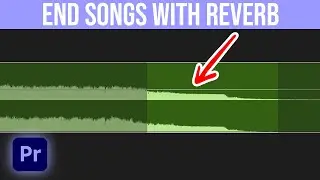
How To Make Any Song End Smooth With Reverb in Premiere Pro! (2025)
Автор: Jordan Dueck
Загружено: 2025-06-17
Просмотров: 14473
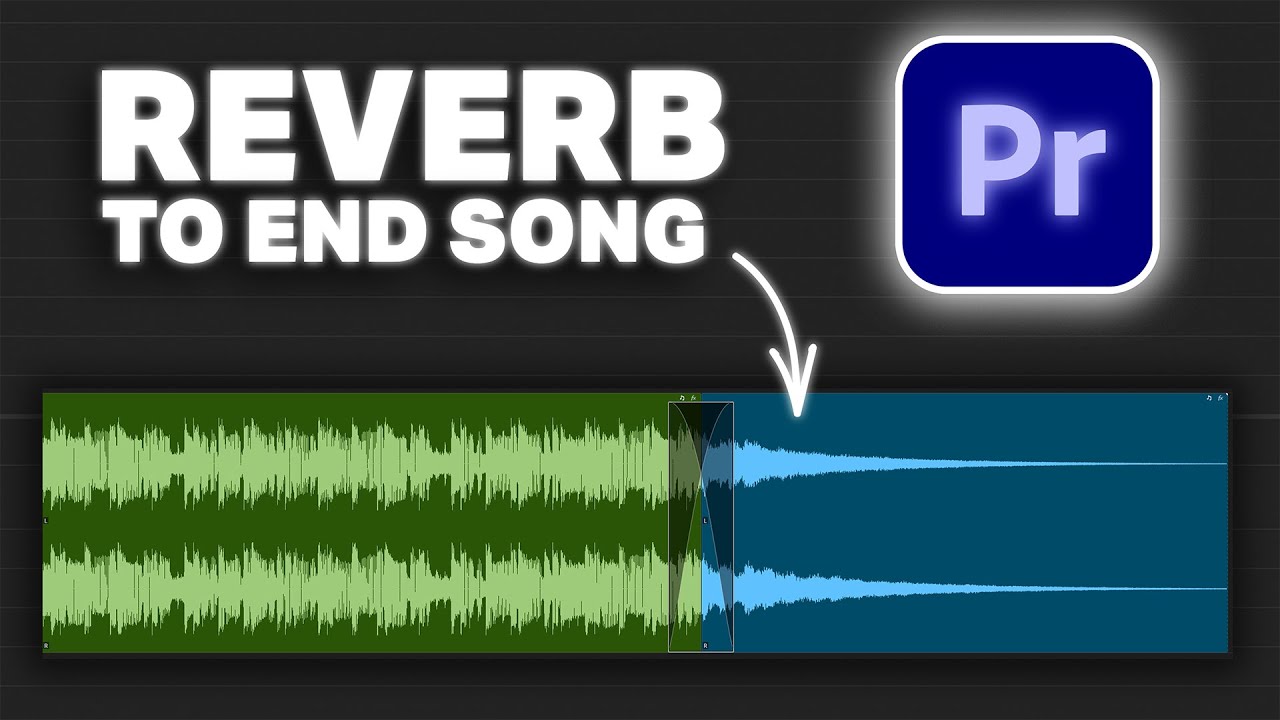
Learn how to use Premiere Pro's reverb to create a smooth fade out anywhere in your music! This tutorial covers how to end a song with reverb in premiere pro, giving your tracks a professional finish anywhere you want to stop the music. Be aware of a bug in the latest adobe premiere update that may impact your reverb plugin settings!
✅ What you'll learn:
Setting up your audio
How to apply reverb for a seamless audio fade-out
Key settings to tweak for best results
A known bug in the latest Premiere Pro update that might affect your plugin (and how to work around it)
Whether you're editing a YouTube video, podcast, or short film, this technique will give your audio that polished, cinematic finish 🎬
📌 Chapters / Timestamps:
0:00 - How To Make Any Song End Smooth With Reverb in Premiere Pro
0:08 - The Setup
0:21 - Making the cut
0:29 - Keyframe A Fade Out
1:00 - Nesting Your Audio
1:07 - Adding The Reverb
1:27 - The Perfect Studio Reverb Settings
1:48 - The Crossfade Bug (make sure to drag corretly)
#PremierePro #AudioEditing #VideoEditingTips #ReverbFadeOut #PremiereProTutorial
Доступные форматы для скачивания:
Скачать видео mp4
-
Информация по загрузке: