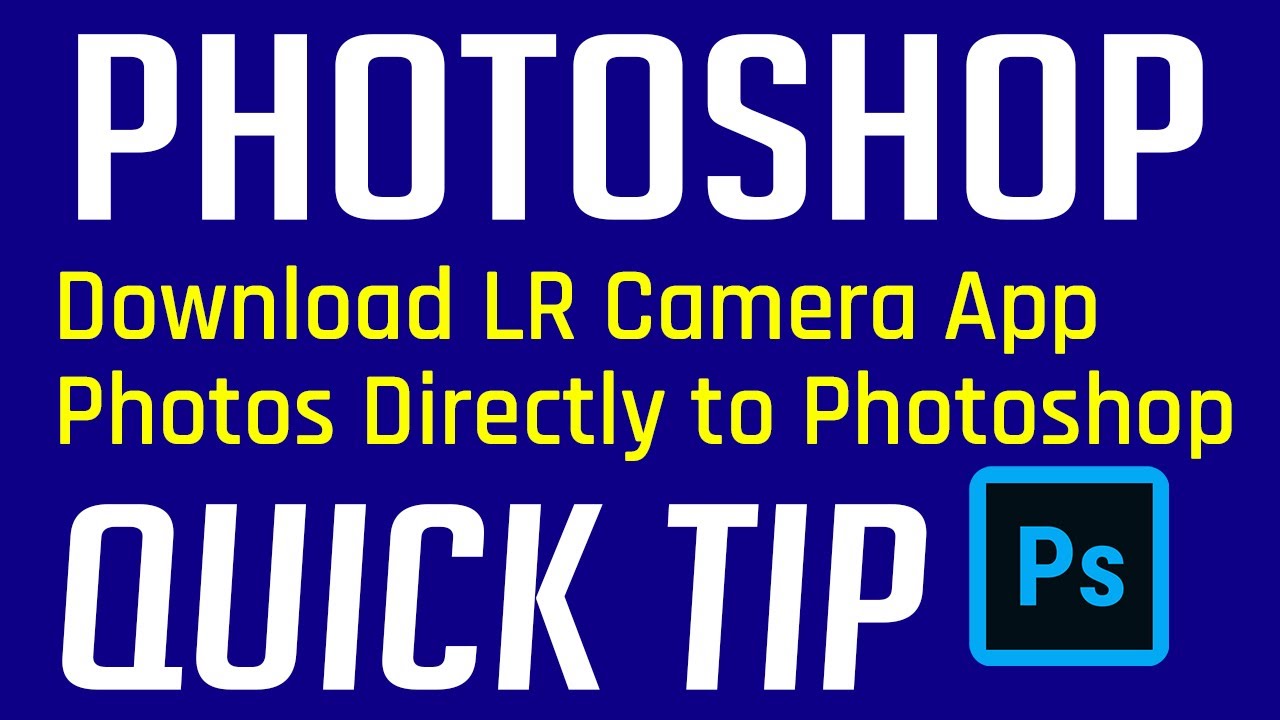
Import Lightroom Camera App Photos Directly Into Photoshop
Автор: The Joy of Editing with Dave Kelly
Загружено: 2019-11-15
Просмотров: 274
In this "Quick Tip" Photoshop Tutorial you will learn how to Import Lightroom Camera App Images Directly into Photoshop. The Lightroom Camera App is great because it allows you to shoot your Phone Images in a RAW Adobe Camera Format known as DNG. The ability to open up your phone images right inside of Photoshop is a big time saver. We will be using Camera Raw for the initial phone image adjustments and then bring the image into Photoshop for some final tweaks. Join me in this video and see how easily this is accomplished. If you enjoyed this video please LIKE and SHARE it with your friends. If you are not yet a Subscriber then please SUBSCRIBE and CLICK the BELL NOTIFICATION ICON and you will be notified each time I upload a new Tutorial. Thanks for your support. I appreciate all of my Subscribers and Viewers. Happy Editing.
Доступные форматы для скачивания:
Скачать видео mp4
-
Информация по загрузке:











![Введение в интерфейс Adobe After Effects. Эпизод 2/48 [Adobe After Effects для начинающих]](https://imager.clipsaver.ru/O6KRRQm6meY/max.jpg)