How To Reinstall Gaming Services On Windows 11 / 10 [NEW 2026]🎮✅
Автор: TechFixIT
Загружено: 2024-09-23
Просмотров: 1658
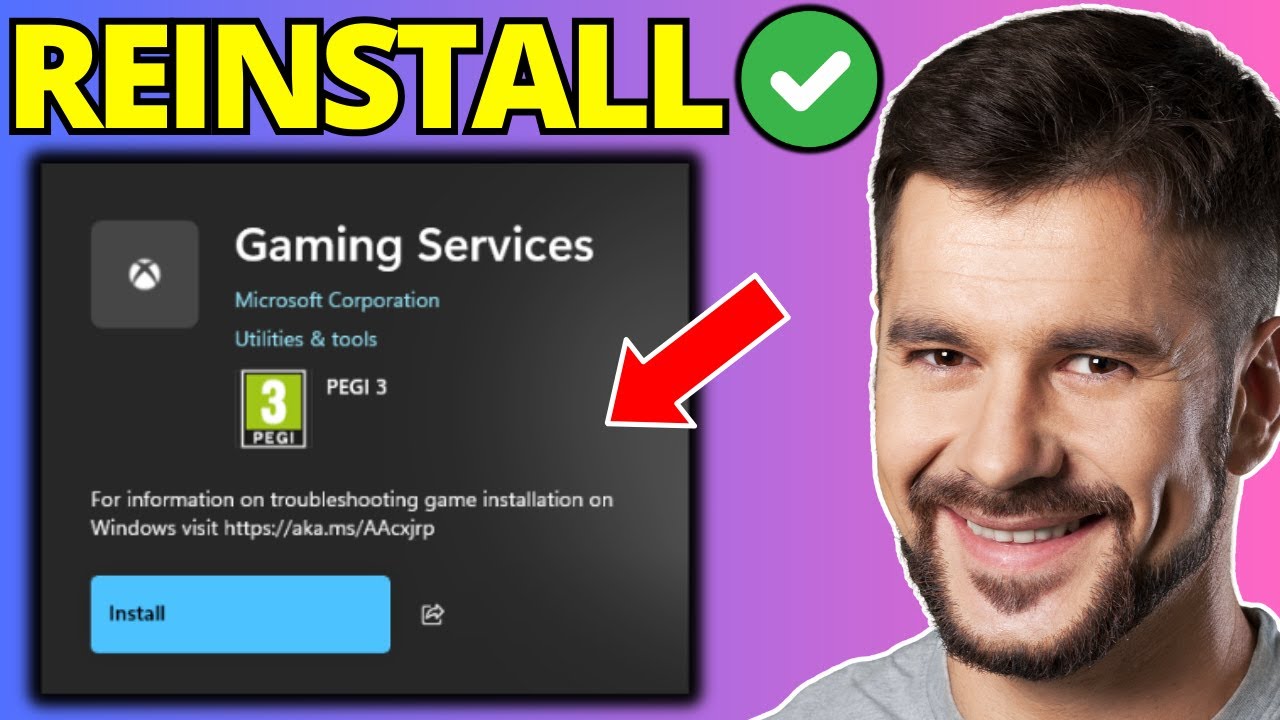
In this video, I'll show you how to reinstall Gaming Services on Windows 11, a common fix for issues with the Xbox app, Game Pass, and other Microsoft Store games. If you're encountering errors when trying to launch or install games, or your Game Pass games are not working properly, reinstalling Gaming Services can help resolve these problems.
What you’ll learn in this video:
How to uninstall and reinstall Gaming Services.
How to fix Game Pass or Xbox app issues that prevent games from launching.
Troubleshooting tips to ensure your games run smoothly on Windows 11.
Steps covered:
Open PowerShell as an administrator.
Enter the commands to remove Gaming Services.
Commands:
get-appxpackage Microsoft.GamingServices | remove-AppxPackage -allusers
start ms-windows-store://pdp/?productid=9MWPM2CQNLHN
Reinstall Gaming Services via the Microsoft Store.
Restart your computer and verify the fix.
Get your games running again with this quick and easy tutorial! 🎮
Don’t forget to like, subscribe, and hit the bell for more helpful tips!
![How To Reinstall Gaming Services On Windows 11 / 10 [NEW 2026]🎮✅](https://imager.clipsaver.ru/UAEPCM8M4DA/max.jpg)
Доступные форматы для скачивания:
Скачать видео mp4
-
Информация по загрузке: