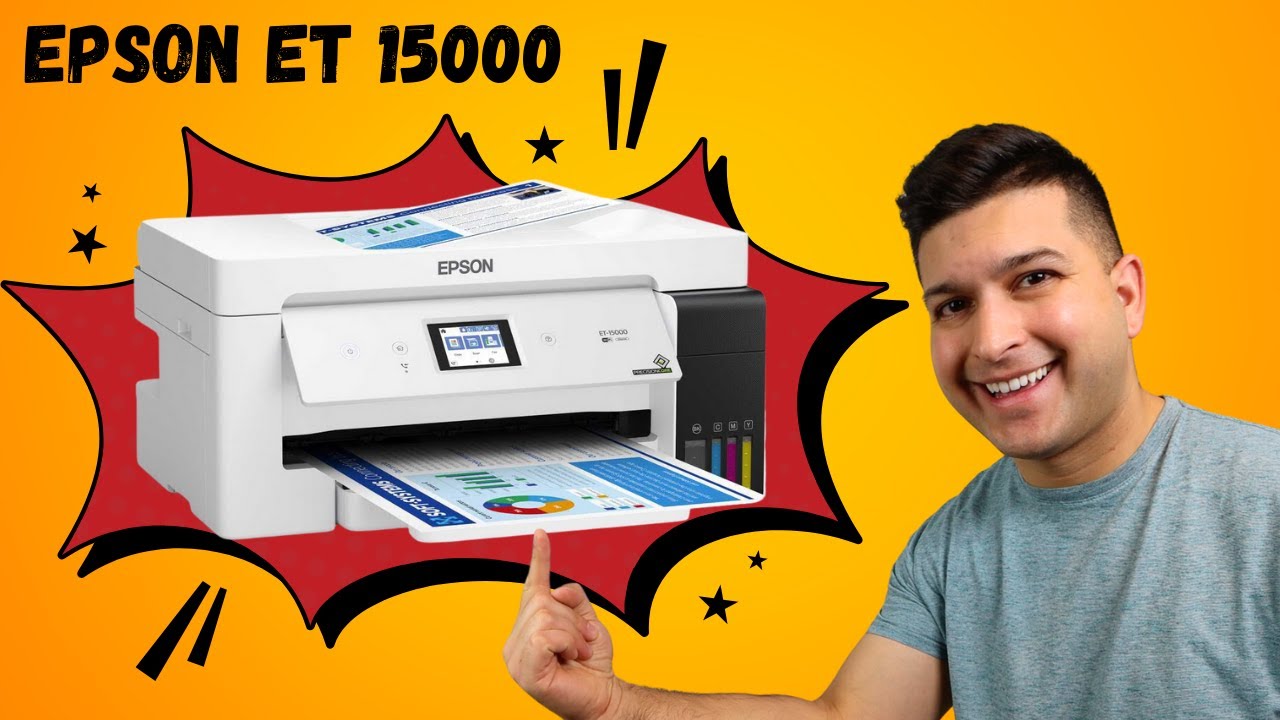
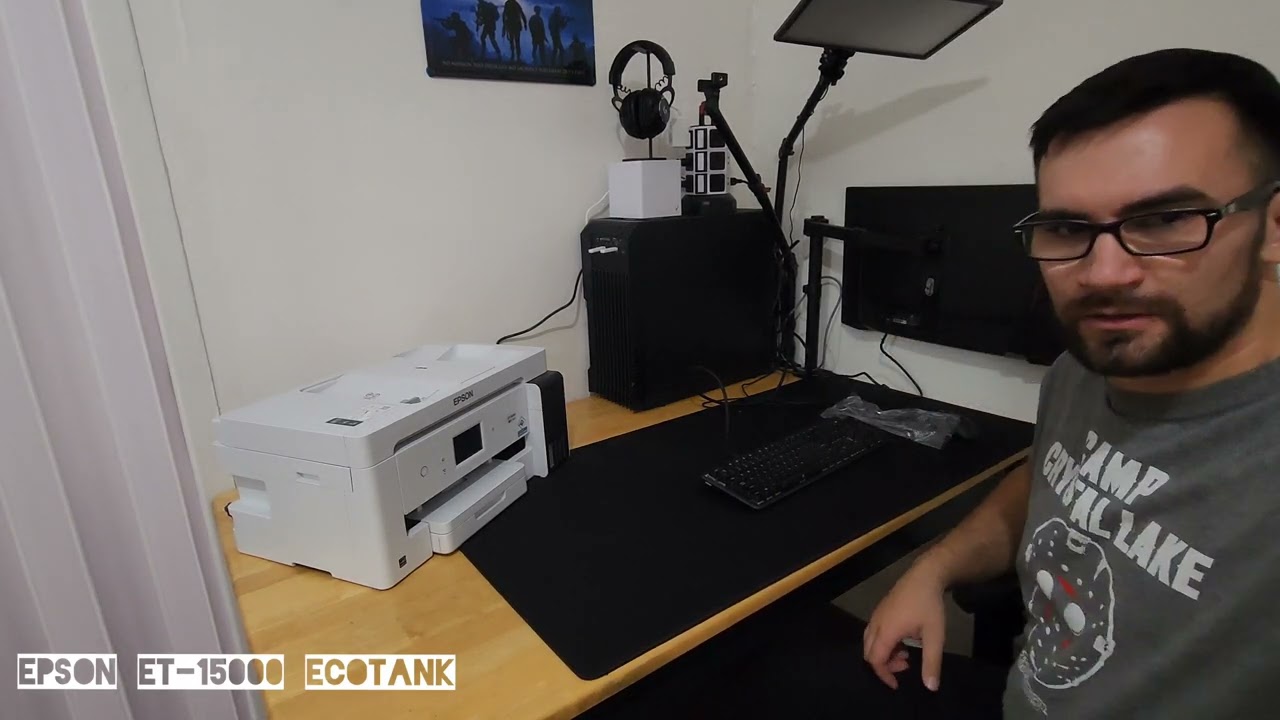
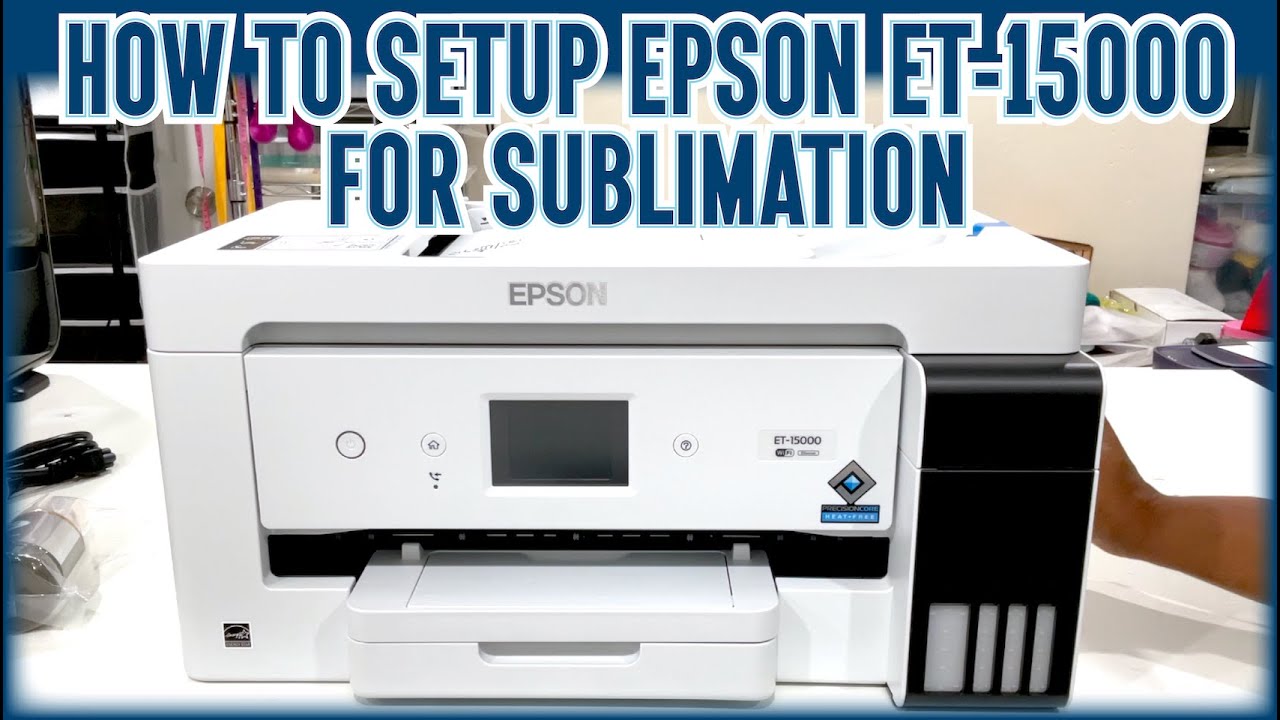
Unboxing and setting up the Epson ET-15000 for Screen Printing Film Positives
Автор: Lawson Screen & Digital Products, Inc
Загружено: 2021-07-19
Просмотров: 5126
This is a video of unboxing the Epson ET-15000 and going through all of the components that will be in the box. You will need these for printing film positives on the ET-15000 using the all black ink system. After unboxing, install the print driver and follow the video instructions for setting up CADLink FilmMaker DTP Plus version 10 rip software to print on the Epson ET-15000 screen printing film positive printer. These instructions also review how to use the all-black ink system and load film positives into the printer. The FilmMaker rip software lets you print halftones, gradients and maximize the all black ink feature.
Products mentioned in this video:
ET-15000: https://estore.lawsonsp.com/products/...
Refillable black ink for the ET-15000: https://estore.lawsonsp.com/collectio...
CadLink FilmMaker: https://estore.lawsonsp.com/products/...
Water-resistant Inkjet Film: https://estore.lawsonsp.com/products/...
Lawson e-Store: https://estore.lawsonsp.com/
Learn how to screen print, or keep with the latest silk screen printing equipment and techniques by watching Lawson TV:http://www.lawsonsp.com/training/laws...
Visit our blog to read helpful tips about screen printing at https://lawsonsp.com/screen-printing-...
SUBSCRIBE To Lawson Screen & Digital's Youtube Channel: https://www.youtube.com/user/LawsonSc...
For More Information visit https://lawsonsp.com or call 314-382-9300.

Доступные форматы для скачивания:
Скачать видео mp4
-
Информация по загрузке: