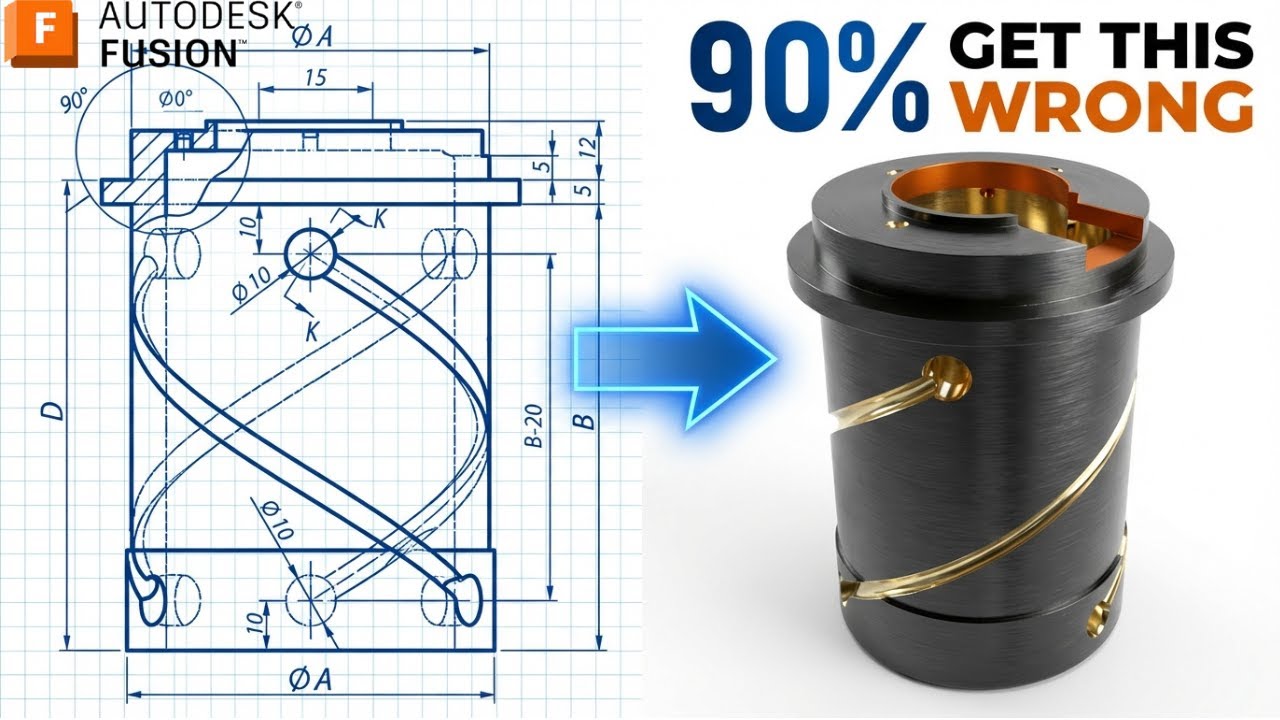
Coil Challenge 🔥 | 90% Get This Wrong (Autodesk Fusion 360)
Автор: Fusion 360 Tutorial
Загружено: 2026-01-22
Просмотров: 702
3D Sketch : https://www.3dmechanism.com/post/3d-e...
Donate PayPal: https://www.paypal.com/donate/?hosted...
In this CAD tutorial we'll use the features:
1. Revolve
Definition: Creates a 3D cylinder by spinning a profile around an axis. How it works: You sketch half of the piston rod and the shock body. Fusion spins it 360° to create the main mechanical cylinder. Best for: Creating the central damper body and the piston rod.
2. Coil
Definition: Creates a helical spring or thread. How it works:
The Magic: You don't need to sweep a circle along a spiral path manually. You just select a plane, draw the diameter of the spring, and define the Pitch (gap between coils) and Section Size (thickness of the wire).
The Shape: It automatically builds the perfect 3D spring geometry. Best for: The heavy-duty suspension spring that wraps around the shock.
3. Offset Plane (Construction)
Definition: Creates a sketching canvas at a specific height. How it works:
The Problem: The spring (Coil) shouldn't touch the shock body directly; it sits on a "Spring Perch" or plate.
The Solution: You use an Offset Plane to define exactly where the spring starts and ends along the length of the shock. Best for: Setting the start and end points of the Coil.
4. Extrude
Definition: Creates linear geometry. How it works:
Join: Use it to create the "Eyelet" mounting block at the bottom of the shock.
Cut: Use it to trim the ends of the spring flat (ground ends) so it sits flush on the plate. Best for: The square/flat mounting points at the ends of the round shock.
5. Hole
Definition: Creates precise mounting holes. How it works: Drills the bolt hole through the mounting eyelets. Best for: The connection points where the shock bolts to the car's suspension arms.
6. Circular Pattern
Definition: Duplicates features around a center axis. How it works:
Detailing: If you want to add "Adjustable Collars" (the ring that tightens the spring) with notches for a wrench, you model one notch and Circular Pattern it around the ring. Best for: Creating the grip texture or tool slots on the adjustment rings.
All dimensions are in mm/g/s/ISO
---------------------------------------------------------------------------------------------
Rating, commenting, subscribing and sharing are always appreciated!!
----------------------------------------------------------------------------------------------
▬▬▬▬▬▬▬▬▬▬▬▬▬▬▬▬▬▬▬▬▬▬▬▬▬▬▬▬▬▬
Follow Us On:
Instagram : / engbcruz
YouTube: / @fusion360tutorial
#technology
#Fusion360
#Fusion360tutorial
Доступные форматы для скачивания:
Скачать видео mp4
-
Информация по загрузке: