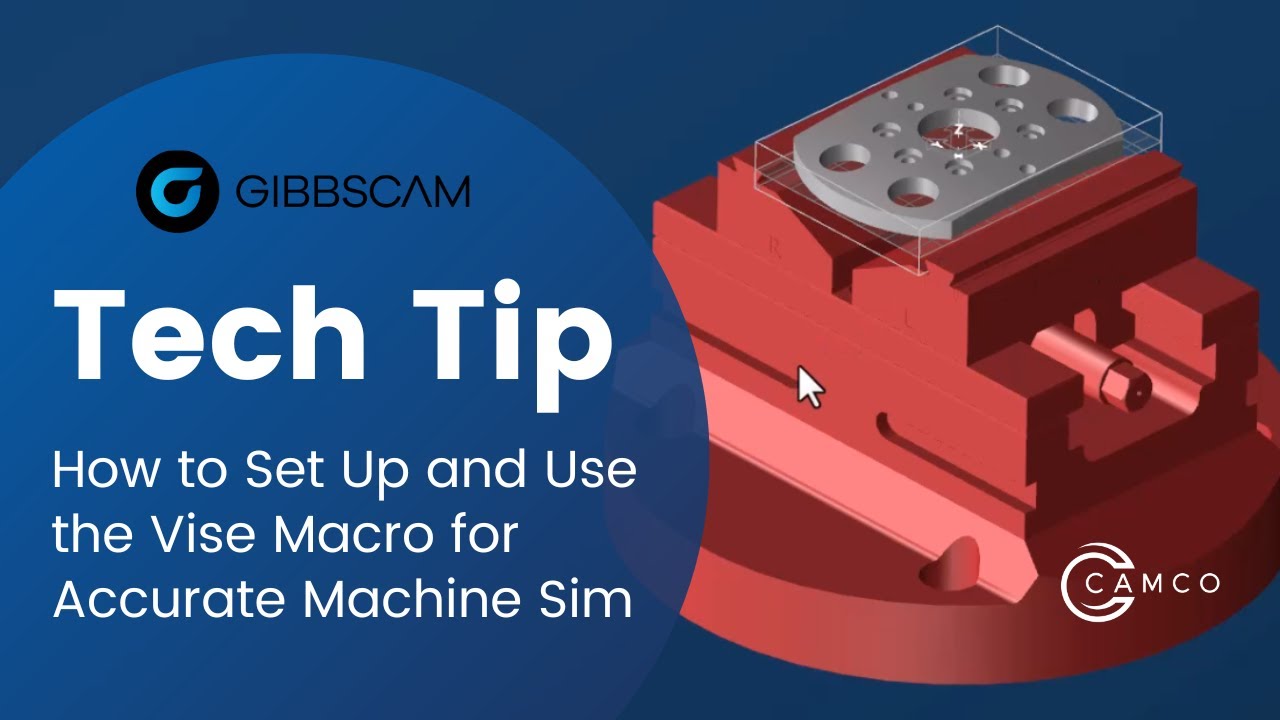
GibbsCAM Tech Tip: How to Set Up and Use the Vise Macro
Автор: CAMCO ne
Загружено: 2022-12-14
Просмотров: 999
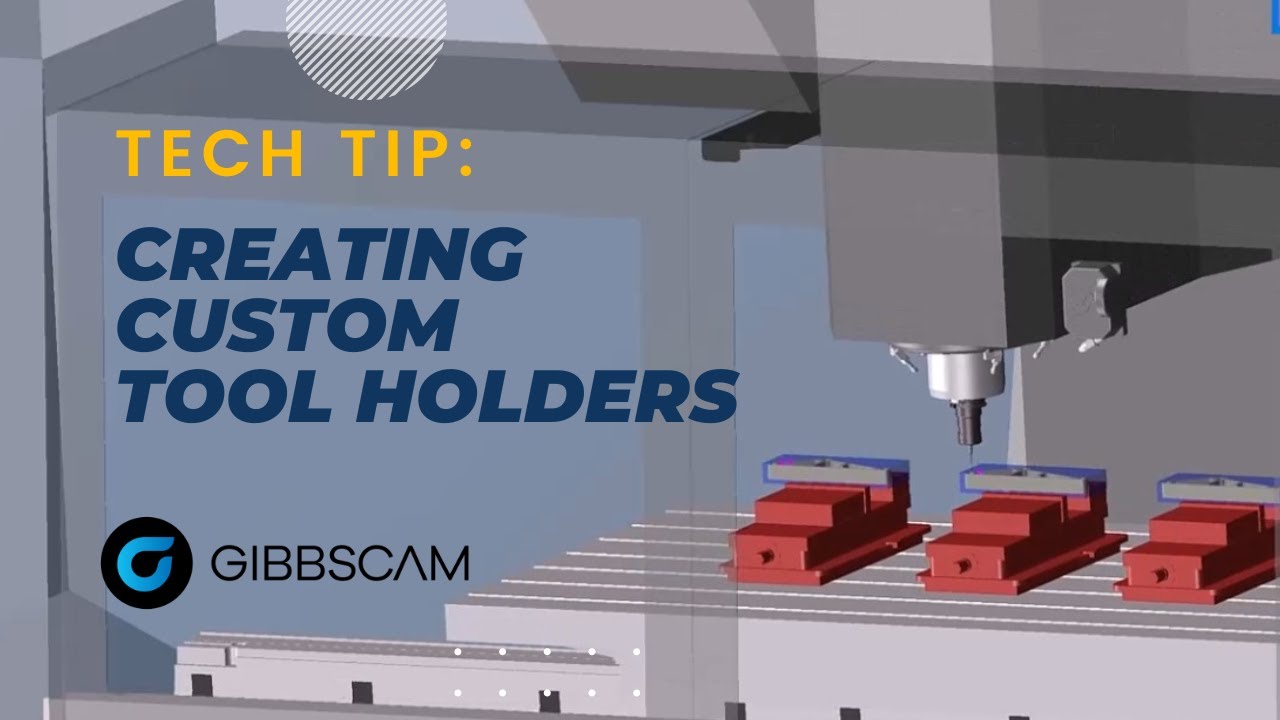
This GibbsCAM Tech Tip shows you how to set up and use our popular vise macro for more accurate machine simulation.
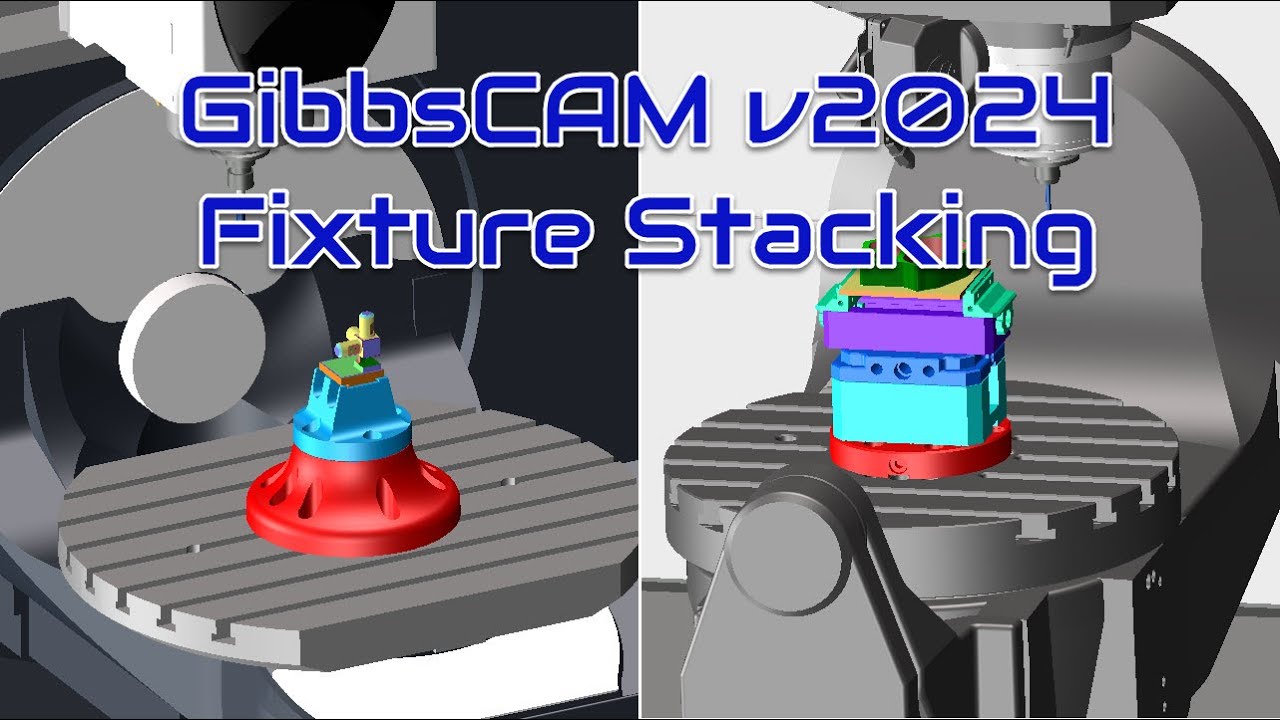
Including fixtures in your part programming allows you to take advantage of GibbsCAM's automatic fixture avoidance capabilities as well as giving you a more accurate Machine Simulation. Accurate simulation ensures that you get the results you expect on the shop floor. This simple vise macro makes creating those fixtures simpler than ever.
After our webinar on “Programming Parts Faster with GibbsCAM Automation”, we received many requests for the vise macro used in that webinar.
You can download the macro here, free of charge:
https://www.dropbox.com/s/ezsb1mntgd5...
To learn how to install a macro, watch this previous Tech Tip for complete instructions:
• GibbsCAM Tech Tip: How to Install a Macro
For more information visit:
https://camco-ne.com/
https://www.gibbscam.com/
#gibbscam #cncprogramming #cadcam #manufacturing #camsoftware
Доступные форматы для скачивания:
Скачать видео mp4
-
Информация по загрузке: