Installing Apple CarPlay wireless on a Renault ZOE 2017 model
Автор: Fernando Monllor
Загружено: 2023-07-18
Просмотров: 18670
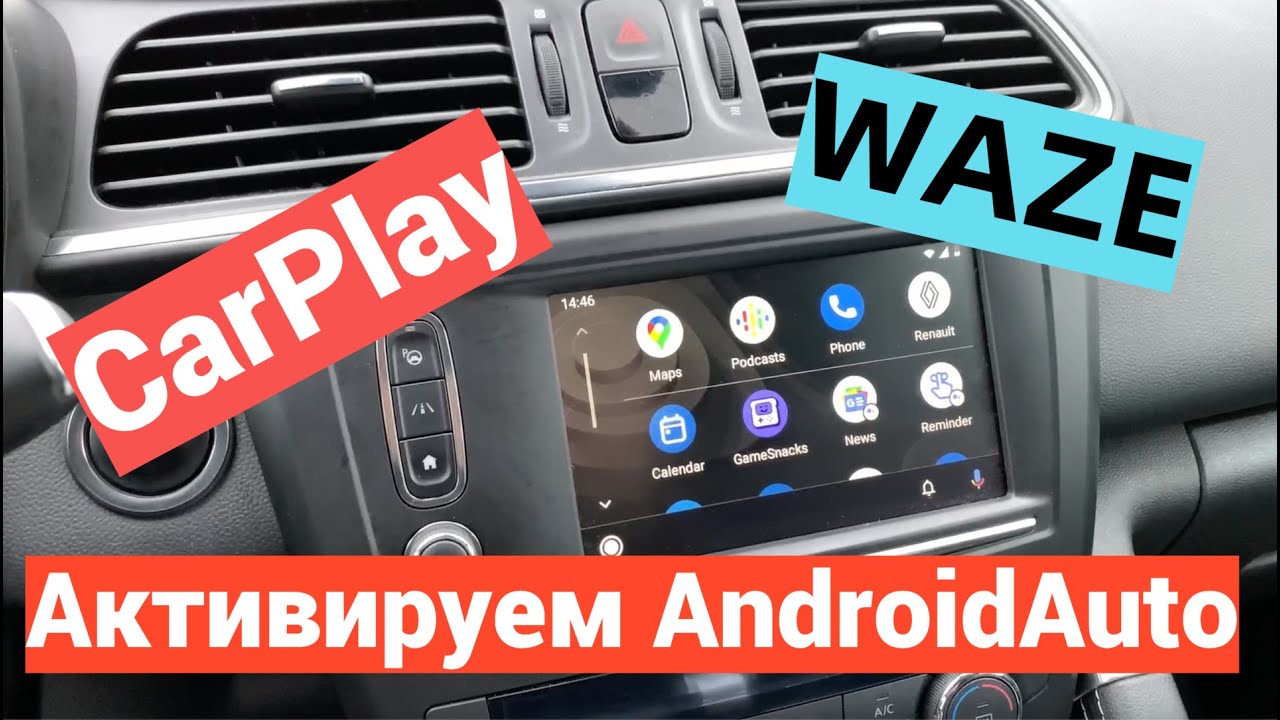
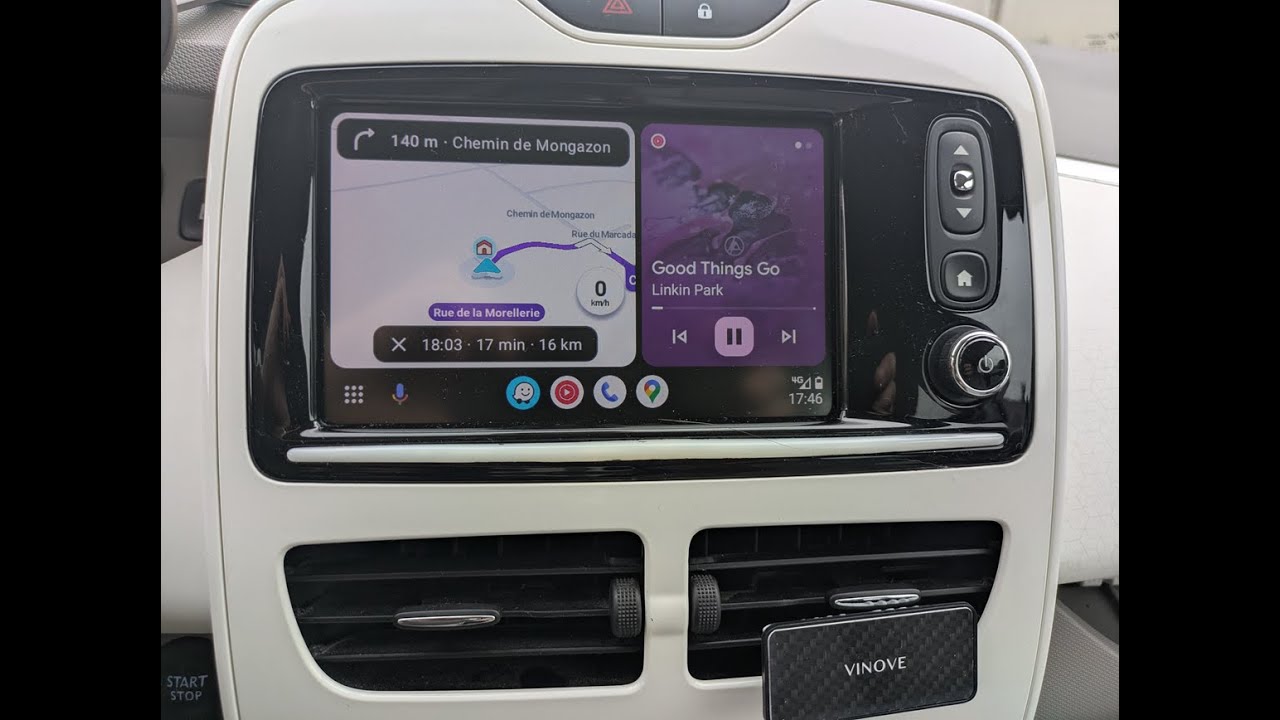
A few years ago I bought the previous model of the Renault ZOE that comes with the R-LINK screen, which has Android Auto as standard, but not Apple CarPlay.
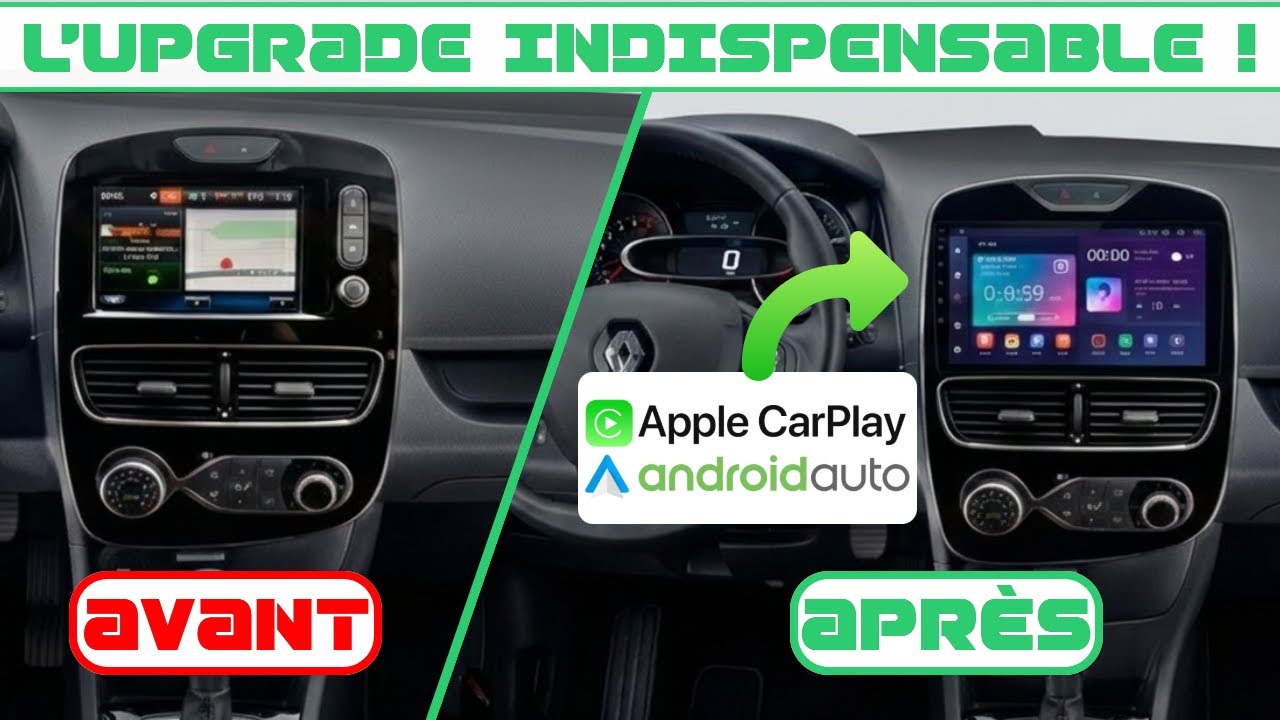
I searched Google to see if there existed a gadget to get Apple CarPlay without changing the screen, and I found it.
In the video I show how to install the module to have Apple CarPlay in a 2017 or earlier Renault ZOE.
The installation has two parts:
An electrical circuit must be installed on the R-LINK screen to make a bridge. You have to pay attention to the connections that I show in the video because if they are not connected in this way, the touch sensor on the screen will not work, and I had difficulty in finding the right combination.
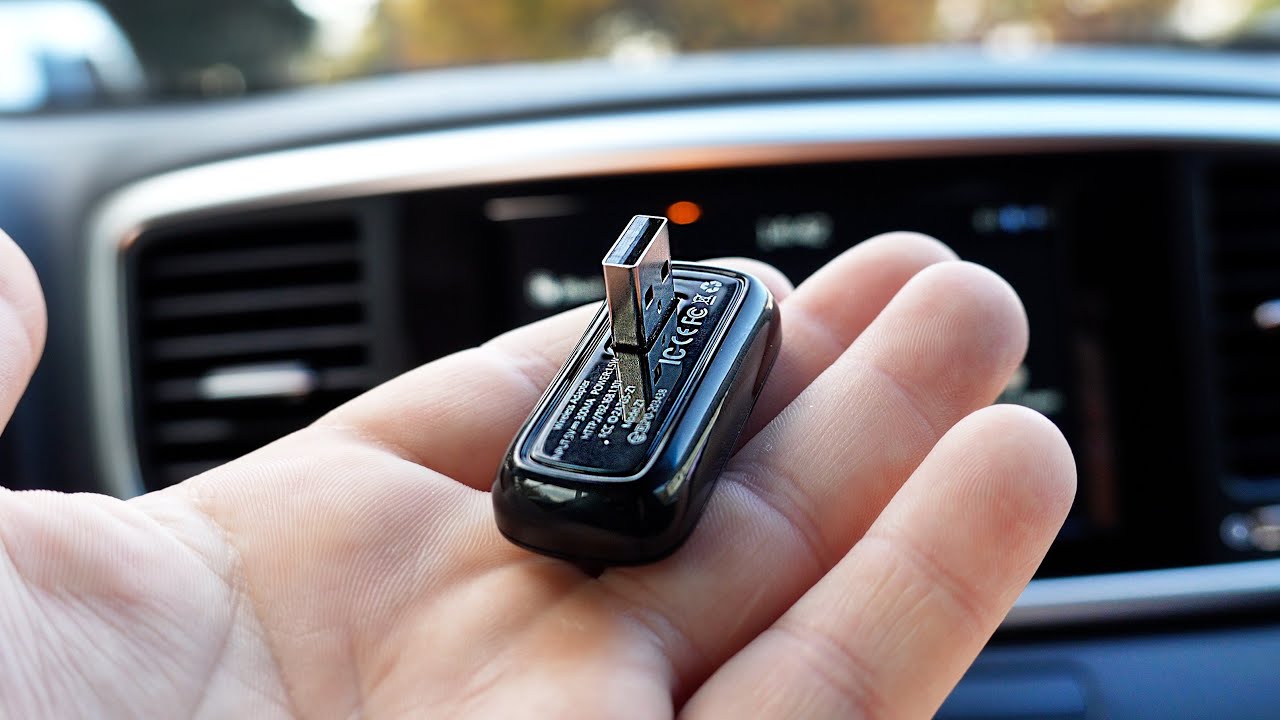
The software box and connectors must be installed. I have chosen to install it in the glove box, attached with cable ties to the radio module. Of the connectors provided, only 3 need to be accessible:
1 An audio output must be connected to the RCA input of the car (located next to the cigarette lighter).
2 The microphone that comes with the connectors must be placed in the car, in order to be able to talk on the phone and send commands to Siri.
3 It is recommended to have the USB cable that comes with the connectors accessible, to be able to connect the iPhone (although it is not necessary to have Apple CarPlay because it is wireless).
I suppose that the video can also be used for the Renault Clio, because they have many elements in common, but I haven't investigated it in depth.

Доступные форматы для скачивания:
Скачать видео mp4
-
Информация по загрузке: