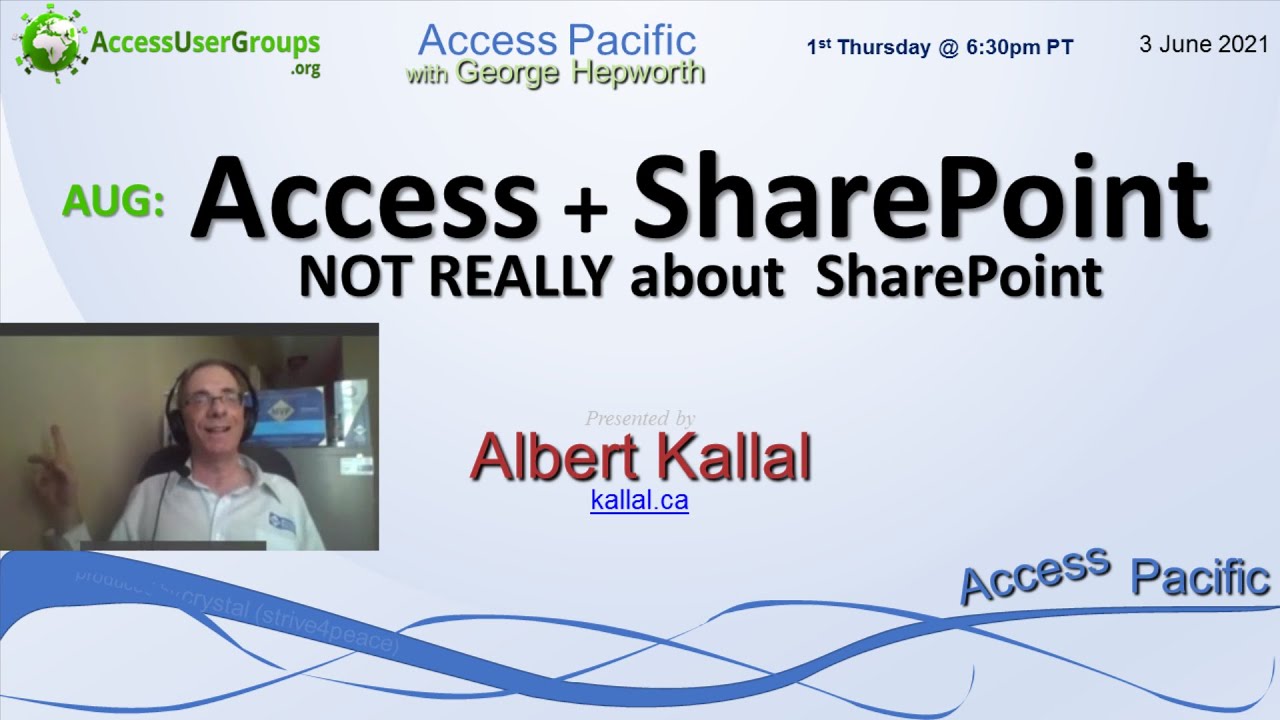
AP: Access + SharePoint, NOT REALLY about SharePoint, by Albert Kallal
Автор: AccessUserGroups.org
Загружено: 2021-06-07
Просмотров: 12910
Albert Kallal, former Microsoft MVP, will share his experience using Access Front End accdbs with SharePoint Lists. Albert will tell us "what is great, what to watch out for, and how this solution is easy, and great option for Access users." Albert’s knowledge of SharePoint is unmatched in our community. This is good.
Access + SharePoint, NOT REALLY about SharePoint
by Albert Kallal ( kallal.ca )
3 June 2021
0:54 About Albert Kallal
2:25 history, SharePoint with Access started 18 years ago.
4:43 repackaged SharePoint, put out as Office 365, made it cheap.
4:56 What's the catch?
6:33 really improved Access 2007 because SharePoint was getting popular -- use Access anywhere
7:23 In 2010, there was a quantum leap. Added relational database capabilities to the SharePoint system. Performance increased about 10x.
8:19 Data size limits.
9:03 When you start the application, tables should have less than 5,000 rows, using low-cost cloud edition. Can go up, but it will be painful to get it working.
10:21 In most cases, there are no changes to your application, but data structures have to conform to what the relational limitations are.
10:38 Relationships need a standard PK (primary key) AutoNumber with long integer FK (Foreign Key).
11:08 What's different with relationship between Customers and Invoices?
12:22 Suggest Left Join for documentation, and also matters when moving tables up.
12:45 Table setup and limits. Put all data in tables. Use AutoNumber PK. Put all tables on relationships diagram.
14:21 Go over to a typical Access application.
15:02 Microsoft 365 account types
15:39 20 multiple users in the cloud for CAD 11.00, or about 8.50 USD/month.
16:01 typical Access application with front-end and back-end. Using Access 2010 -- non-365 version -- show that you don't have to use subscription versions of desktop Access. And you can use Access Runtime for laptops on the road.
17:54 open back-end database
18:12 Relationships window in Access. Customers, Invoices, InvoiceDetail, tables for drop-downs.
20:07 SharePoint makes new AutoNumber values when you push the tables up.
21:48 Users are invited to SharePoint using any email address. Guest users don't need a 365 account.
22:10 All for 8.50/month, you have multi-user, on-the-road, robust, shared in the cloud, for next to nothing.
23:01 Go to 365 Account, and your team site.
23:52 Create a New site for this application. Make a subsite. Remember the name. This example is "aupug5"
24:50 Done in SharePoint. The rest occurs in Access.
25:01 login to the 365 account, don't need to buy a subscription.
25:20 We have our tables in Access -- going to push up to SharePoint, then change linked tables in front-end. So let's do that.
27:30 This setup will run circles around SQL Server in terms of performance with less than 10,000 records in each table.
27:57 uh-oh, skipped a step. Still going.
28:17 Reason why Access with SharePoint works so good is because data access stores the data local, and synchronizes with the cloud, and may get better performance than on your local network. But for larger datasets, there are problems.
29:36 When you update a row, it has to synchronize with the cloud.
29:58 Applications that update a lot of rows run slow.
30:58 Once tables are pushed up and you hover over a table, you see its location on SharePoint. They're quick to open.
32:07 When it upsizes, automatically makes a copy of the original back-end.
32:20 Go into front-end and hook up to SharePoint.
38:47 Here we are with our SharePoint tables in the Access application. The VBA code and everything else we have should work.
39:33 The biggest challenge is to ensure you follow the relationship rules.
39:50 Questions
40:51 Use single table for different lookups?
45:59 Get indexes right in Access before you push them up. You can add field indexes after tables are in SharePoint, and even more fields. Can't use Table Design view, but you can use Layout.
50:00 You can work disconnected. Behind the scenes, it's web-service based, which means its like email. You can be using the application, unplug the network, and keep on working.
51:06 When you get re-connected to network, it will start synching again.
52:59 In Access, right-click a table and choose Convert to Local.
56:02 SharePoint works with any version from 2010 up.
57:11 Limit is about 65 columns for low-cost accounts.
57:36 If business has onsite SharePoint, can get row limits turned off.
1:00:41 next month, July 1, David Nealey will present on how he uses graphics. Join us!
AccessUserGroups.org
Access Pacific hosted by George Hepworth
https://accessusergroups.org/pacific/...
First Thursday at 6:30 pm Pacific time PT -- join us!
SUBSCRIBE for MORE videos! ► https://bit.ly/AUGYoutube
✓ Join our online Access User Groups with free membership.
► Facebook ◄
/ accessusergroups
► Twitter ◄
/ accessusergroup
Доступные форматы для скачивания:
Скачать видео mp4
-
Информация по загрузке: