Asus F507 / F507U / X507 – Full Disassembly & Upgrade Guide (RAM, SSD, Battery, Wi-Fi)
Автор: Electronics&Computers
Загружено: 2020-03-11
Просмотров: 21067
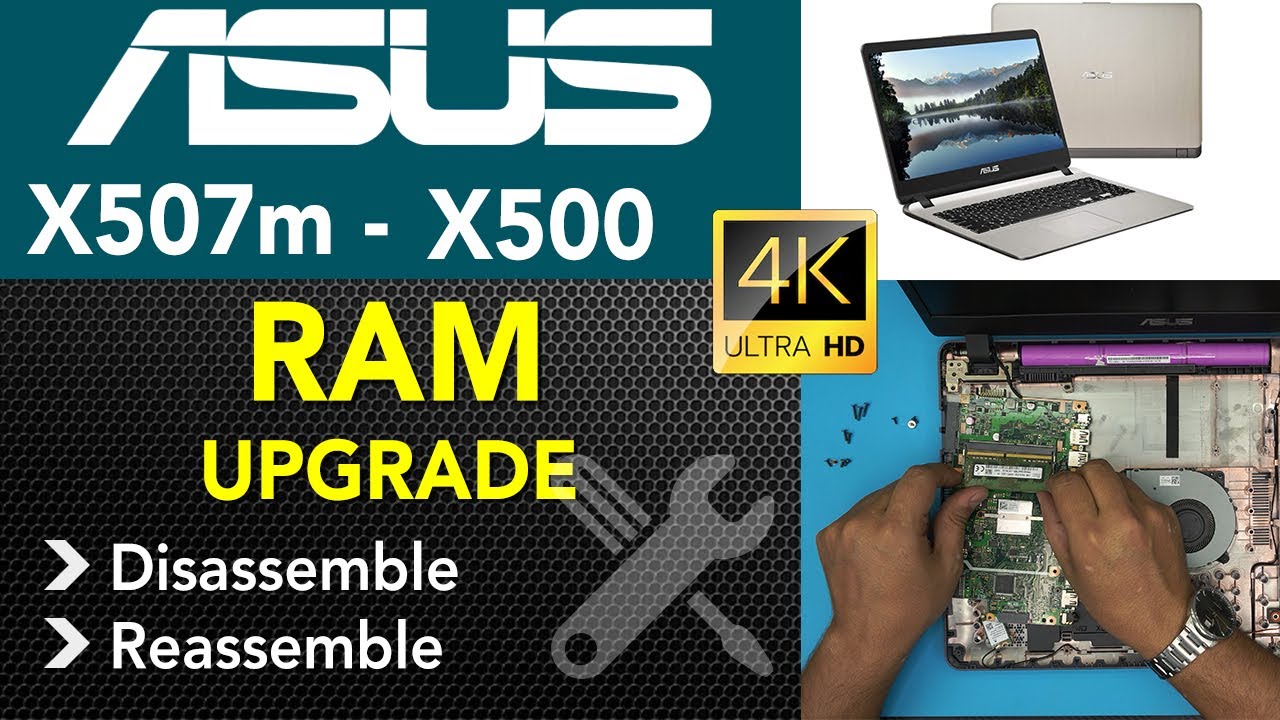
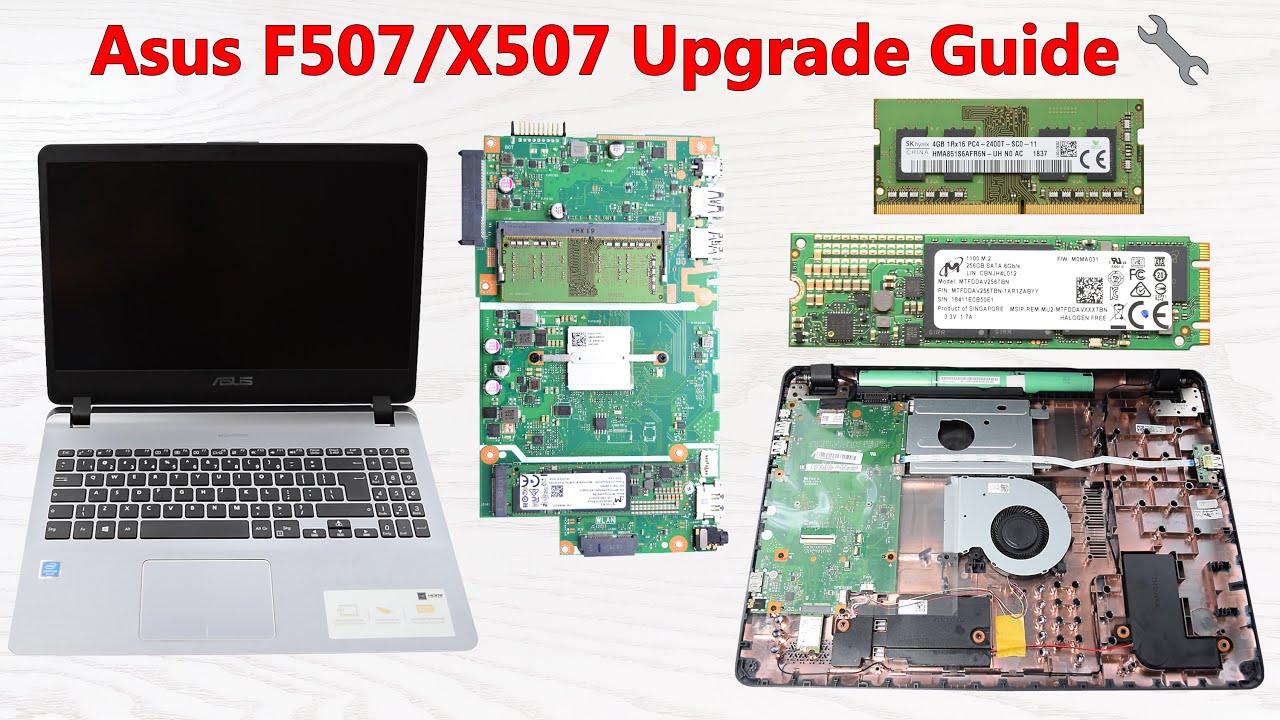
In this video, I show you how to disassemble the Asus F507, F507U, and X507 laptops, and explore all upgrade and replacement options.
What’s covered:
– RAM upgrade instructions
– How to install a SATA or M.2 SSD (if slot is available)
– Battery replacement guide
– Wi-Fi card removal and upgrade
This guide helps with fixing, cleaning, or upgrading storage and performance.
Compatible Models: Asus F507, F507U, X507 Series
Affiliate links:
Thermal paste:
Grizzly Kryonaut: https://amzn.to/46MxUzD
ARCTIC MX-6: https://amzn.to/4mMTzxu
Grizzly Kryonaut: https://shp.pub/7a63cx
iFixit Electronics Toolkit: https://amzn.to/4h0V3TU
I recommend using this SSD:
2.5" SSDs: Samsung 860 EVO: https://amzn.to/3Ekm2dU
Support my project:
via Amazon: https://amzn.to/3Kw6OFt
via PATREON: / 2013electronicscomputers
Monetize your Clicks and Downloads: https://publisher.linkvertise.com/ac/...
• Linkvertise Review 2026 – Earn Money by Sh...
#AsusF507Disassembly #AsusX507Upgrade #AsusF507URAMUpgrade #AddSSDAsusF507 #AsusF507BatteryReplacement #AsusX507SSDInstall #AsusLaptopUpgrade #AsusF507Maintenance
Доступные форматы для скачивания:
Скачать видео mp4
-
Информация по загрузке: