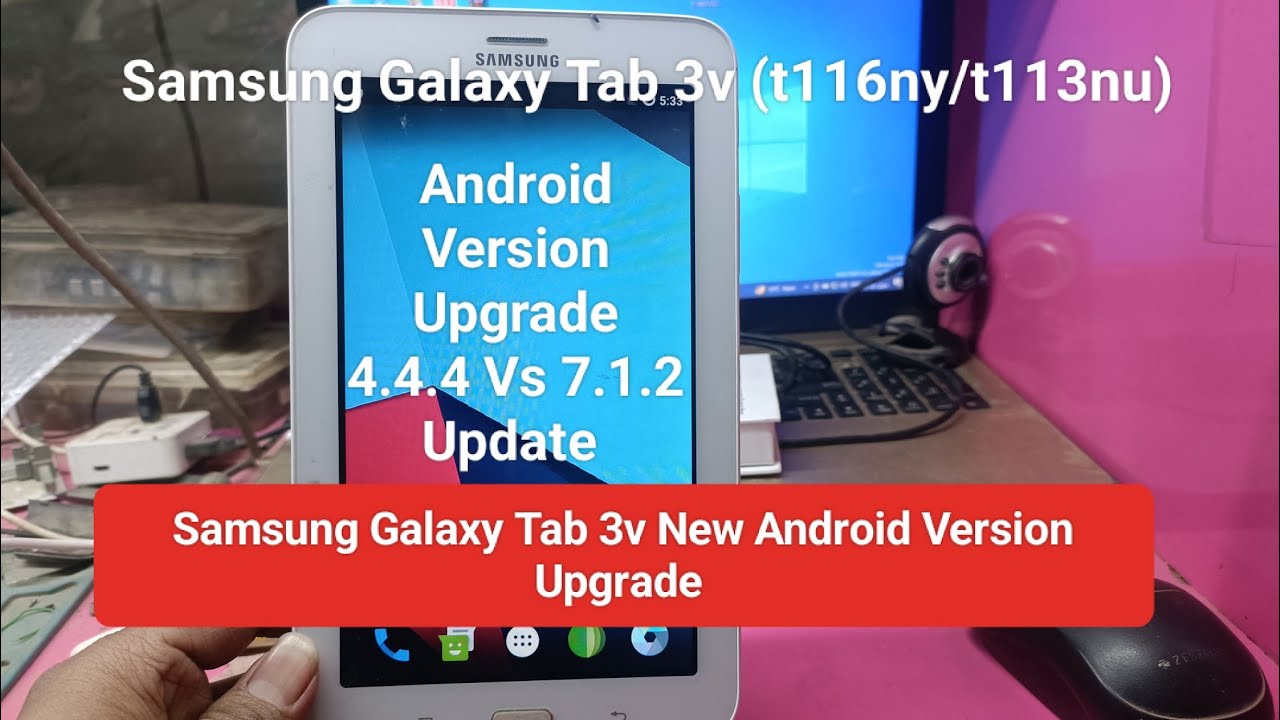
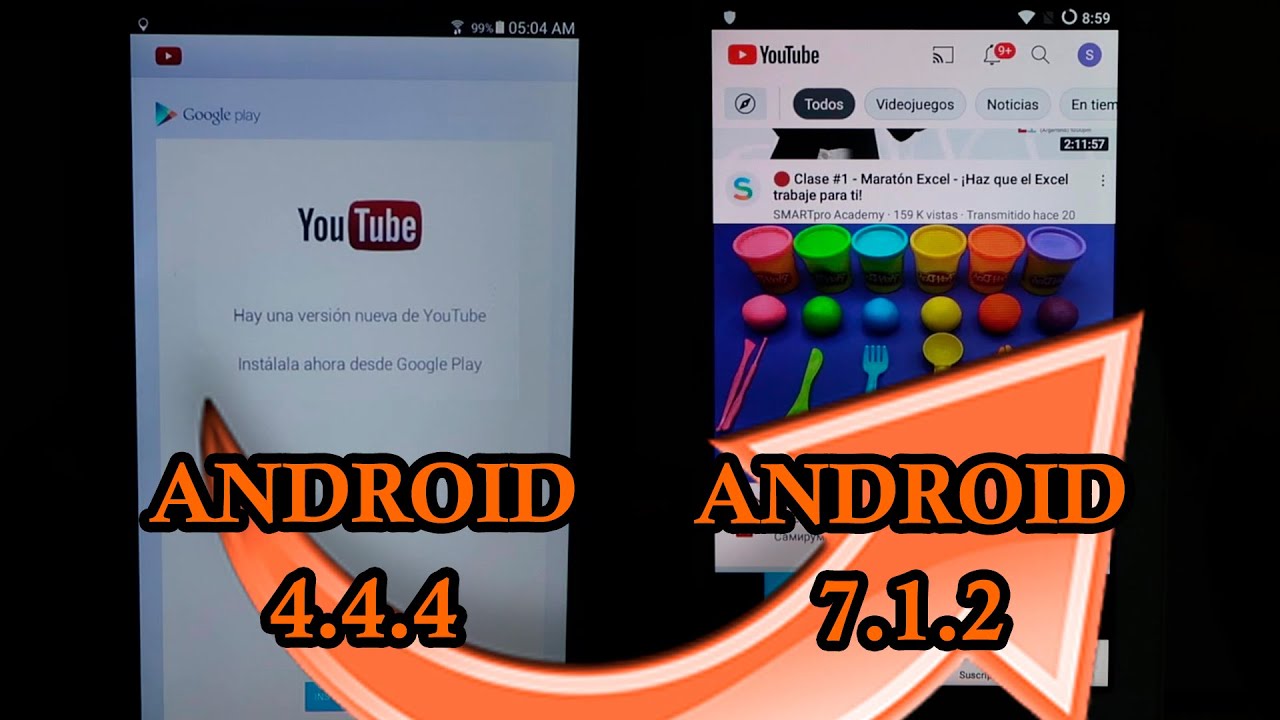
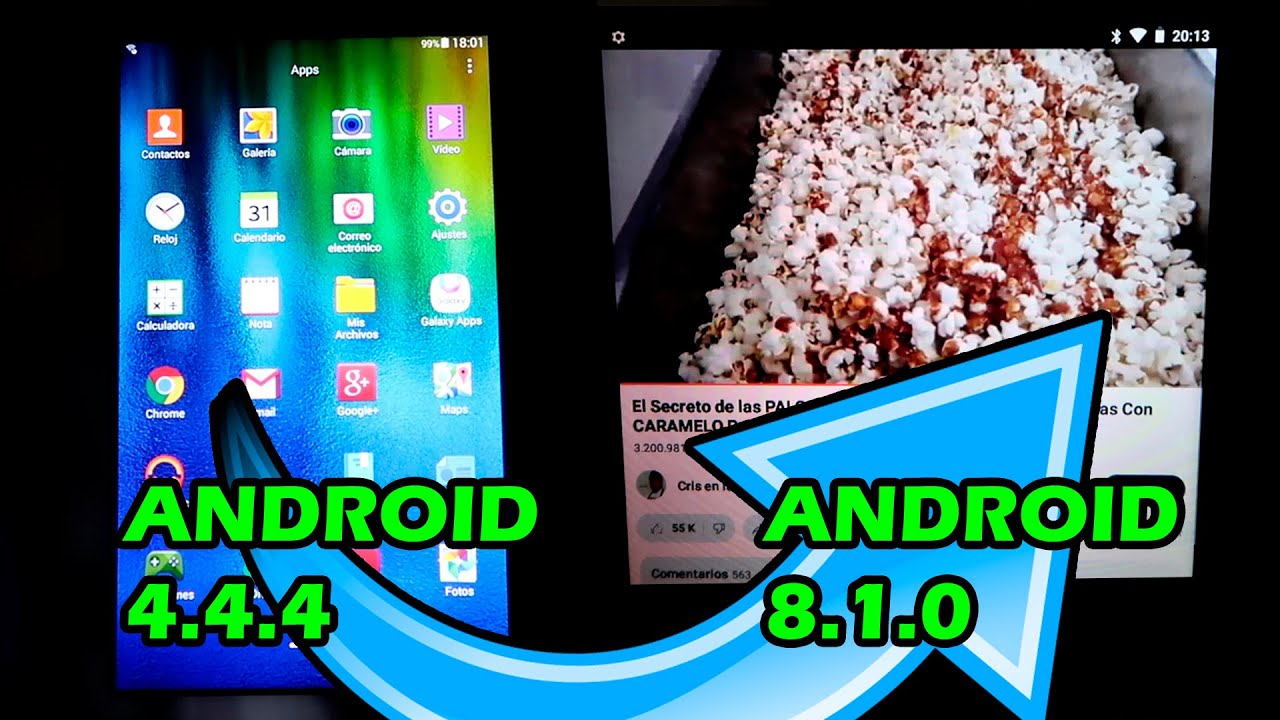
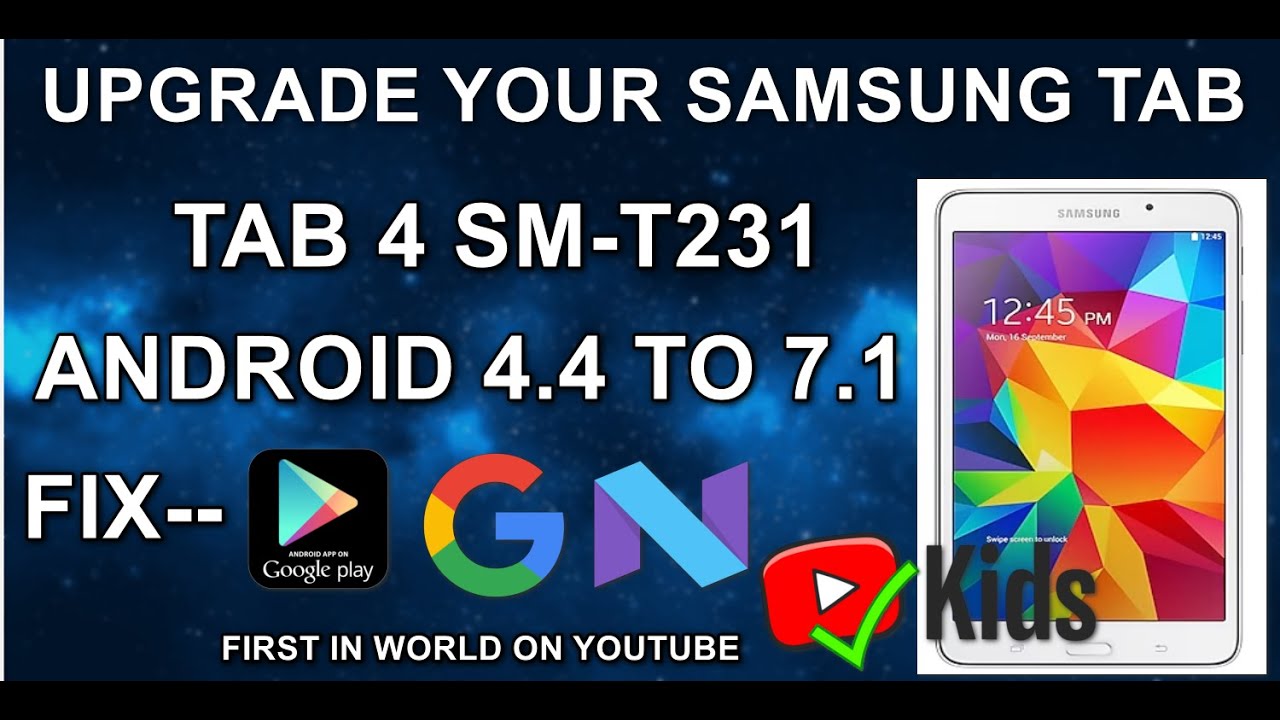
Upgrade Your Samsung Tab T231 to 7.1 with Pro Hacks Made Easy!
Автор: RepairsLab
Загружено: 2023-10-02
Просмотров: 94446
#sm-t231 #samsungtab4 #android7 #SamsungTabT231 #CustomROMInstallation #TechHacks #DeviceTransformation #ExpertGuidance #ProTips #AndroidMods #GadgetEnthusiasts #DeviceCustomization #TechMastery
Welcome to the Repairslab channel @repairslab
this video is for educational purposes only
In this comprehensive guide, discover the secrets to unlocking your Samsung Tab T231's true potential through custom ROM installation! 🚀
Follow our expert tips and pro hacks to seamlessly install custom ROMs,
transforming your device into a powerhouse of possibilities. From step-by-step instructions to advanced techniques, this tutorial covers it all. Don't miss out embrace the future of your device today!
Installing a custom ROM on a Samsung Galaxy Tab T231 involves several steps and carries some risks. Please note that this process may void your warranty, and if not done correctly, it could potentially brick your device. Make sure you understand the risks involved and proceed at your own discretion. Here are the general steps to install a custom ROM:
Before you begin:
Backup: Ensure that you have a complete backup of your data, including apps, contacts, photos, and any important files. This process may wipe your device.
Charge your tablet: Ensure your tablet has sufficient battery charge to avoid any interruptions during the process.
Unlock the bootloader (optional): Some devices may require you to unlock the bootloader before installing a custom ROM. Check if your device requires this step, and if so, follow the specific instructions for your tablet model. Be aware that unlocking the bootloader can void your warranty.
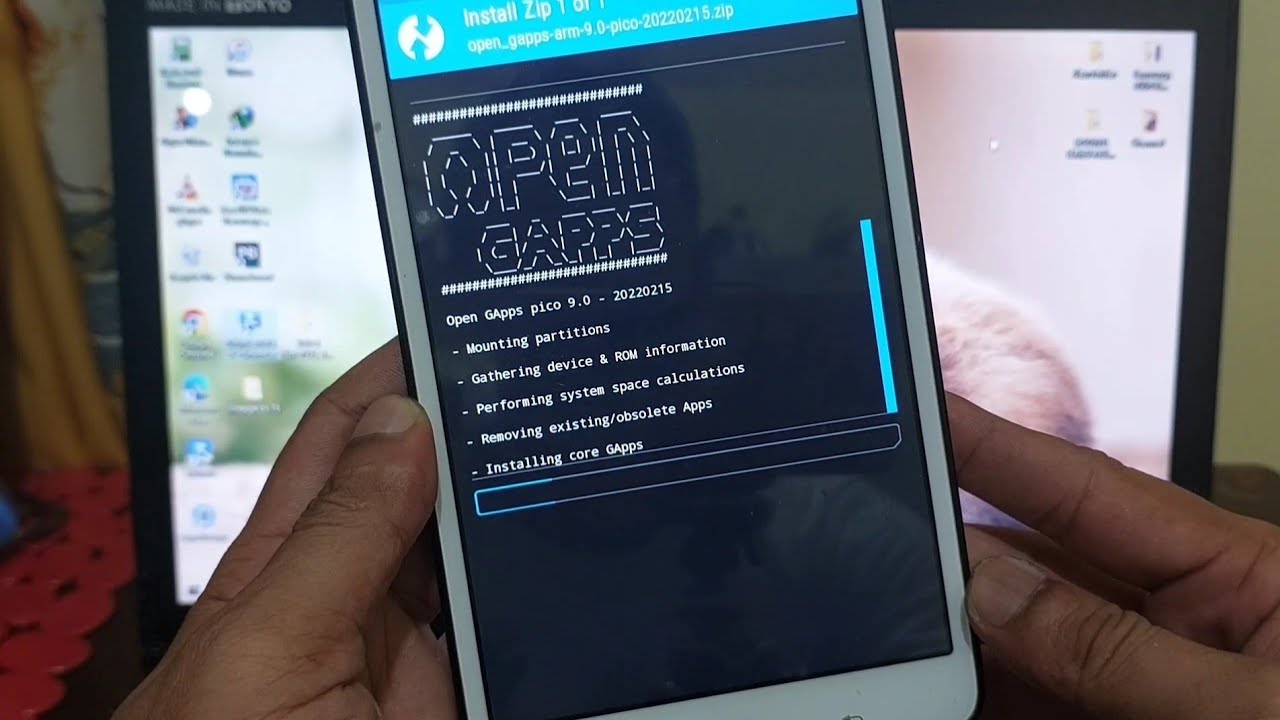
Installing a Custom Recovery (TWRP)
Download TWRP: Visit our website (https://repairslab.in) and find the TWRP recovery image for your Samsung Galaxy Tab T231.
other link= https://www.onekartz.com/samsung_tab_...
Download Odin: Download and install Odin, a Windows application that you'll use to flash TWRP onto your device.
link=
Enable Developer Options and USB Debugging: On your tablet, go to "Settings" "About tablet" and tap on "Build number" multiple times until you see a message saying "You are now a developer." Then, enable "Developer options" and "USB Debugging" in the Developer options menu.
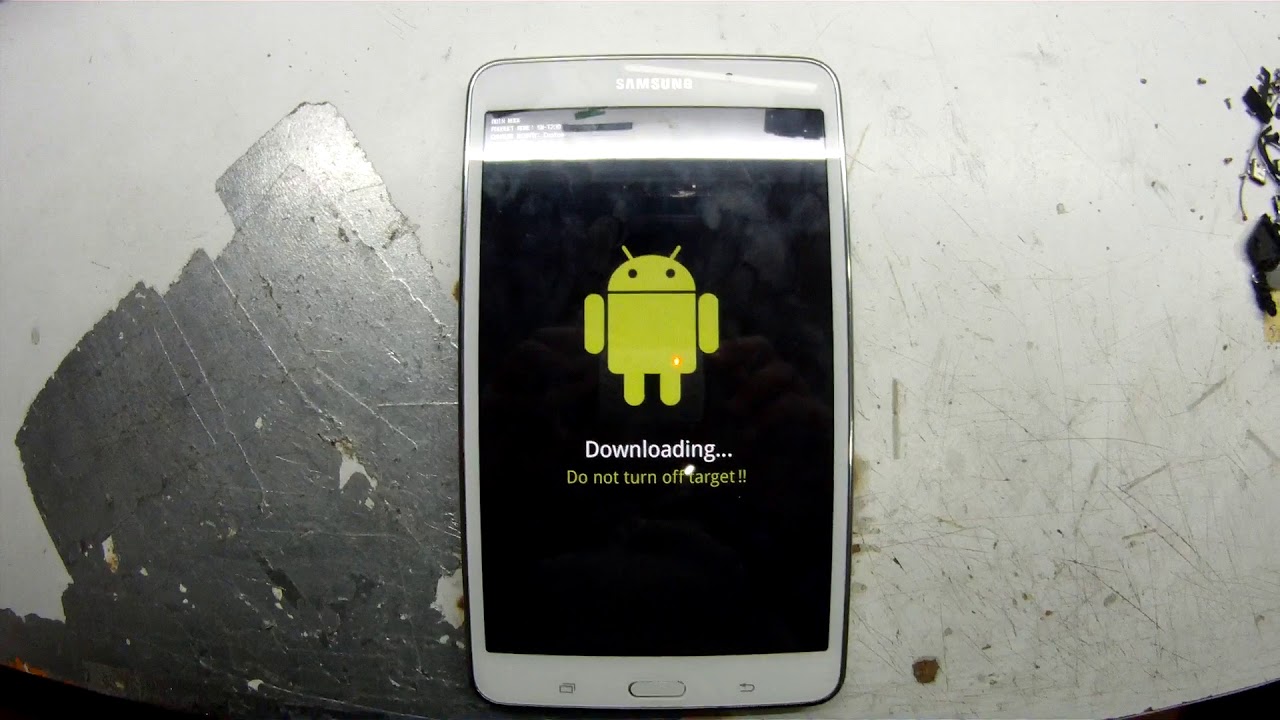
Boot into Download Mode: Turn off your tablet, then press and hold the Volume Down + Home + Power buttons simultaneously. Release the buttons when you see a warning message. Press the Volume Up button to enter Download Mode.
Connect Your Tablet to Your PC: Connect your tablet to your PC using a USB cable.
Flash TWRP: Open Odin on your PC and select the TWRP recovery file you downloaded earlier. In Odin, you should see a message that says Added! indicating that your device is detected. Click the "Start" button to flash TWRP onto your tablet.
Reboot into Recovery: After Odin has successfully flashed TWRP, boot into recovery mode by pressing and holding the Volume Up + Home + Power buttons simultaneously. Release the buttons when you see the TWRP recovery menu.
FOR MORE INFO..... FOLLOW MY VIDEO
BUG= sim not working
Please note that the steps and files required may vary depending on the specific custom ROM you choose, and it's essential to follow any instructions provided by the ROM's developer. Additionally, keep in mind that installing custom ROMs carries inherent risks, so proceed with caution and do your research before attempting this process
UPGRADE YOUR SAMSUNG TAB 4
HOW TO INSTALL CUSTOM ROM IN SAMSUNG TAB 4 T231
HOW TO UPGRADE SAMSUNG TAB DEGAS3G
@repairslab
special thanks to
@twrproject #twrp @clockworkmod #cwm team
for more info......... please visit repairslab.in
BUY ANY SPARE PARTS FOR & COMPONENTS SAMSUNG TAB T231
VISIT = https://www.onekartz.in
custom rom link
https://www.androidfilehost.com/?fid=...
Доступные форматы для скачивания:
Скачать видео mp4
-
Информация по загрузке: