How to CLONE the SYSTEM disk in LINUX MINT
Автор: TECHMIMIC
Загружено: 2025-07-11
Просмотров: 3313
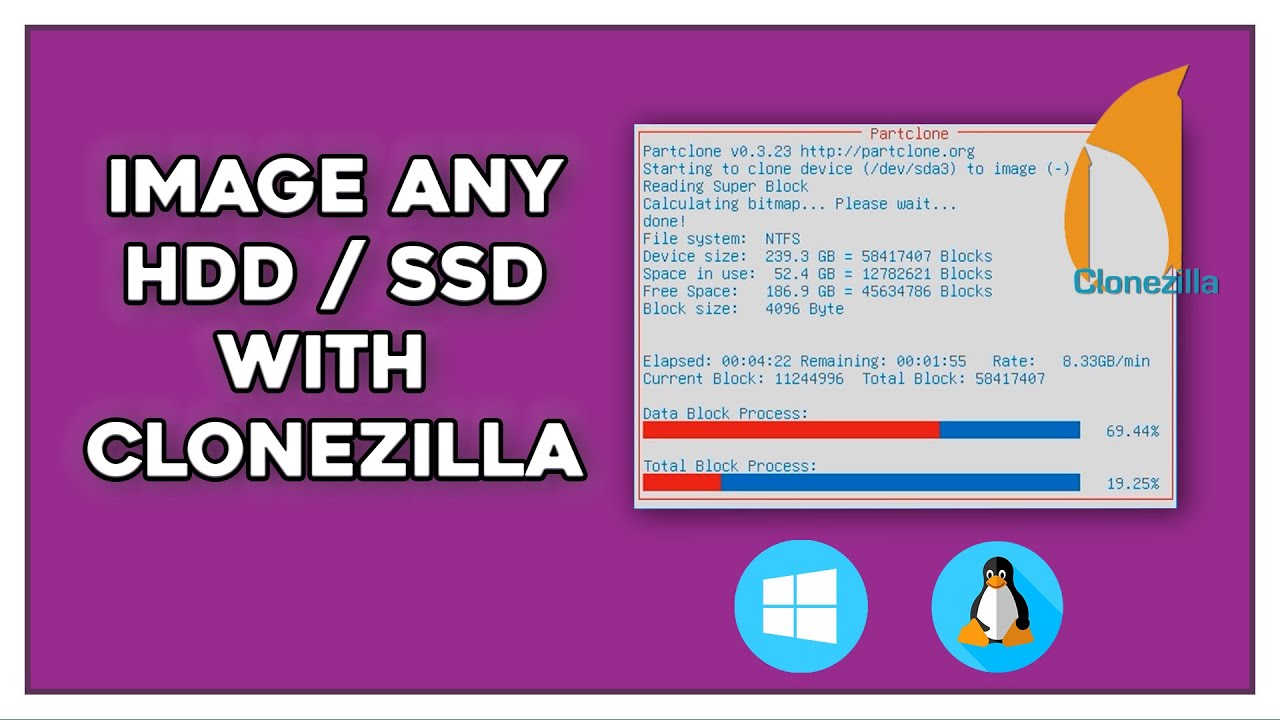
Learn how to clone (or copy) your Linux Mint system disk including all of its data and partitions. This tutorial covers the cloning of the entire system hard disk with Clonezilla.
Welcome to TECHMIMIC. Monkey see, monkey do! View, imitate, replicate. You have an issue to fix, you found us, we tell you how to fix it. Boom!
TIMESTAMPS
00:00 Intro
00:16 Setting the scene
01:22 The test machine
03:02 Install the second drive
04:11 About the method selected (Clonezilla)
05:44 Create the Clonezilla Live USB
07:38 Clone the system disk with Clonezilla (step-by-step)
12:11 Final steps
LINKS
How to CLONE the SYSTEM disk in LINUX (For Linux Mint, Debian and Ubuntu)
• How to CLONE the SYSTEM disk in LINUX (For...
How to RESIZE (Shrink / Extend) the root PARTITION in LINUX (For Linux Mint, Debian and Ubuntu)
• How to RESIZE (Shrink / Extend) the root P...
Linux Mint playlist
• Linux Mint
Linux Playlist
• Linux
SOURCES
Clonezilla website
https://clonezilla.org
SUPPORT
Support the channel with a cup of coffee
https://ko-fi.com/techmimic
Or a YouTube "Super Thanks", which directly supports the channel and will be visible to all in the comments!
DISCLAIMER
The instructions in this video are for informational purposes only. Follow these steps at your own risk. TECHMIMIC cannot be held responsible for any data loss, damage, or issues that may arise. Always back up your data before making any changes.
REAL HUMAN WARNING
Strictly human brain. No AI was harmed during the creation of this video.
#Howto #tutorial #linux #linuxmint #clonedisk #clonesystemdisk #clonesystempartition #fullclone #clonezilla #clonezillaliveusb #rootpartition #disks #cloneharddisk

Доступные форматы для скачивания:
Скачать видео mp4
-
Информация по загрузке: