The Curves Secret Behind Better Contrast and Richer Color
Автор: Digital Photo Mentor
Загружено: 2024-02-13
Просмотров: 6301
🔥 How to Salvage an Overexposed Photo with Luminar Neo 👉 • How to Salvage an Overexposed Image With L...
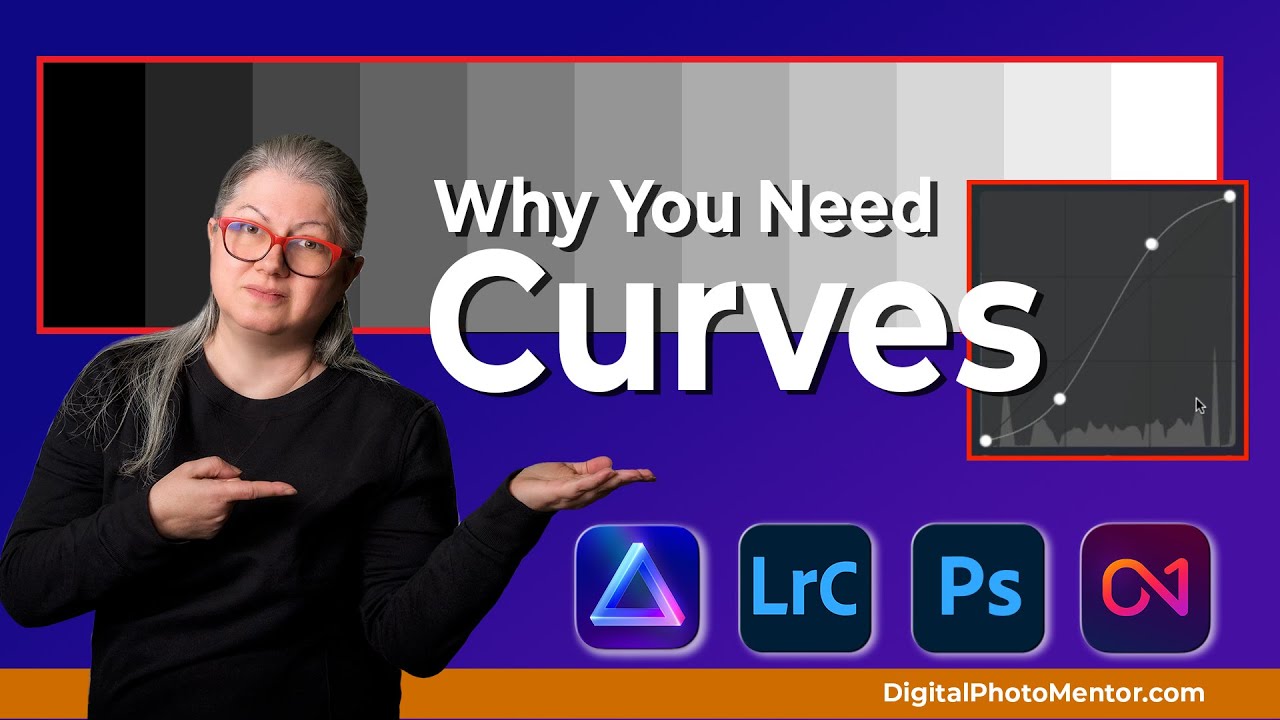
Have you ever edited a photo that looked flat, dull, or lifeless no matter what sliders you touched? Maybe adding contrast made the highlights blow out, the shadows turn muddy, or the colors look overdone. These are some of the most common photo editing frustrations photographers ask about every day. In this tutorial, Darlene walks through practical, real-world ways the Curves tool solves those exact problems, including when and why to use an S-Curve.
📢 BUY Luminar Neo
👉 https://bit.ly/BUY-LuminarNEO
Use DPM10 to save 10% (affiliate link)
📢 Enroll in my Luminar Neo course
👉 https://www.digitalphotomentor.com/lu...
📢 Lightroom for Photographers: The Complete Course:
👉 https://www.digitalphotomentor.com/le...
📌 How to Use the Curves Tool Tutorial TOC
0:00 6 Tips on How to Use the Curves Tool
0:31 Which Photo Editing Software Has Curves?
0:46 Luminar Neo, Lightroom, Photoshop, ON1 Raw all Have Curves
1:00 Where to find the curves tool in Luminar Neo
1:23 Where to find the curves tool in Lightroom
1:55 How Curves and The Histogram Work Together
2:28 Tip 1: Use the Curves to Darken or Lighten Your Image
3:22 Tip 2: Use an S-Curve to Increase or Decrease Contrast
4:57 Example: Increasing the Contrast on a Photo using an S-Curve
7:18 Tip 3: Targeted Adjustments to Specific Areas of Your Image
9:14 Tip 4: Create a Faded or Matte Look to Your Photos
10:56 Tip 5: Fix Unwanted Color Casts Using Color Curves
12:26 Tip 6: Using Curves for Creative Color Adjustments
15:23 Do You Use Curves? Will You Use Curves More Often?
15:40 Invert the Curve to Reverse Black and White on Grunge Background Edges
DPM Freebies Page
➜ https://www.digitalphotomentor.com/fr...
➜ WHAT YOU’LL LEARN
✔️ How curves differ from exposure and contrast sliders
✔️ How an S-Curve adds contrast without ruining highlights or shadows
✔️ Why your image looks flat and how curves fix it
✔️ How to target contrast to midtones, highlights, or shadows only
✔️ How contrast affects color intensity and saturation
✔️ How to create matte blacks and faded whites using curves
✔️ How to fix unwanted color casts in highlights or shadows
✔️ How to use curves creatively for duotone and abstract effects
✔️ A bonus trick using curves to invert images and textures
➜ QUESTIONS ANSWERED
✔️ Why do my photos look flat even after editing
✔️ How do I add contrast without blowing highlights
✔️ Why does increasing contrast make my photo look harsh
✔️ Why do my shadows look muddy or gray
✔️ Why do colors look dull unless I oversaturate
✔️ How do I get a matte or faded look in my photos
✔️ How do I fix blue or yellow color casts in shadows or highlights
✔️ Can curves be used for creative color effects
✔️ How do I invert a photo or scanned negative using curves
➜ WHY YOU’LL WANT TO WATCH
If curves have always felt confusing or unpredictable, this video shows exactly how they work and why they’re one of the most powerful tools in photo editing. You’ll learn how to solve common contrast and color problems with intention instead of guessing, and how a simple S-Curve can completely change the look and feel of your images.
●▬▬ Amazon Resources (affiliate links) ▬▬●
Monitor Calibration Tool & Software ➜ https://geni.us/MonitorCalibration
Wacom Tablet Cintiq ➜ https://geni.us/WacomTabletClintiq
Best BEGINNER Cameras under $1000 ➜ https://geni.us/CamerasUnder1000
Advanced Cameras ➜ https://geni.us/AdvancedCameras
Computer Gear ➜ https://geni.us/ComputerGear
Photography Accessories Under $50 ➜ https://geni.us/AccessoriesUnder50
●▬▬ Related Videos to Watch ▬▬●
Learn How to WORK WITH COLOR in ANY Photo Editing Software
👉 • Learn How to WORK WITH COLOR in ANY Photo ...
Cropping: How to and WHY to CROP Your Photos
👉 • Cropping: How to and WHY to CROP Your Photos
How to Do Batch Processing With Luminar Neo
👉 • How to do Batch Processing with Luminar Ne...
5 Tips for Better Black & White Conversions in Luminar Neo
👉 • 5 Quick Tips For Better Black & White With...
5 Ways of Easily Adding Some Color to Black & White Photos
👉 • 5 Ways Of Easily Adding Some Color To B/W ...
Lightroom 13 Update: An Overview of New Features
👉 • Lightroom 13: An Overview of New Features ...
Photo Restoration: 6-Step Guide to Fabulous Photos
👉 • Photo Restoration: A Six Step Guide to Fab...
Darlene Hildebrandt is a Skylum Software Ambassador:
➜ http://bit.ly/SkylumDarlene
Affiliate Disclosure:
Digital Photo Mentor may be an affiliate for products that we recommend. If you purchase those items through these links, Digital Photo Mentor will earn a commission. All efforts are made to ensure that affiliate links are disclosed in accordance with the FTC. I am an Amazon associate. As an Amazon Associate, I earn from qualifying purchases. You will not pay more when buying a product through these links.
#LuminarNeo #Photoshop #Lightroom
Доступные форматы для скачивания:
Скачать видео mp4
-
Информация по загрузке: