How To Use DISM Command Tool To Repair Windows 10 Image
Автор: Edmund Mindaros
Загружено: 2025-08-25
Просмотров: 984
How To Use DISM Command Tool To Repair Windows 10 Image
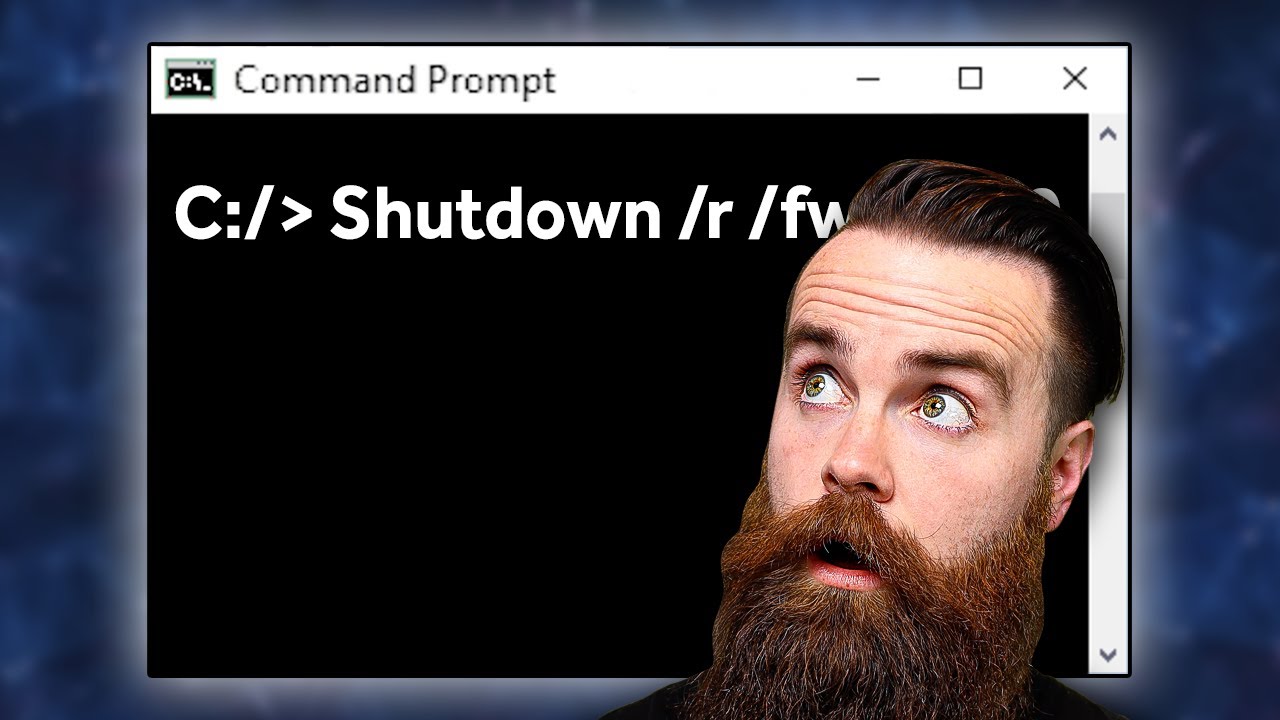
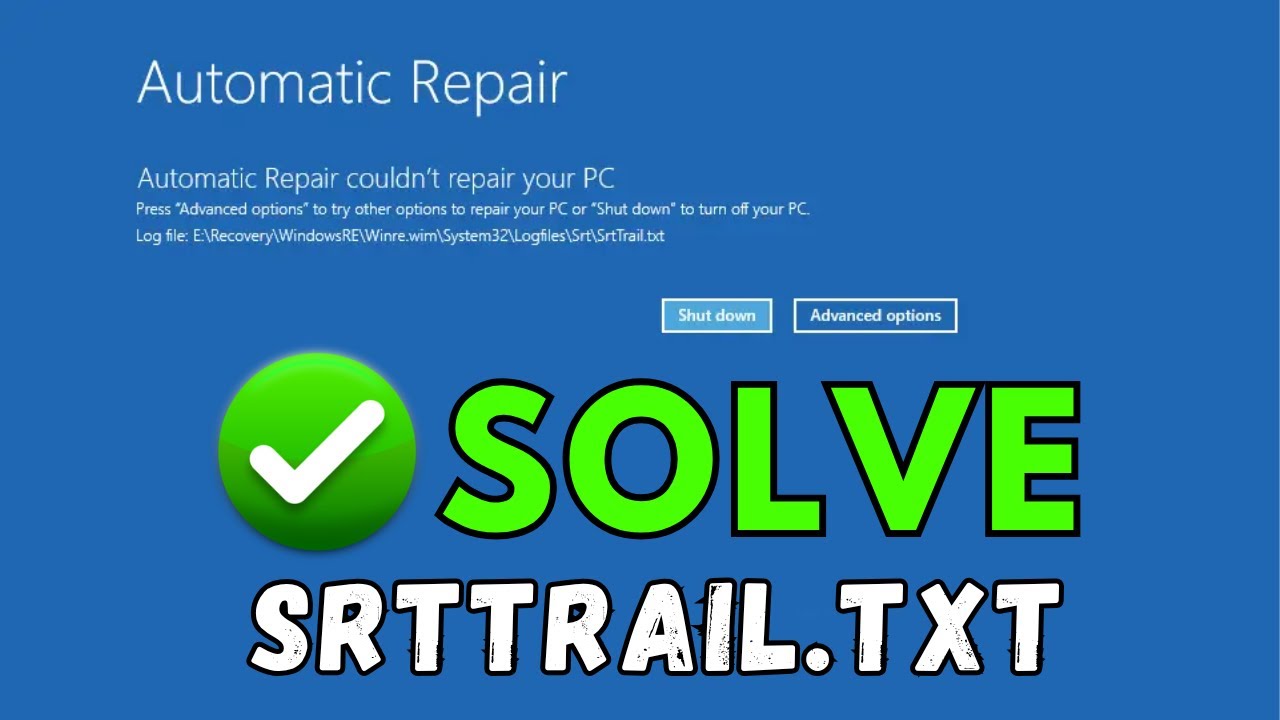
In this step-by-step tutorial, you'll learn how to use the DISM command tool to repair your Windows 10 image and get your system running smoothly again. We'll cover everything from the basic commands to the more advanced options for a comprehensive repair. To repair a corrupted Windows 10 image using the Deployment Image Servicing and Management (DISM) tool, you'll need to run a few commands in an elevated Command Prompt. It's often recommended to first check the health of the image before attempting to repair it.
Use My referral Code To Get Instant CashBack From ShopBack: XCXldM
Use My Referral Code To Get Rewards From Shopee: 4QH3VHJ
Use My Referral Code To Get Free Rewards From SeaBank: EM386930
Thank you for watching this tutorial! I hope you found the information valuable and that it helps you on your journey. If you have any questions or suggestions, please leave them in the comments below. Don't forget to like and subscribe for more content like this. Stay curious, keep learning, and we'll see you in the next video!
Disclaimer: This channel doesn't promote any illegal contents, all content are provided by this channel is meant for educational purposes only and share my knowledge with everyone that is totally Legal, informational. And followed all the YouTube community guideline rules. The videos are completely for Legal.
Join this channel to get access to perks:
/ @edmundmindaroschannel
#windows10 #windowstroubleshooting #commandprompt

Доступные форматы для скачивания:
Скачать видео mp4
-
Информация по загрузке: