Build a Slicer Panel in Power BI Like a PRO - Part 3
Автор: Your Own KPI
Загружено: 2024-05-08
Просмотров: 15062
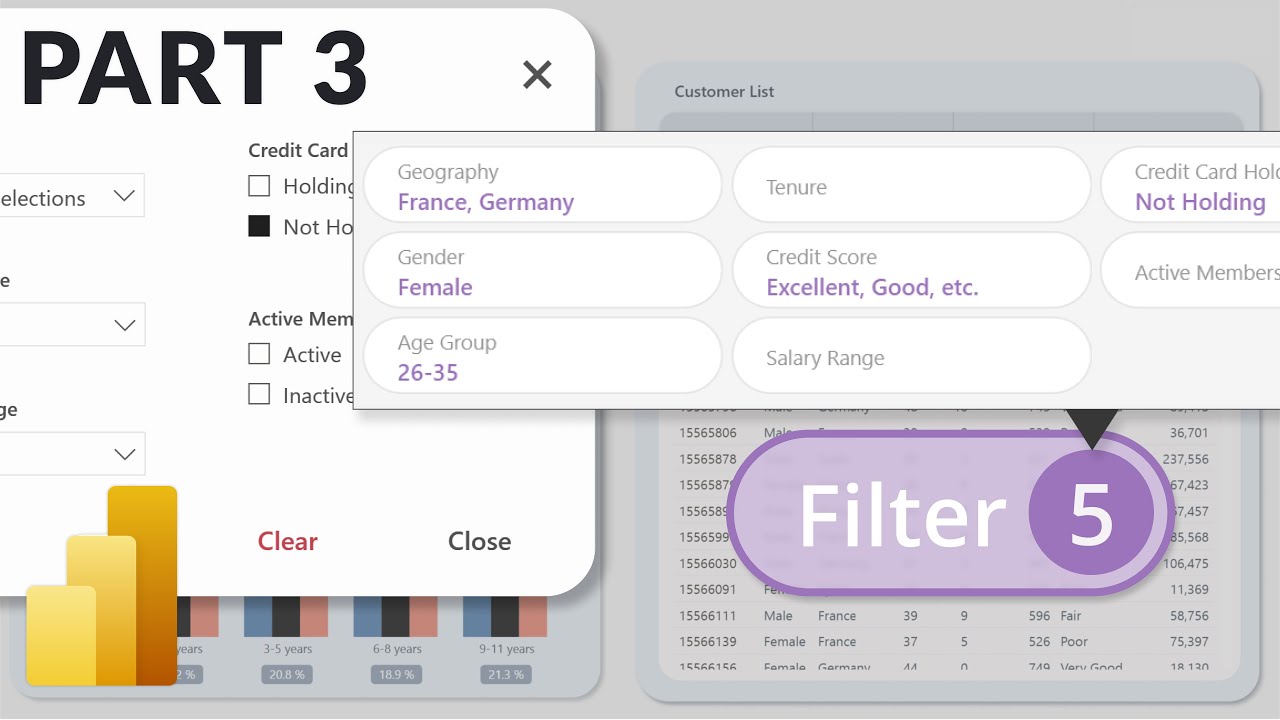
📃 This is the third part of the video Slicer Panel video series.
In the first video we built step-by-step a custom filter panel in Power BI and in the escond video we added a filter counter and conditional formatting to the button. Additionally we also created a tooltip to show which slicers are currently filtered.
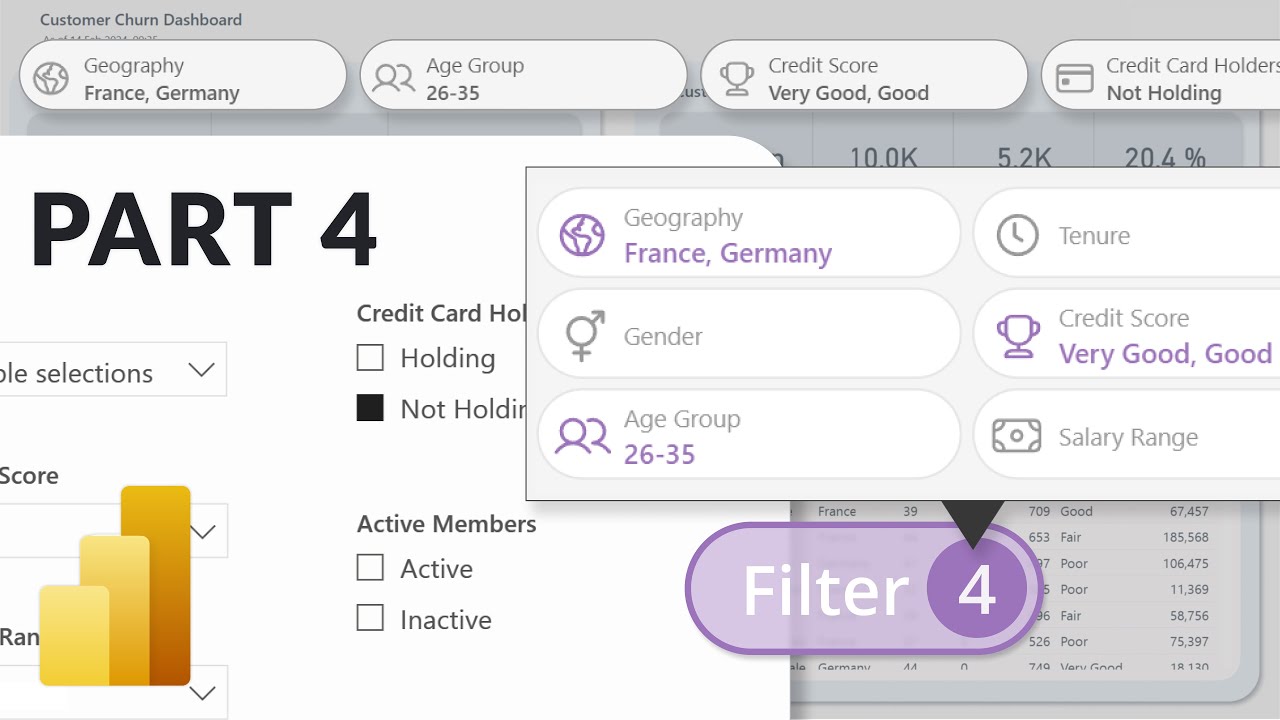
This video is about enhancing the user experience even further and not only show the filtered slicers but also show the selected values within those slicers.
🎥 Watch Part 1:
• Build a Slicer Panel in Power BI Like a PRO
🎥 Watch Part 2:
• Build a Slicer Panel in Power BI Like a PR...
🎥 Watch Part 4:
• Build a Slicer Panel in Power BI Like a PR...
▬ Resources ▬▬▬▬▬▬▬▬▬▬▬
⬇️ Download Power BI File:
https://file-download.yourownkpi.com/
🚀 DataCamp Power BI Fundamentals Learning Track
https://datacamp.pxf.io/qzzPLn
𝙋𝙡𝙚𝙖𝙨𝙚 𝙣𝙤𝙩𝙚 𝙄 𝙢𝙖𝙮 𝙚𝙖𝙧𝙣 𝙖 𝙨𝙢𝙖𝙡𝙡 𝙘𝙤𝙢𝙢𝙞𝙨𝙨𝙞𝙤𝙣 𝙛𝙤𝙧 𝙖𝙣𝙮 𝙥𝙪𝙧𝙘𝙝𝙖𝙨𝙚 𝙩𝙝𝙧𝙤𝙪𝙜𝙝 𝙩𝙝𝙞𝙨 𝙡𝙞𝙣𝙠 - 𝙏𝙝𝙖𝙣𝙠𝙨 𝙛𝙤𝙧 𝙨𝙪𝙥𝙥𝙤𝙧𝙩𝙞𝙣𝙜 𝙩𝙝𝙚 𝙘𝙝𝙖𝙣𝙣𝙚𝙡
📊 High-End Power BI Template
https://yourownkpi.gumroad.com/l/aqua...
▬ Socials ▬▬▬▬▬▬▬▬▬▬▬▬▬
👨💼 LinkedIn: / zsolt-szabo-bln
📸 Instagram: / yourownkpi
🎥 Tiktok: / yourownkpi
✖️ X: https://x.com/yourownkpi
🖼️ Dribbble: https://dribbble.com/YourOwnKPI
▬ Timestamps ▬▬▬▬▬▬▬▬▬▬▬▬▬
00:00 Intro
00:55 What we want
01:18 Show selected values
15:34 Create labels in tooltip
25:34 Create labels directly
30:58 Outro
#yourownkpi #yokpi #powerbi #datavisualization #powerbidesign #dataanalytics #reportdesign #dashboarddesign
Доступные форматы для скачивания:
Скачать видео mp4
-
Информация по загрузке: