"Espruino Unleashed: Effortless Raspberry Pi Control with Puck.js Bluetooth Button!"
Автор: Bo Heather Bowman
Загружено: 2023-07-09
Просмотров: 346
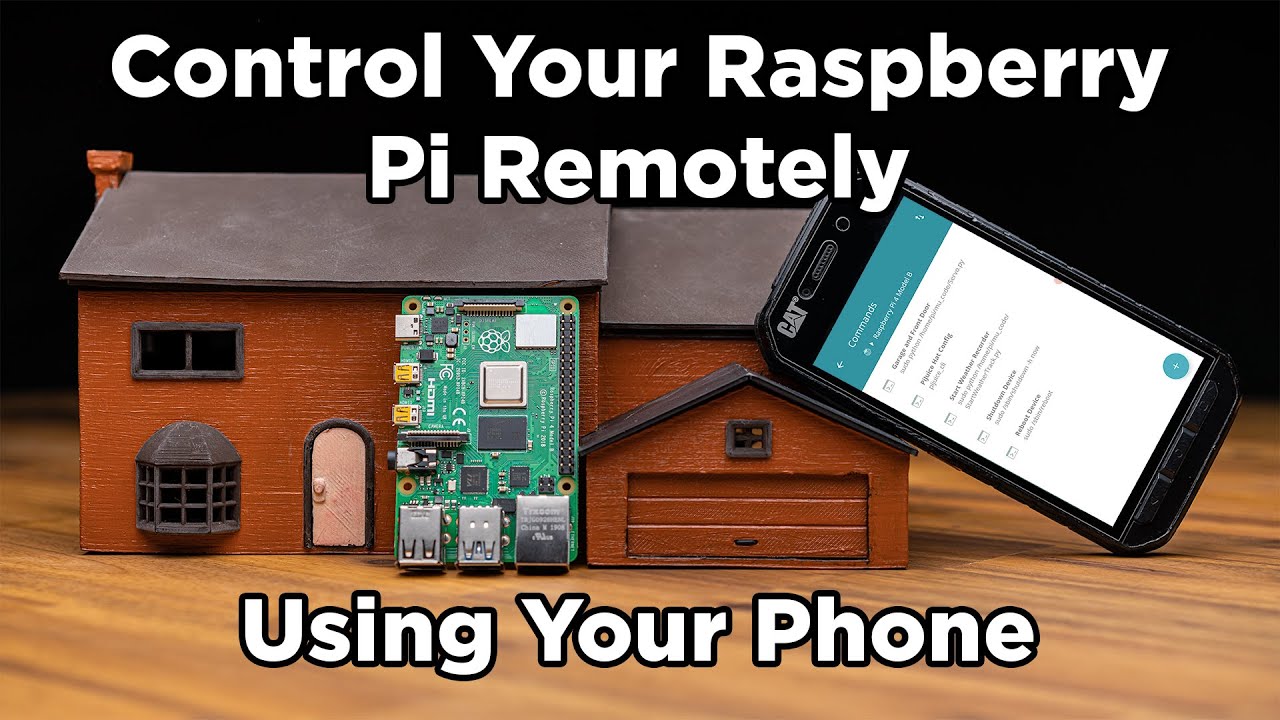
Want to control your Raspberry Pi project remotely with a wireless bluetooth button? If so, then Espruino Puck.js is the right button for you!
Code to upload to 1) the raspberry pi and to 2) the button:
https://github.com/beebowman/Espruino...
https://github.com/beebowman/Espruino...
(Use Thonny IDE to upload code to the Raspberry Pi and use the Espruino Web IDE interface to upload the code to the Puck.js Espruino button)
Buy Espruino Puck.js v2 Button on Adafruit.com:
https://www.adafruit.com/product/3372
Buy Raspberry Pi 4 B from raspberrypi.com or Amazon:
https://www.raspberrypi.com/products/...
Purchase LED's, jumper wires, and resistors from Amazon:
https://www.amazon.com/BOJACK-Electro...
Raspberry Pi can do pretty much everything that Arduino can do, except that it uses python instead of C+++ for programming. It has GPIO pins (general purpose input/output) pins to control electronic components just like Arduino. However, it can also serve as a computer running on Linux and is great for exploring the Internet of Things (IoT) such as this Espruino Puck.js button that allows you to control electronic components remotely with the press of a button.
If you would like other Raspberry Pi tutorials, please leave comments below.

Доступные форматы для скачивания:
Скачать видео mp4
-
Информация по загрузке: