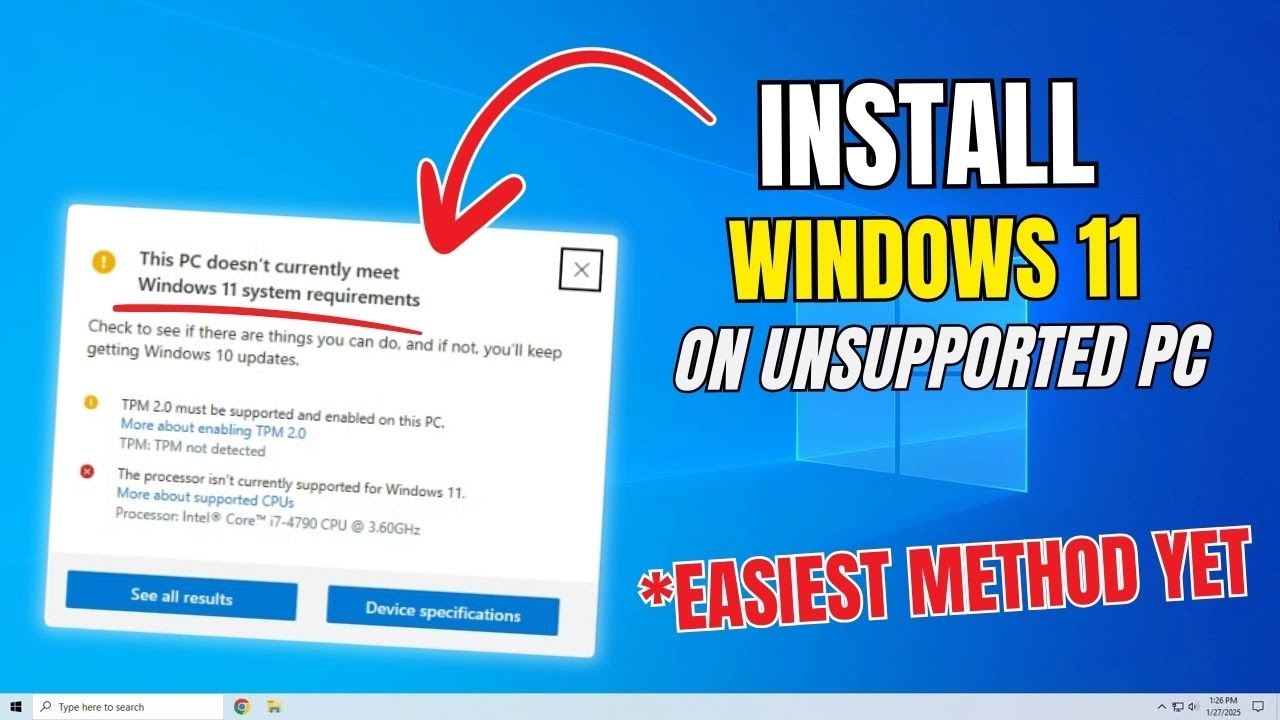
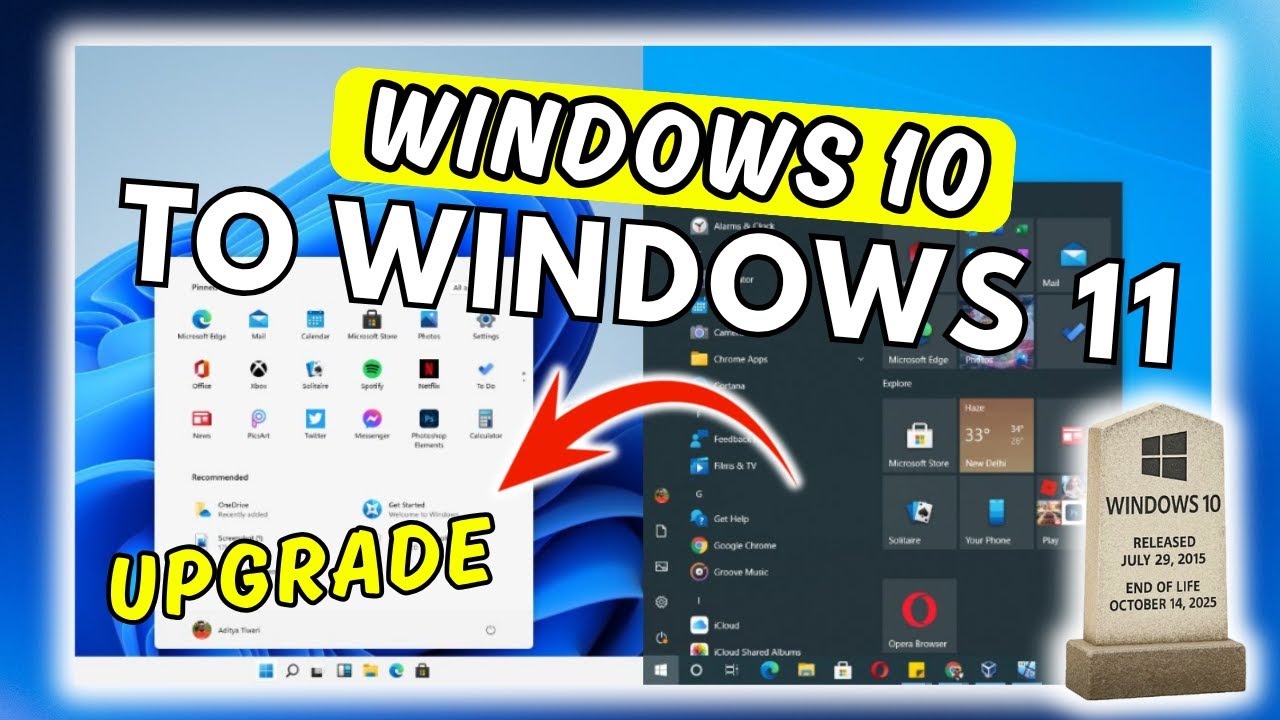
Upgrade WINDOWS 11 24H2 on ANY Hardware with THIS Simple Trick
Автор: How To Basic
Загружено: 2025-05-21
Просмотров: 164
How to Upgrade Windows 11 24H2 on Unsupported Hardware Using ISO File (No Data Loss)
𝗦𝗵𝗼𝗿𝘁 𝗗𝗲𝘀𝗰𝗿𝗶𝗽𝘁𝗶𝗼𝗻: Want to upgrade to Windows 11 24H2 on unsupported hardware without losing your data? This step-by-step guide shows you exactly how to use the ISO file method to safely upgrade your system—even if your PC doesn’t meet the official requirements. Watch till the end to ensure a smooth and successful upgrade!
🔧 What You'll Learn:
— Downloading the official Windows 11 24H2 ISO
— Bypassing hardware checks
— Performing an in-place upgrade with no data loss
— Troubleshooting common issues
🔗 𝗪𝗶𝗻𝗱𝗼𝘄𝘀 𝟭𝟭: https://tinyurl.com/p6xxcs48
📌 Make sure to like, subscribe, and hit the notification bell so you don’t miss out on future tech tips and tutorials!
💬 Have questions? Drop them in the comments and I’ll help you out!
#Windows11 #Windows11Upgrade #UnsupportedHardware #TechTutorial #NoDataLoss #Windows11ISO #PCUpgrade
➤𝗠𝗢𝗥𝗘 𝗛𝗘𝗟𝗣𝗙𝗨𝗟 𝗥𝗘𝗟𝗔𝗧𝗘𝗗 𝗩𝗜𝗗𝗘𝗢𝗦:
✅ Access UEFI BIOS System
• How to Access UEFI BIOS System Setup from ...
✅ Remove Windows 11 Build Watermark
• How to Remove Windows 11 Build Watermark P...
✅Boost Volume and Sound Quality
• How to Boost Volume and Sound Quality on Y...
❤️️Subscribe for more
PAGE👉 / howtobasiconline
CHANNEL👉 / howtobasiconline
Доступные форматы для скачивания:
Скачать видео mp4
-
Информация по загрузке: