Business Central Custom OData Power Automate Connector by BC Repositories
Автор: BC Repositories
Загружено: 2024-08-19
Просмотров: 584
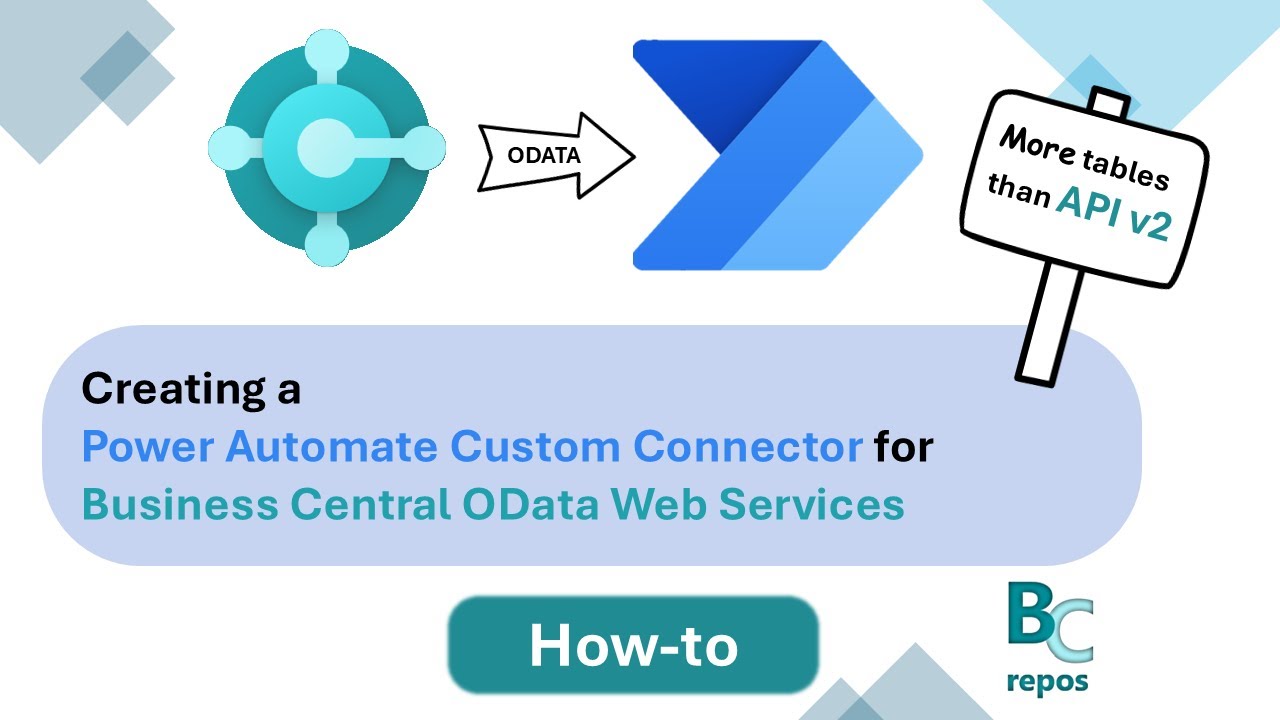
In this video you will learn how to create a Power Automate Custom Connector to consume Business Central OData Web Services.
This is especially useful if you think the standard BC API v2 very limiting in numbers of tables and resources to be used.
Adding a Custom Connector that supports OData Web Services will increase by a lot, the number of tables that you can have access to while using Power Automate flows.
Chapters
00:00 Intro
01:02 Azure App Registration
03:48 BC Microsoft Entra Applications
04:38 Custom Connector: Intro
05:07 Custom Connector: General Information
05:50 Custom Connector: OAuth 2.0 Config
07:38 Azure App Registration: Redirect URI Setup
08:18 Custom Connector: Setting up Actions
13:26 Custom Connector: Testing
15:44 Custom Connector: Adding to a Power Automate Flow
Доступные форматы для скачивания:
Скачать видео mp4
-
Информация по загрузке:

![[2026] Feeling Good Mix - English Deep House, Vocal House, Nu Disco | Emotional / Intimate Mood](https://image.4k-video.ru/id-video/cxLdtvzf2sI)


