Install FFMpeg Input Driver Plugin w/ Virtualdub 1.10.4 Vs. Virtualdub 2 Update 19 - image sequences
Автор: Max L
Загружено: 2024-08-22
Просмотров: 458
• This video is about: How to Install FFMpeg Input Driver Plugin.
The purpose is to be able to open more kinds of video files with Virtualdub.
• First, here's some google research, beginning with an error message I got when I couldnt open some video.
The error message says something like: couldnt locate decompressor for format (whatever).
Virtualdub requires a video for Windows (VFW) compatible codec to compress video.
Then some website mentioned the "VirtualDub Ffmpeg Input Driver Plugin".
I googled it.
Some forum said it can handle a lot of different formats.
This codecpack.co webpage was the most commonly mentioned link that I found to download it.
The download link links to some github.com zip file.
After unzipping the zip file, one of the unzipped files is a text file that has install instructions:
QUOTE - If using the zip, extract the plugins32 and plugins64 to your virtualdub folder - UNQUOTE
Which seems to mean copy or move those folders to the virtualdub folder.
After doing so, my virtualdub folder looked like this.
Other note: I discovered that there's something called virtualDub 2.
I wonder if VirtualDub 2 makes all of this obsolete.
In other words, I wonder if virtualDub 2 is better than
the original virtual dub plus the "FFMpeg Input Driver Plugin" that I just talked about how to install.
I may also try VirtualDub 2 next.
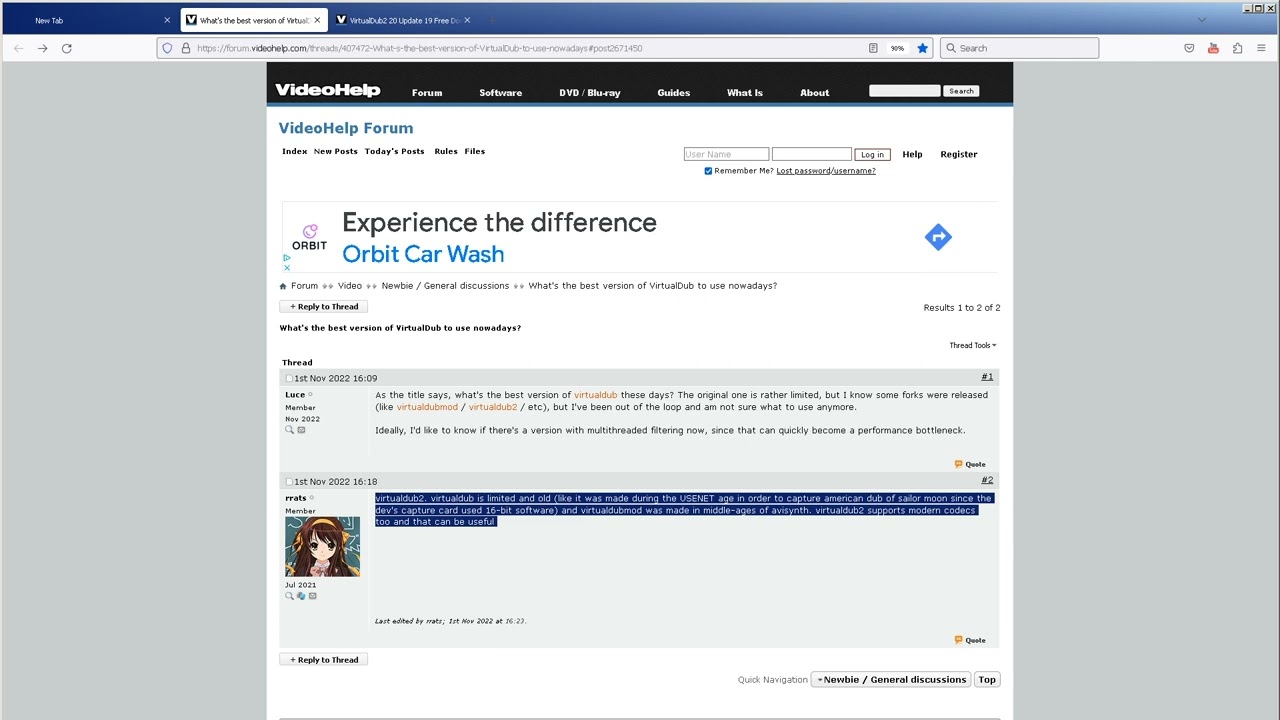
This videohelp.com webpage looked like a legit place to download VirtualDub 2.
Update: I encountered a problem with opening image sequences after installing "FFMpeg Input Driver Plugin" and using it with the original virtualdub.
A workaround seems to be: opening virtualdub, going to file, open video file, then for the "files of type" dropdown, select "image sequence".
Another workaround seems to be temporarily renaming the plugins32 and plugins64 folders to something else.
Update: I also tried virtualDub2 (specifically: "VirtualDub2 20 Update 19") and it did not have this problem with opening image sequences.
Доступные форматы для скачивания:
Скачать видео mp4
-
Информация по загрузке: