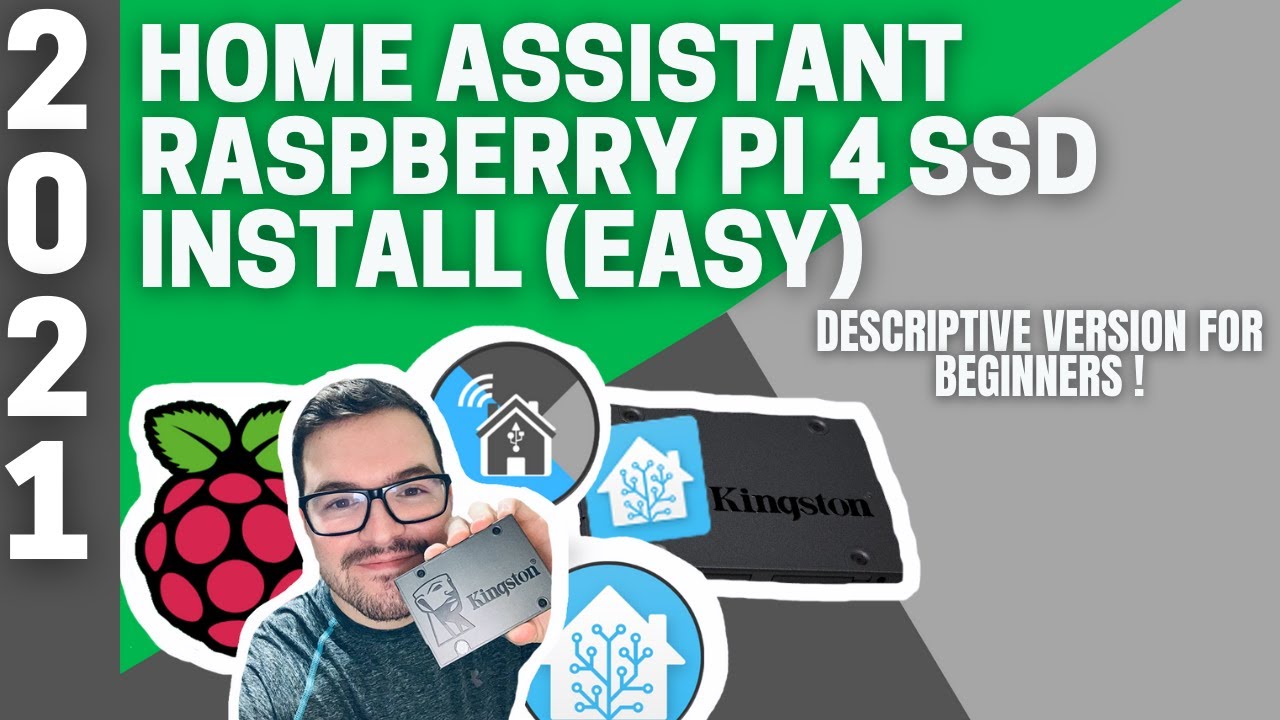
Home Assistant Raspberry Pi 4 SSD Install (EASY)
Автор: Mark Watt Tech
Загружено: 2021-01-10
Просмотров: 36069
In this video we are going to be installing the latest version of Home Assistant on a Raspberry Pi 4 using an SSD. We will be breaking down the installation into smaller steps and adding detail to each step. This video is aimed at beginners and takes a slower more descriptive approach.
By the end of this you should have a working version of Home Assistant running on an SSD with your Raspberry Pi.
This is a follow up video to : • Home Assistant Raspberry Pi 4 SSD Install ...
This longer video aims to simplify the quick install and give new users and beginners a bit of a background without being overly complicated. Hopefully it adds extra details and explanations that will help guide you through the installation. If your finding this video too slow paced then check out the previous video.
Any Issues then give me a shout in the comments below and I will do my best to help you.
-=-=-=-=-=-=-=-=-=-=-=-=-=-=-=-=-=-=-=-=-=-=-=-=-=-=-=-=-=-=-=-=-=-=-=-=-=-=-=-=
I HAVE RELEASED A NEWER VERSION OF THE SSD INSTALL
-=-=-=-=-=-=-=-=-=-=-=-=-=-=-=-=-=-=-=-=-=-=-=-=-=-=-=-=-=-=-=-=-=-=-=-=-=-=-=-=
The new version uses a different method, which you may or may not find easier. The quality and audio should also be improved. If you have issues from this video then be sure to check it out.
• Home Assistant Raspberry Pi 4 SSD (INSTALL...
If this video has helped you out, drop me a like rating and subscribe for more.
▬ Video Chapters ▬▬▬▬▬▬▬▬▬▬▬▬▬▬▬
0:00 - Intro
0:16 - About todays video
1:45 - Why use an SSD?
2:56 - Hardware we need
4:35 - Software needed
7:10 - Installation
13:08 - Get Pi IP address
13:51 - Setup Home Assistant
14:42 - Final commands
15:31 - Outro
––––––––––––––––––––––––––––––
Check your Hardware (SSD and Sata to USB) are supported here :
https://jamesachambers.com/new-raspbe...
▬ Required Software ▬▬▬▬▬▬▬▬▬▬▬▬▬▬▬
● Raspberry Pi Images - https://www.home-assistant.io/hassio/
● Pi Imager - https://www.raspberrypi.org/software/
------------------------------------------------------------------------------------------
SSH Clients
● Moba XTerm - https://mobaxterm.mobatek.net/downloa...
● Putty - https://www.putty.org/
▬ Linux Commands needed (In order of use) ▬▬▬▬▬▬▬▬▬
1) sudo raspi-config
2) sudo nano /etc/default/rpi-eeprom-update
3) sudo apt update
4) sudo apt full-upgrade
5) sudo reboot
6) sudo rpi-eeprom-update
7) sudo raspi-config
8) sudo shutdown -h now
▬ Command to Get your Pi ip (While in SSH terminal) ▬▬▬▬▬▬▬▬▬
ifconfig -a
You can access your HA instance at : http://homeassistant.local:8123
You can access your Pi on : raspberrypi.local
Subscribe To See More ! ● Click here ► https://www.youtube.com/channel/UCQRm
▬ Products used in this Video ▬▬▬▬▬▬▬▬▬▬▬▬▬▬▬
Links to Products used in this video. Please note these are Amazon affiliate links. I may get a small commission from these links which will help the channel.
Raspberry Pi 4b 4GB : https://amzn.to/2X9myT4
Raspberry Pi 4b 8GB : https://amzn.to/3hIjVAW
SanDisk Extreme A2 64GB : https://amzn.to/3nkVudX
Pi4 Official USB C Power Supply : https://amzn.to/3oguNsd
Kingston SSD : https://amzn.to/3q2PCb7
Startech Sata to Usb3 : https://amzn.to/3bDXn1E
––––––––––––––––––––––––––––––
🙏Support my Channel - Become a PATRON🙏
Consider supporting the channel by becoming a Patron. Any and all funds go into creating new content and bigger projects.
► / markwatttech
------------------------------------------------------------------------------------------------
📣FOLLOW ME ON SOCIAL MEDIA📣
Follow me on all of the places for exclusive insights and updates;
👤 Facebook: / markwatttech
👤 FB Group: / 2963936147172102
📸 Instagram: / markwatttech
🐦 Twitter: / markwatttech
► MarkWattTech Sub Reddit : / markwatttech
▬ Buy Me a Coffee ▬▬▬▬▬▬▬▬▬▬▬▬▬▬▬
☕ Found my content helpful?
Any and all funds will go towards helping improve future content.
Plus there are an extra few perks to becoming a member.
☕ If your interested check it out :
► Buy Me a Coffee: https://www.buymeacoffee.com/MarkWatt...
––––––––––––––––––––––––––––––
🎵 Track Info:
Title: All That
Royalty free from : https://www.bensound.com/royalty-free
––––––––––––––––––––––––––––––
#markwatttech #homeassistant #smarthome
Доступные форматы для скачивания:
Скачать видео mp4
-
Информация по загрузке: