Troubleshooting java.util.NoSuchElementException in Input Handling
Автор: blogize
Загружено: 2025-01-23
Просмотров: 96
Discover common causes and solutions for java.util.NoSuchElementException in input handling code in Java.
---
Troubleshooting java.util.NoSuchElementException in Input Handling
In the realm of Java programming, the java.util.NoSuchElementException is a prevalent error, especially when dealing with input handling. If you've encountered this exception, particularly with the message No line found*, understanding the root cause and how to fix it is crucial for smooth execution of your application.
What Triggers NoSuchElementException?
This exception generally surfaces when a piece of code tries to access an element that does not exist. In the context of input handling, it frequently occurs when using classes from the java.util package, such as Scanner. Here’s a detailed look at the common scenarios that might lead to this exception:
Empty Input Source
When the input source—like a file or a console input—is empty or doesn’t contain enough lines to be read, attempting to read a line can result in NoSuchElementException.
Incorrect Use of Scanner Methods
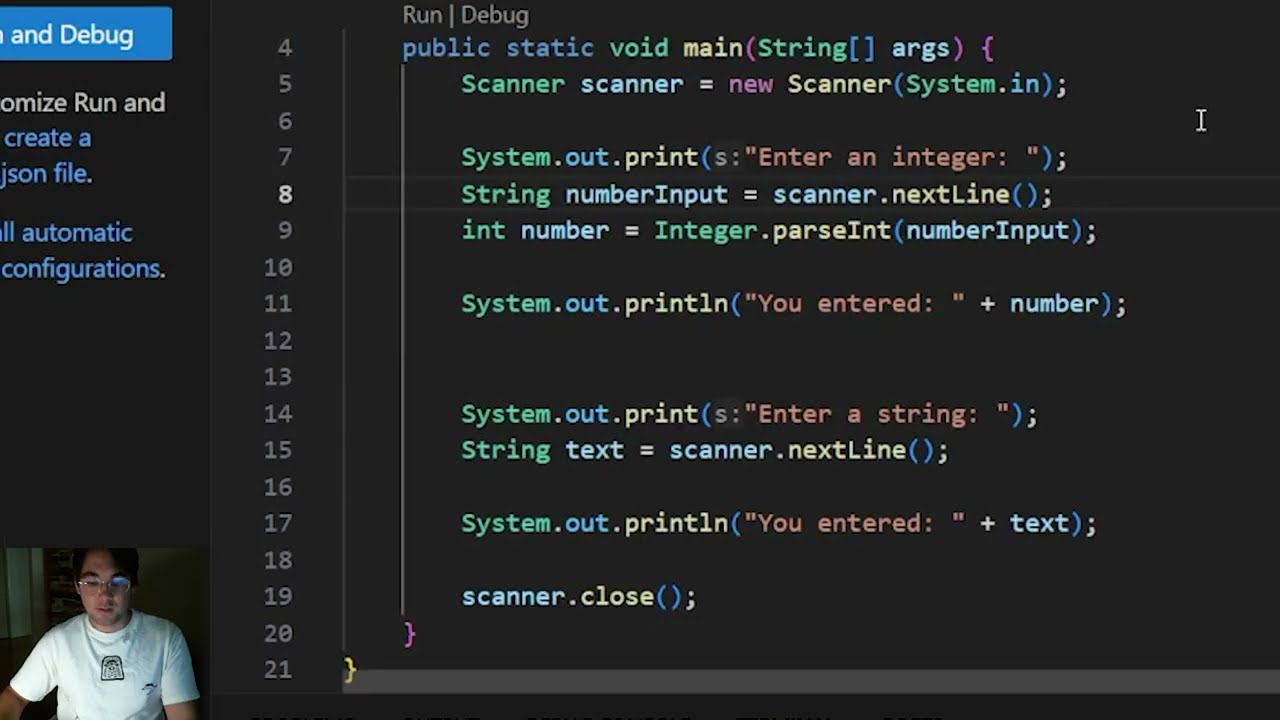
Misusing the Scanner methods often leads to this exception. For example, calling nextLine() without checking if there is another line available:
[[See Video to Reveal this Text or Code Snippet]]
Premature Closure of Input Stream
Closing the input stream (like System.in or a file stream) prematurely can cause subsequent attempts to read from it to fail, triggering this exception.
[[See Video to Reveal this Text or Code Snippet]]
How to Resolve NoSuchElementException
Check for Input Availability
Always ensure that the input source has more data before performing read operations. Use methods like hasNextLine() with Scanner to check for available input:
[[See Video to Reveal this Text or Code Snippet]]
Avoid Premature Stream Closing
Be cautious not to close the input stream until all necessary reading operations are complete. Remember, closing System.in is generally not recommended as it might create issues for further input handling:
[[See Video to Reveal this Text or Code Snippet]]
Handle Edge Cases
Implement proper exception handling to cater to various edge cases and avoid abrupt application termination:
[[See Video to Reveal this Text or Code Snippet]]
Understanding the underlying reasons behind java.util.NoSuchElementException and implementing careful input handling techniques can significantly improve the reliability of your Java applications. Whether it's checking for available input or being mindful of stream closures, these practices ensure that your code runs seamlessly and avoids unexpected disruptions.

Доступные форматы для скачивания:
Скачать видео mp4
-
Информация по загрузке: