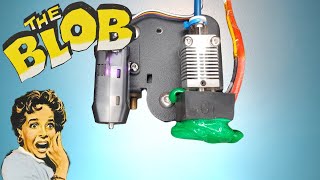
Creality Hi: Guide on How To Unclog Nozzle | Makerlab
Автор: Makerlab Official
Загружено: 2025-07-10
Просмотров: 72646
⚠️ DISCLAIMER:
This troubleshooting video is meant to serve as a general guide for addressing common issues that may arise when using 3D printers. It does not necessarily imply a manufacturing defect or product malfunction. These issues are typical and may occur with any 3D printer during regular use.
Guide to unclog your Creality Hi combo nozzle:
➤ Turn on the printer
➤ Set nozzle to home,
➤ Then adjust height
➤ Heat up nozzle
➤ Prepare your dipstick and filament cutter
(these tools are already included in your printer package)
➤ Detach ptfe tube
➤ Use the dipstick to pushout filament from the extruder
➤ Load filament
➤ Then observe if the extrusion is back to normal
➤ Proceed to conduct a test print to ensure clogging is solved
#Makerlab
#EveryMakersChoice
#creality
#CrealityHiCombo
#3DPrinting
#BastaCrealityMakerlab

Доступные форматы для скачивания:
Скачать видео mp4
-
Информация по загрузке: