How to Open and Save WebP Image Files in Photoshop | Step-by-Step Guide
Автор: Skillgit
Загружено: 2023-05-24
Просмотров: 10378
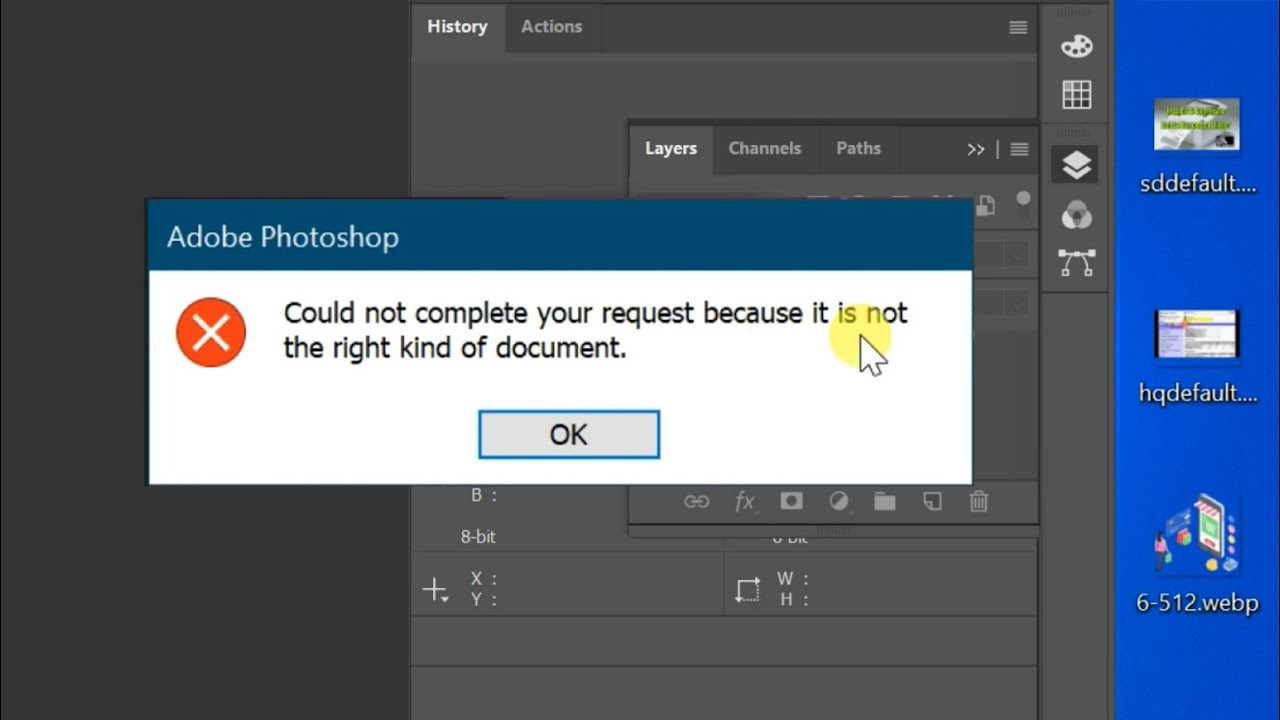
In this video tutorial, you will learn how to save images in WebP format using Photoshop. We will explore the process of manually installing a plugin into Photoshop to enable support for this file extension. The method demonstrated is compatible with all versions of Photoshop.
👉👉Folder Location:
C:\Program Files\Adobe\Adobe Photoshop (any version)\Plug-ins
==========================
👉👉Plug-in:
Direct download: https://github.com/webmproject/WebPSh...
Visit Website: https://helpx.adobe.com/in/photoshop/...
#webp #photoshoptricks #imageoptimization #photoshoptips #photoshopwork #graphicdesign
==========================
Follow Me On
👉Facebook:
https://www.facebook.com/profile.php?...
👉Instagram:
https://instagram.com/skillgit?igshid...
===========================
Thank you for watching our video!
please feel free to give us a thumbs up, leave a comment, and consider subscribing to our channel.
==========================

Доступные форматы для скачивания:
Скачать видео mp4
-
Информация по загрузке:






![Как сжимаются изображения? [46 МБ ↘↘ 4,07 МБ] JPEG в деталях](https://imager.clipsaver.ru/Kv1Hiv3ox8I/max.jpg)


![[4K FULL HD] Relaxing Water Background | 1 HOUR | Calm Water Wallpaper (No Sound)](https://imager.clipsaver.ru/y9PTNTSpGJs/max.jpg)








![Basic Selections - Adobe Photoshop for Beginners - Class 1 [Eng Sub]](https://imager.clipsaver.ru/ZByhs9mDtDg/max.jpg)