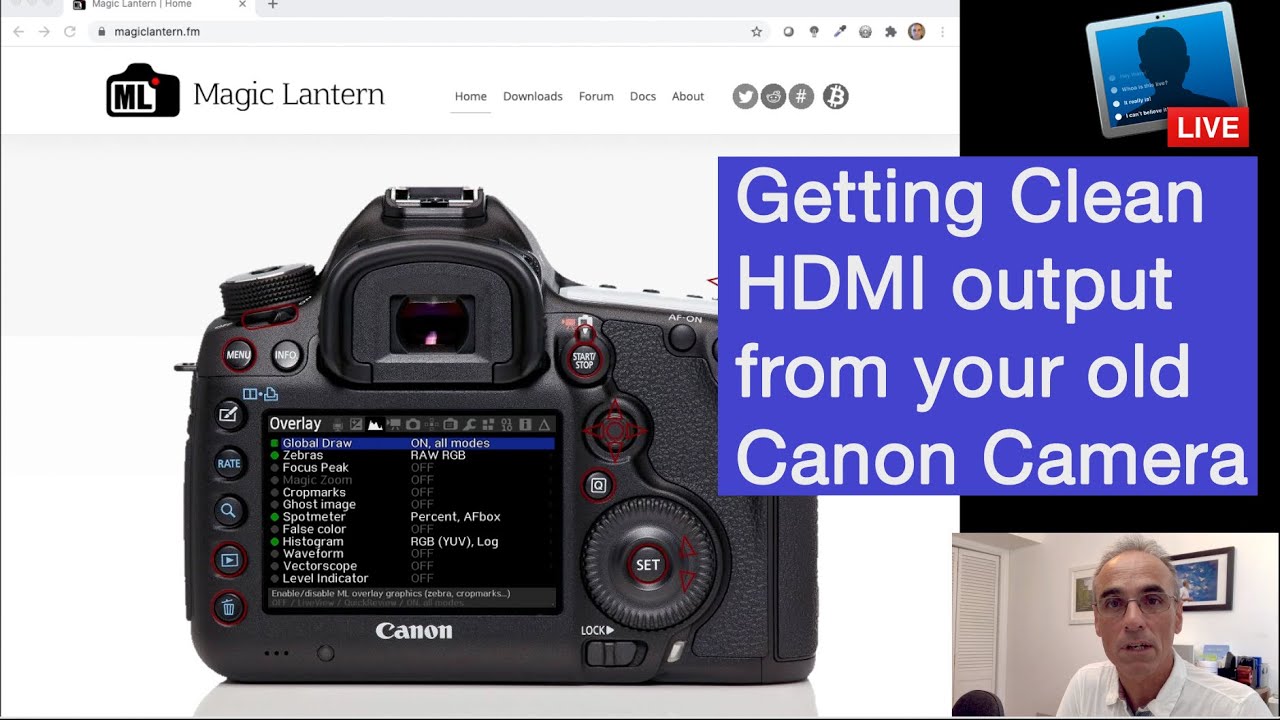
Canon 70D tip #14: Using your DSLR camera as a webcam with HDMI!
Автор: LensOfCharlie
Загружено: 2020-12-27
Просмотров: 50134
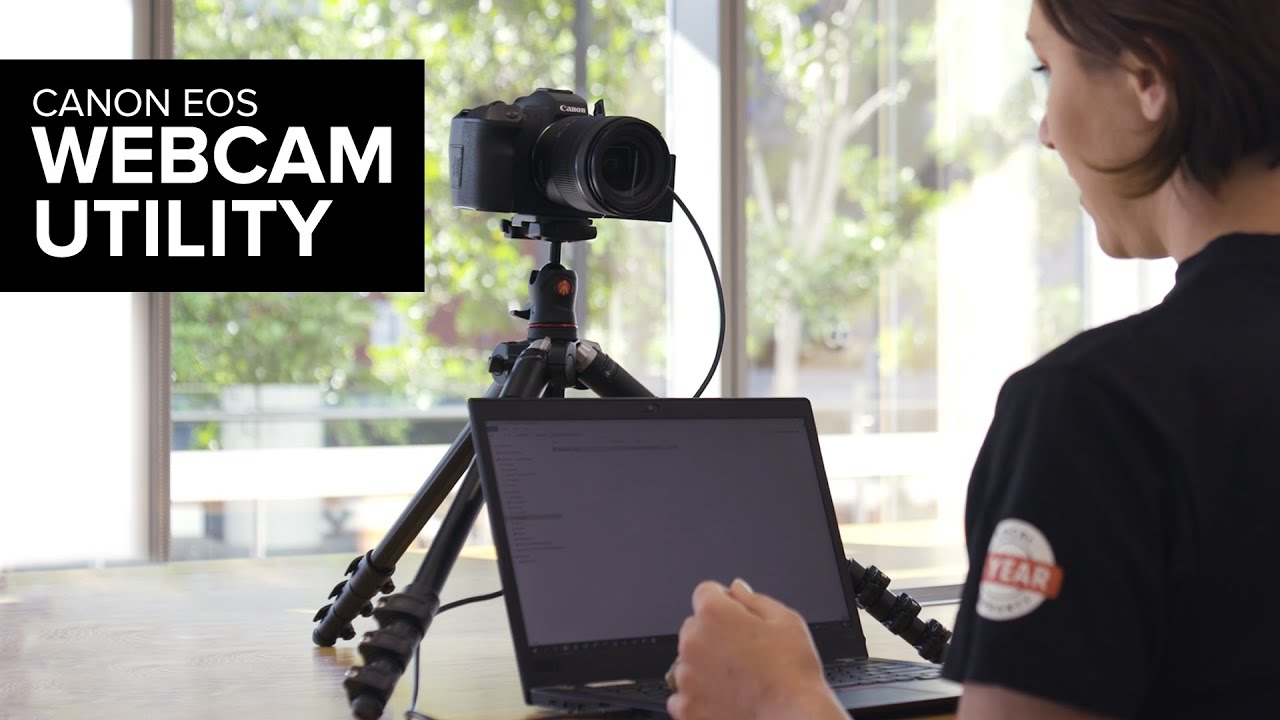
UPDATE: Much easier solve with official canon software here: • Canon 70D tip #16: Use your DSLR as a webc...
How to IMPROVE the quality of your home video conference or ZOOM set-up using your DSLR.
A short video going through the steps on how to make a Canon 70D a webcam on a MacBook / iMac. Can also be adapted for Windows, but might need a driver.
Why to do this?
Better quality video for Zoom / Skype / Bluejeans calls vs. the camera on your desktop or laptop.
You can use a fast lens for Bokeh / blurry background effect
What do you need before starting??
A Mac
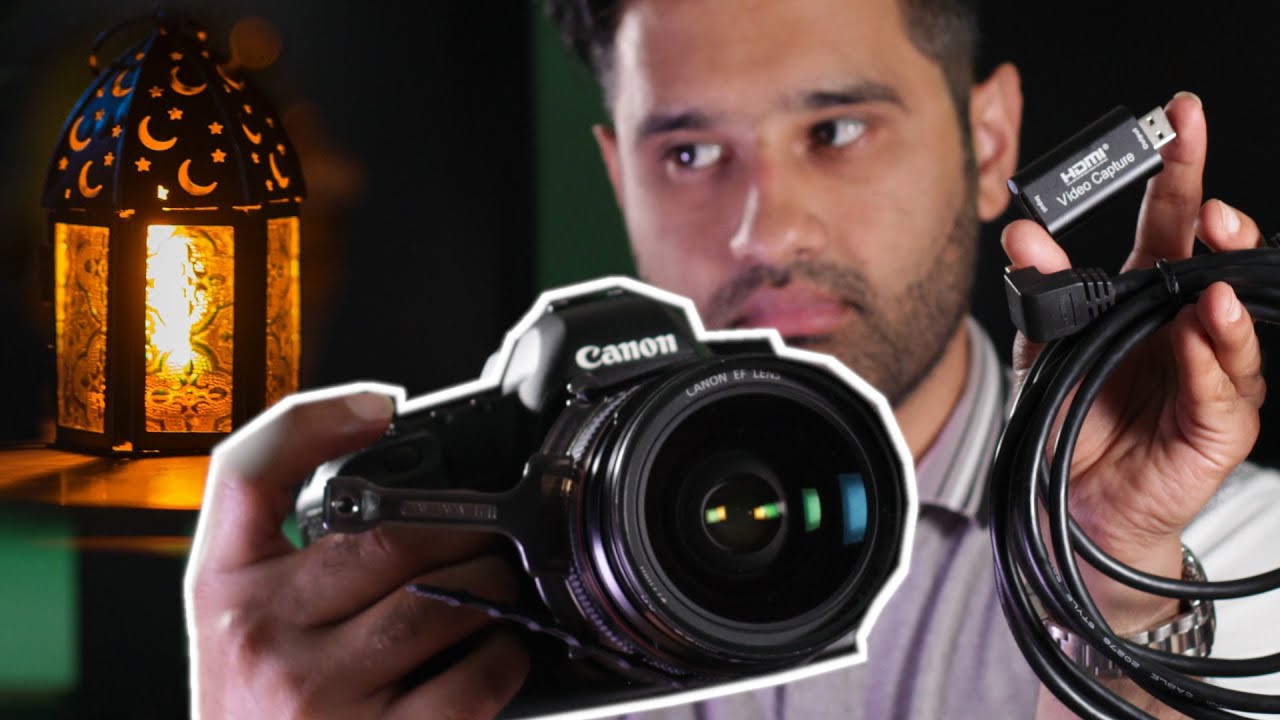
a video capture card (£11 at Amazon UK)
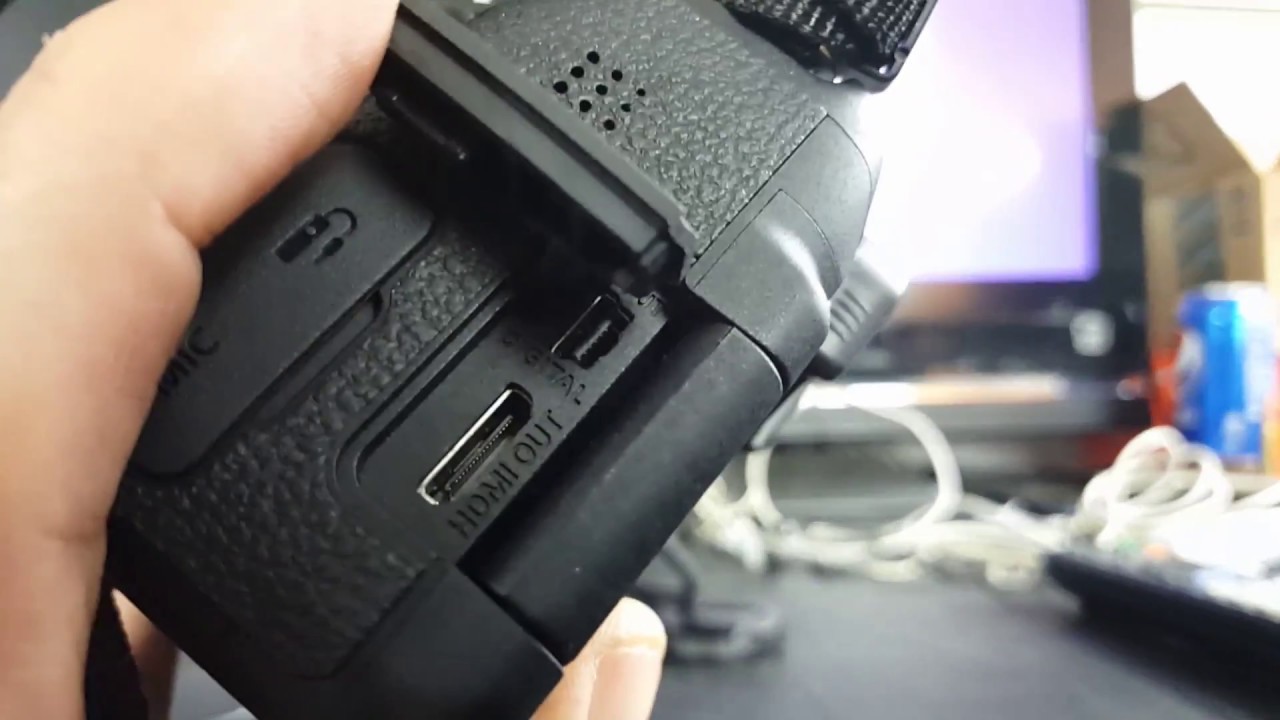
A mini-HDMI to HDMI cable (£5 at Amazon UK)
Your video calling software (Zoom, Skype, etc...)
What are the steps? (followed in the video)
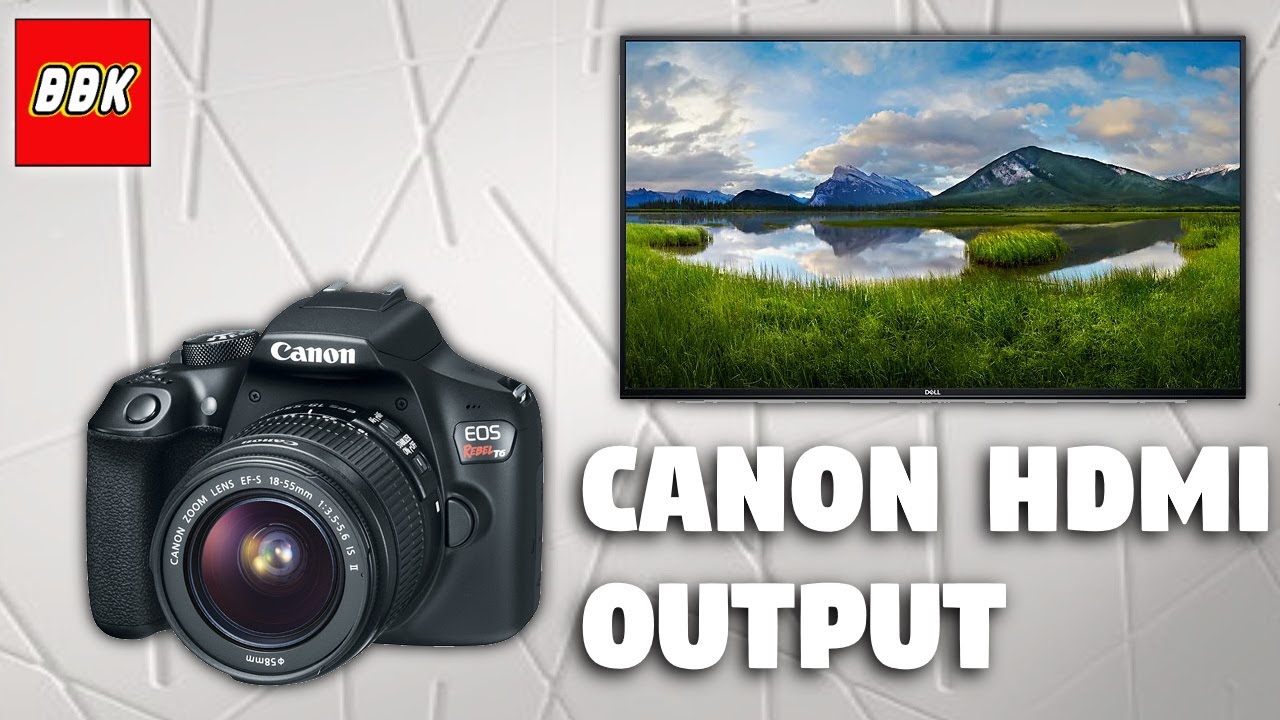
1) Connect the HDMI cable to your Canon 70D and video capture card
2) Connect Video capture card to your Mac
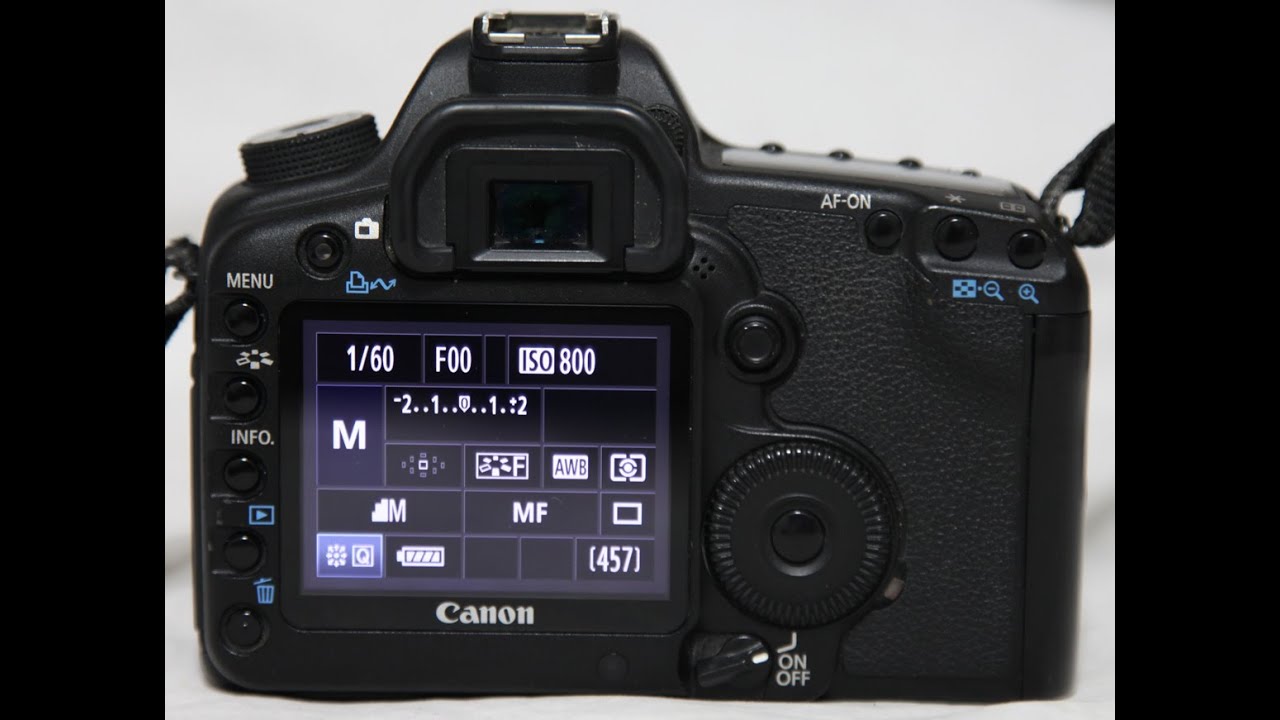
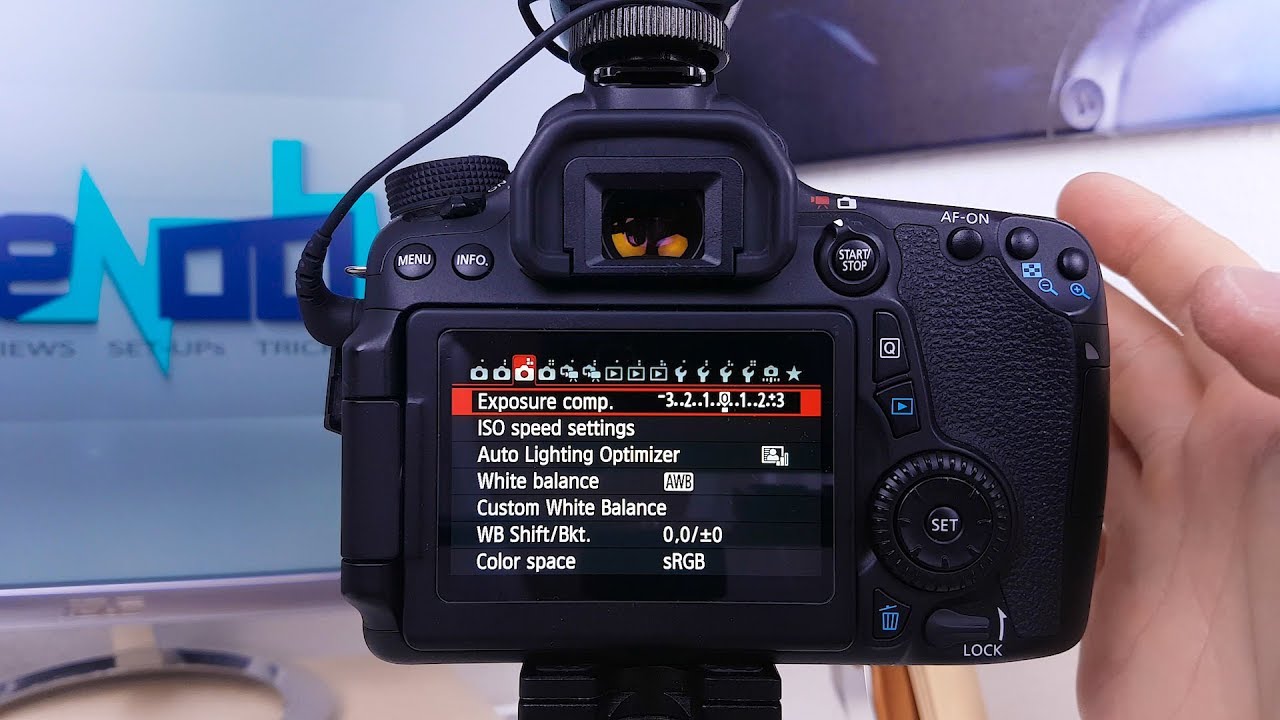
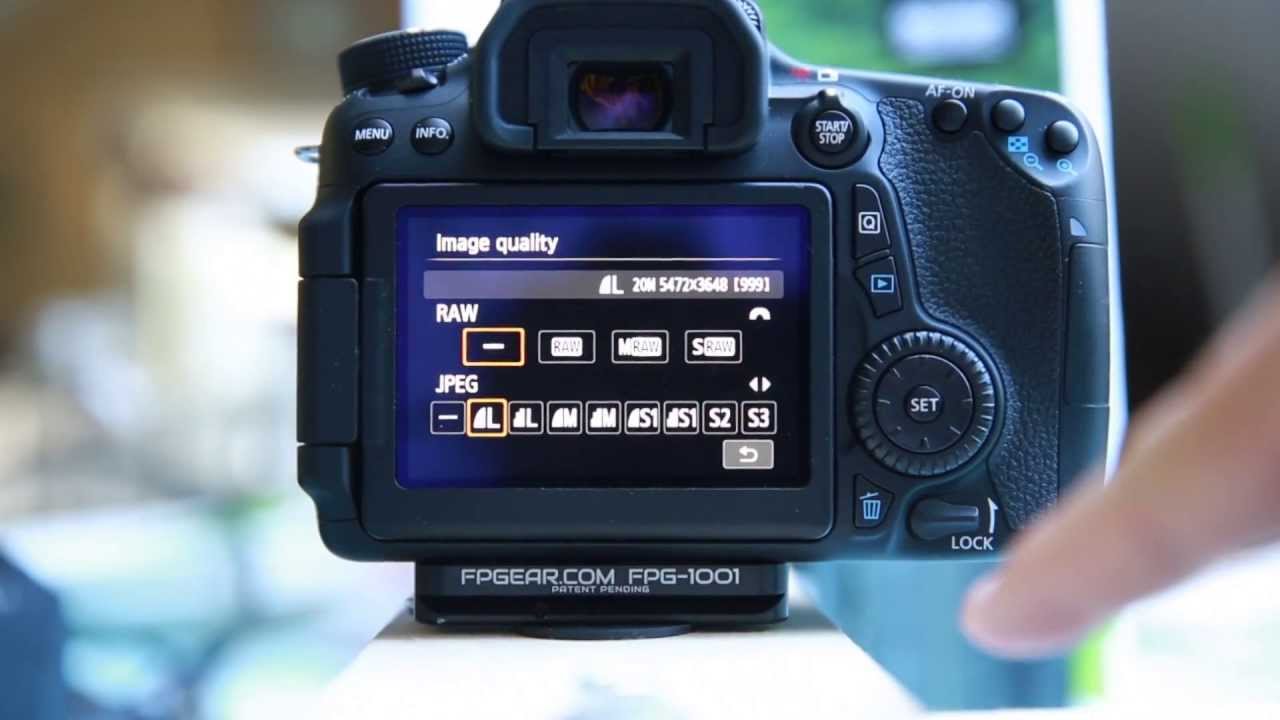
3) Change the following settings on your Canon:
Live view shoot. to enable
Grid display to Off
Aspect Ratio to 16:9
Auto Power off: Set to disable
4) Move switch on lens from AF to MF
5) Start video calling software and select USB Video as video source.
#Canon70D #CanonTip #Webcam

Доступные форматы для скачивания:
Скачать видео mp4
-
Информация по загрузке: