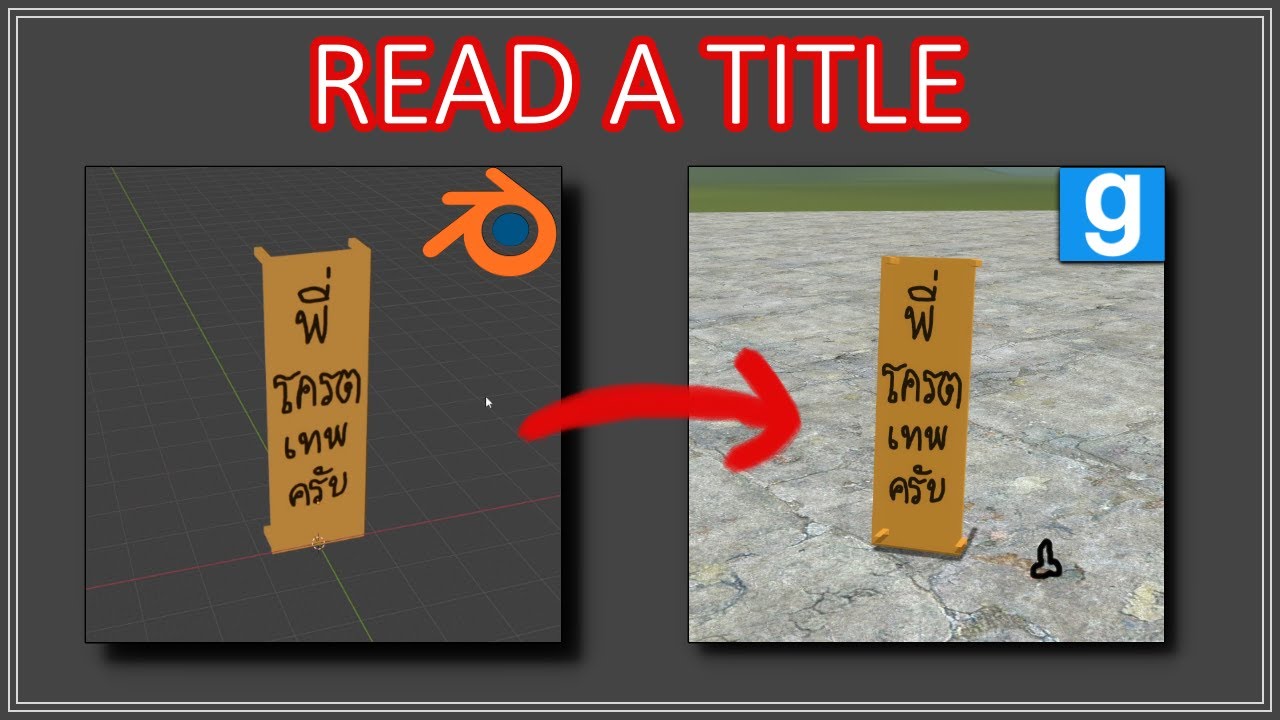
How to make a model for Garry's Mod (in a nutshell)
Автор: Nitinal_lemon
Загружено: 2024-12-23
Просмотров: 8024
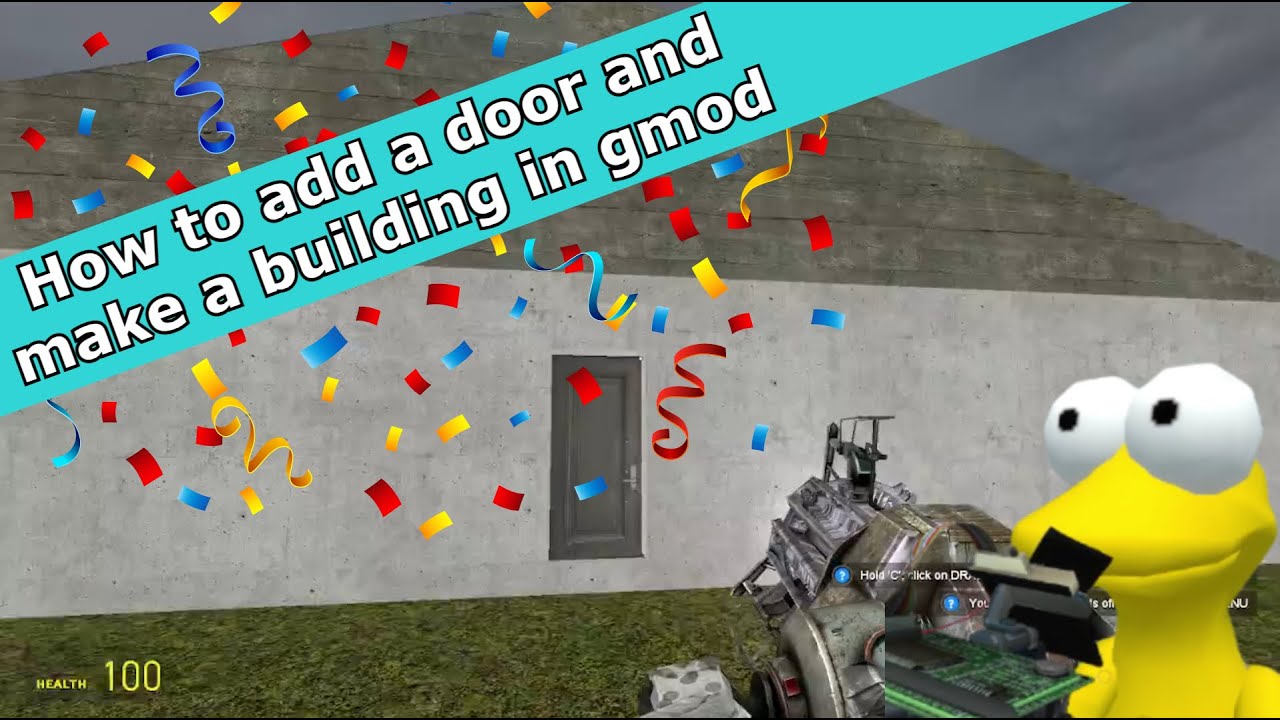
This is a tutorial on how to make a prop from scratch for Garry's Mod (in a nutshell)
🔨 Requirement:
Blender software:
https://www.blender.org/download/
Crowbar software:
https://valvedev.info/tools/crowbar/
VTFEdit software:
https://valvedev.info/tools/vtfedit/
Blender Source Tools:
http://steamreview.org/BlenderSourceT...
Prop Maker Folder:
https://drive.google.com/drive/folder...
Garry's Mod Addon: Extended Spawnmenu
https://steamcommunity.com/sharedfile...
00:00 Introduction
00:10 Requirement
00:15 Modeling Prop
00:49 Creating material
01:09 Creating Collision Model
01:29 Creating Texture
02:27 Male_07 As a Size Reference
03:00 Apply Model
03:28 Export Texture as PNG
03:53 Locate QC file and Output folder for Crowbar Software
04:06 Editing QC file
04:27 Making Idle Sequence for Prop
04:43 Compile a Model
05:07 Moving Model Folder to Addon Folder
05:32 Making Material Folder
05:52 Convert PNG to VTF file
06:21 Creating VMT file
06:33 Test Your Model
07:04 End of the Video
Overall Operation:
Blender to Crowbar to Garry's Mod (model)
PNG to VTFEdit to VTF and VMT (texture)
Credit:
Glass Cracking Green Screen
• Green Screen footage Glass Cracking with s...
Sound effect list:
https://www.myinstants.com/en/instant...
https://www.myinstants.com/en/instant...
https://www.myinstants.com/en/instant...
Music:
https://www.udio.com/
YouTube Studio: Music
Low Noon - John Patitucci
Phillip Glass Elevator - Ezra Lipp
Transcript:
Good morning everyone. Today I'm going to teach you how to make a prop for Garry's Mod, but before that, make sure you prepare and install the necessary software and plugins.
Okay, let's not waste your time and start making a prop.
Firstly, we go to Blender and start making a prop or importing a model you want to port.
After you finish modeling your model, go to materials, create a new material, and name it something you can remember. The material name and texture name must be the same.
Next, we go to the shader tab, replacing the Principled BSDF node with an image texture node and creating an image texture.
Go to the texture paint tab, and... haha, now it's time to be an artist!
Secondly, select a model, then press "Shift + D" to duplicate. Rename the duplicate model with the model name followed by "_phys". This model will be the collision model, which Garry's Mod will turn into a convex hull.
Thirdly, after finishing everything (including texture and other stuff), we'll import a human model from Garry's Mod to use as a size reference. Go to File to Import to Source Engine (.smd, .vta, .dmx, .qc).
Scale up your model using Male_07 as a reference. After scaling up, delete the Male_07 model, then select everything by pressing A, then CTRL + A, and select All Transforms to apply scale to the model.
Now everything is ready. We're going to export our model as an SMD and choose the export path to a "props maker" folder.
Oh, wait—I almost forgot. You need to export a texture as a PNG file too.
Go to the texture paint tab, then on the top left, click Image to Save. Save the image in the "props maker" folder so you can find it easily.
Fourth, open Crowbar software and go to the compile tab, then locate the QC file and the output folder.
Next, open the QC file using Notepad++. Replace "NAME" with your model's name.
Next, go to the prop_ani folder. Delete the idle.smd, then copy your own SMD model and place it here, renaming it to idle.
After you're done with everything, bring up Crowbar software and click compile.
If the model is done, click Goto and then select the folder containing your prop's MDL file. Copy it and go to your Garry's Mod Addon folder. Create a new folder, open it, and place the folder you copied here.
Fifth, now we're going to make a material path by following the path written in the QC file.
Next, open VTFEdit, click on the blank paper icon, locate your texture file, and in the popup menu, change the maximum width and height to your image size.
After that, go to File to Save As, then specify the directory of the materials folder. For the material name, use the same name as the texture name.
After that, create a VMT file by clicking on Tools to Create VMT File.
In the menu, go to options, change LightmappedGeneric to VertexLitGeneric, then hit create.
Sixth, now everything is ready to test. Open your Garry's Mod and test your prop.
Here is your prop, but it looks like it has a problem with the normals. I'll fix it later.
Well, that's it.
Goodbye!
Доступные форматы для скачивания:
Скачать видео mp4
-
Информация по загрузке: