Популярное

Музыка Кино и Анимация Автомобили Животные Спорт Путешествия Игры Юмор

Интересные видео

2025 Сериалы Трейлеры Новости Как сделать Видеоуроки Diy своими руками

Топ запросов

смотреть а4 schoolboy runaway турецкий сериал смотреть мультфильмы эдисон
dTub
Скачать

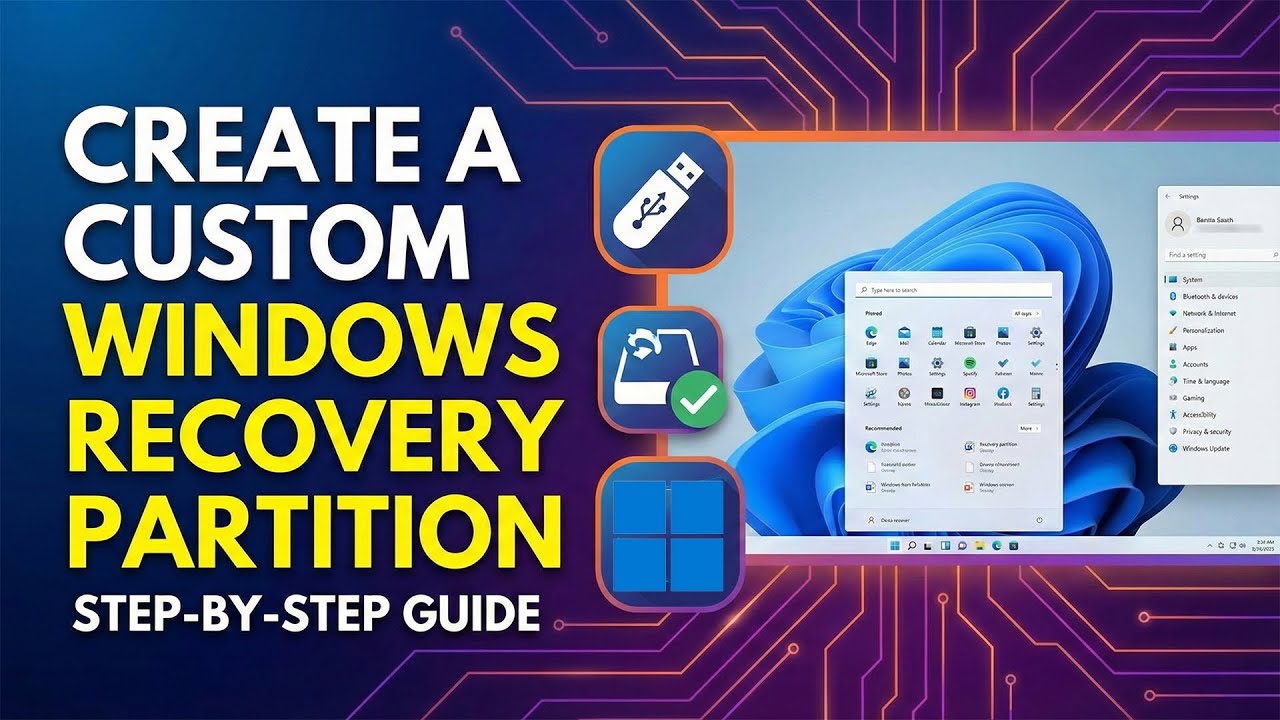
How to Create a Windows Recovery Partition (Step-by-Step)

Автор: Meink WinLab

Загружено: 2025-12-30

Просмотров: 3893

Описание:

In this tutorial, I will guide you through the manual process of creating a Windows Recovery Partition and fixing the common "WinRE image not found" error. Whether your recovery partition was accidentally deleted or never created during installation, this step-by-step guide covers everything from disk management to extracting system files from a Windows ISO.

What You Will Learn:
Partitioning: How to properly shrink your volume and create a dedicated 1GB Primary Partition for Recovery.

Diskpart Commands: Setting the correct Partition ID (Type) and Attributes to protect it from being accessed by users.

WinRE Troubleshooting: How to use reagentc to check and enable/disable the Windows Recovery Environment.

The "Fix": How to manually extract the Winre.wim file from a Windows 11 ISO using 7-Zip when the system cannot find the image.

Verification: Testing the Recovery Environment to ensure everything is working perfectly.

⏱️Timestamps:
00:00 Shrink Partition
00:28 Create Recovery Partition
02:01 Fix WinRE Image Not Found
03:52 Test
04:05 End

📁Tools Used:
Windows Disk Management

Command Prompt (Admin)

Diskpart

7-Zip

Windows 11 ISO file

⬇️Commands Used in Video:

reagentc /info

reagentc /disable

diskpart

list disk

sel disk 0 (Replace 0 with the number of your hard drive)

create par pri

format fs=ntfs quick label="Recovery"

set id=de94bba4-06d1-4d40-a16a-bfd50179d6ac (For GPT/UEFI)

gpt attributes=0x8000000000000001

reagentc /enable

⚠️ CRITICAL DISCLAIMER - READ BEFORE PROCEEDING ⚠️
The methods shown in this video involve advanced system modifications, disk partitioning, and command-line operations. Mistakes in diskpart or system file manipulation can lead to PERMANENT DATA LOSS or a NON-BOOTABLE SYSTEM. I am NOT responsible for any damage, data loss, or hardware failure that may occur to your computer. Proceed at your own risk. ALWAYS back up your important data before attempting these steps.

If you found this video helpful, please give it a LIKE and SUBSCRIBE to Meink WinLab for more deep dives into Windows system administration!

#Windows1125H2 #WinRE #RecoveryPartition #Windows11 #Diskpart #CMD #MeinkWinLab #TechTutorial #FixWindows #SystemAdministration #Reagentc #WinreWim #WindowsUpdate #ITPro #SystemRecovery #Troubleshooting #Windows11Tips #TechFix #ManualRecovery #7Zip #WindowsISO #Windows2025 #RepairWindows #HowTo #WindowsLab #MicrosoftWindows #WindowsTutorial #PCRepair #DiskManagement #WinREFix #Windows11Tutorial #WindowsPro #SysAdmin #WindowsHacks #WindowsSecrets #TechSupport #Win11 #Windows11Pro #FormatPartition #BootError #WindowsBoot #Win1125H2 #WindowsUpdateFix #CleanInstall #WindowsCustomization #TechGuides #SystemEngineer #WindowsPowerUser #ITTutorials #WindowsSetup #WindowsMaintenance #ComputerRepair #TechExpert #WindowsAdvanced #PCMaintenance
How to Create a Windows Recovery Partition (Step-by-Step)

Поделиться в:

Доступные форматы для скачивания:

Скачать видео mp4

  • Информация по загрузке:

Скачать аудио mp3

Похожие видео

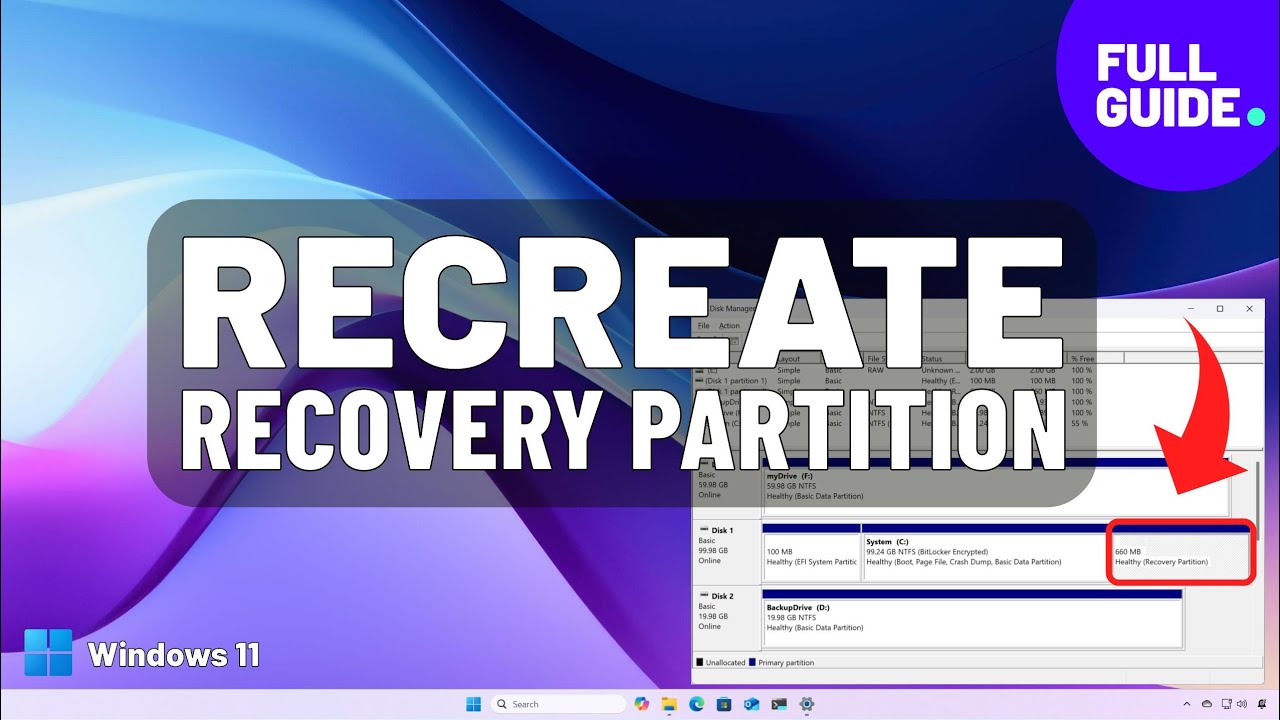
Windows 11: удаление и повторное создание раздела восстановления — дополнительные инструменты не ...

Windows 11: удаление и повторное создание раздела восстановления — дополнительные инструменты не ...

Можно ли установить диск (SSD или HDD) с Windows 11 на новый комп?

Можно ли установить диск (SSD или HDD) с Windows 11 на новый комп?

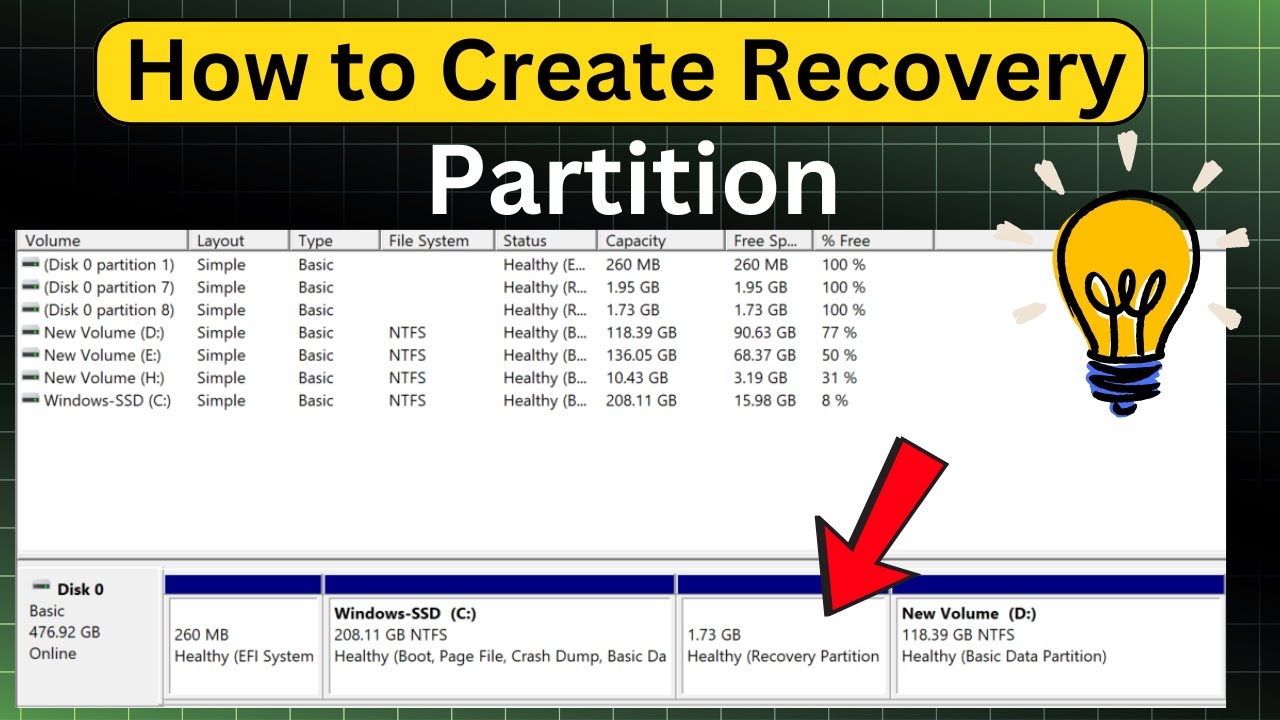
How To Create a Recovery Partition in Windows (Fast & Easy!)

How To Create a Recovery Partition in Windows (Fast & Easy!)

Клонируйте любой диск Windows на новый SSD без использования какого-либо программного обеспечения.

Клонируйте любой диск Windows на новый SSD без использования какого-либо программного обеспечения.

💾СОБРАЛ NAS НА TrueNAS💽 НЕ ПОНИМАЮ, КАК ЖИЛ БЕЗ НЕГО САМОДЕЛЬНОЕ ХРАНИЛИЩЕ ЭТО ПРОСТО

💾СОБРАЛ NAS НА TrueNAS💽 НЕ ПОНИМАЮ, КАК ЖИЛ БЕЗ НЕГО САМОДЕЛЬНОЕ ХРАНИЛИЩЕ ЭТО ПРОСТО

Такая флешка нужна каждому! Реаниматор любого ПК из обычной USB флешки

Такая флешка нужна каждому! Реаниматор любого ПК из обычной USB флешки

How to Get Bitlocker Recovery Key Hp (easy Method)

How to Get Bitlocker Recovery Key Hp (easy Method)

Самый быстрый способ найти короткое замыкание на любой материнской плате🔥 | Ремонт короткого замы...

Самый быстрый способ найти короткое замыкание на любой материнской плате🔥 | Ремонт короткого замы...

Ультимативная среда восстановления для ПК с ОС Windows, загрузочный компакт-диск Hiren's.

Ультимативная среда восстановления для ПК с ОС Windows, загрузочный компакт-диск Hiren's.

Отключите эти 7 фоновых служб в Windows, чтобы повысить производительность!

Отключите эти 7 фоновых служб в Windows, чтобы повысить производительность!

Как создать раздел восстановления в Windows 11

Как создать раздел восстановления в Windows 11

How to Clone Windows 11/10 to a New SSD/HDD Without Any Software

How to Clone Windows 11/10 to a New SSD/HDD Without Any Software

Интернет подключён, но сайты не открываются — 5 рабочих способов (Windows)

Интернет подключён, но сайты не открываются — 5 рабочих способов (Windows)

Windows 10 vs Windows 11 — неожиданные результаты

Windows 10 vs Windows 11 — неожиданные результаты

💻 Как создать диск восстановления Windows | Обзор | Команда CHKDSK

💻 Как создать диск восстановления Windows | Обзор | Команда CHKDSK

Удали 30ГБ и более за 10мин с диска C:\

Удали 30ГБ и более за 10мин с диска C:\

How to Install Ventoy on Internal SSD alongside Windows to Boot Multiple ISO Files

How to Install Ventoy on Internal SSD alongside Windows to Boot Multiple ISO Files

MBR to GPT Partitioning: Will this Help You Upgrade to Windows 11?

MBR to GPT Partitioning: Will this Help You Upgrade to Windows 11?

SSD или HDD УМИРАЕТ? Проверь накопители в Windows БЕЗ ПРОГРАММ

SSD или HDD УМИРАЕТ? Проверь накопители в Windows БЕЗ ПРОГРАММ

Руководство по выживанию при переходе с Windows на Linux (издание 2027 года) (перевод tony)

Руководство по выживанию при переходе с Windows на Linux (издание 2027 года) (перевод tony)

© 2025 dtub. Все права защищены.


  • Контакты
  • О нас
  • Политика конфиденциальности


Контакты для правообладателей: infodtube@gmail.com