Different Image Formats in Photoshop | JPG, PNG, GIF, PSD, EPS Explained | Class 11, BCA, B.Tech
Автор: Basics Of Computer Science
Загружено: 2025-09-22
Просмотров: 81
Different Image Formats in Photoshop | JPG, PNG, GIF, PSD, EPS Explained | Class 11, BCA, B.Tech
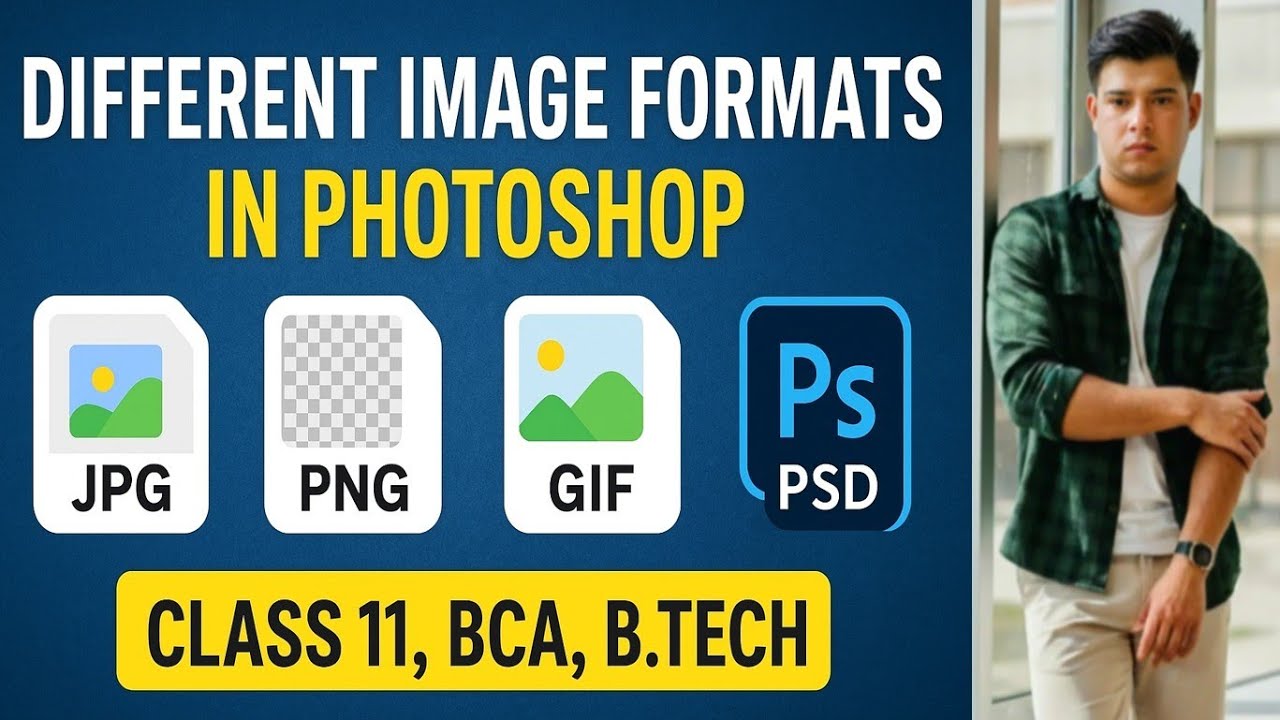
In this video, we will learn about the different types of image formats in Photoshop like JPEG, PNG, GIF, PSD, EPS, and PDF. Each image format has a unique purpose – some are best for the web, some for logos, some for animations, and others for editing or printing.
🔹 JPEG / JPG (Joint Photographic Experts Group)
🔹 PNG (Portable Network Graphics)
🔹 GIF (Graphics Interchange Format)
🔹 PSD (Photoshop Document)
🔹 EPS / PDF (Vector Supported)
🔹 TIFF (Tagged Image File Format)
📌 Summary of Uses:
JPG → Photos, Web use
PNG → Logos, Transparent images
GIF → Animations, Small graphics
PSD → Editing, Layers in Photoshop
EPS/PDF → Logos, Vector graphics
TIFF → Printing
This video will help Class 11, BCA, B.Tech, and graphic design students understand Photoshop image formats in a simple and easy way.
👉 If you want more Photoshop tutorials, Linux basics, and Computer Science lessons, stay tuned to R & K Fusion.
🔖 Tags (comma separated)
photoshop image formats, jpg vs png, jpg png gif psd explained, photoshop tutorial for beginners, class 11 computer photoshop, bca photoshop tutorial, btech photoshop basics, jpg full form, png full form, gif in photoshop, psd file explained, eps vs pdf photoshop, image formats in photoshop, photoshop file types explained, photoshop tutorial hindi english, raster vs vector images, jpg vs tiff, photoshop editing basics, photoshop learning for students, photoshop class 11 notes, photoshop for bca btech students
Доступные форматы для скачивания:
Скачать видео mp4
-
Информация по загрузке:





