RUGONE Xever 7 Pro – How to Use the 4-in-1 Charging Dock Station
Автор: HardReset.Info
Загружено: 2026-01-15
Просмотров: 27
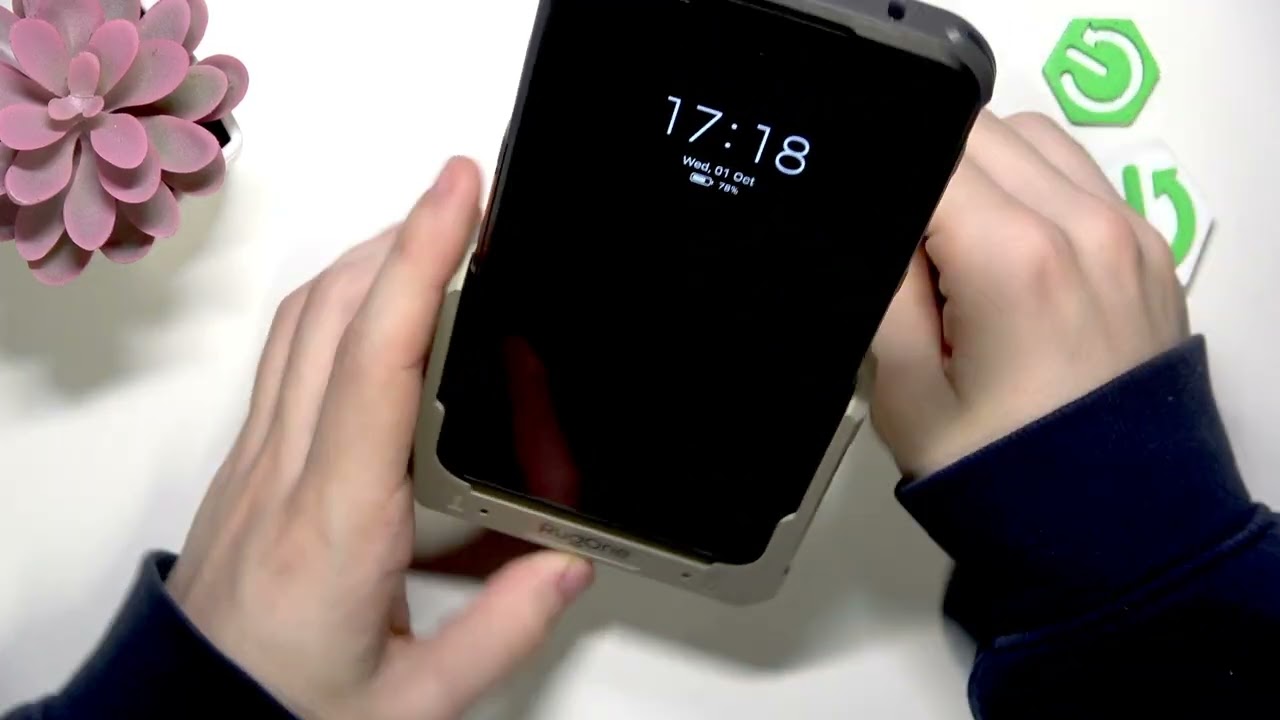
In this short video we show how to use the RUGONE Xever 7 Pro 4-in-1 charging dock station step by step. You will learn how to plug the dock into power, charge your phone on the pogo pins, and charge the replaceable spare battery at the same time. We explain the LED indicators (blue when the dock has power, red while charging, green when fully charged), why you should remove the battery once the light turns green to preserve battery life, and quick troubleshooting tips if charging does not start (check the cable and connections). This guide helps you get the most from your RUGONE Xever 7 Pro charging dock and keep your batteries healthy.
How to use the RUGONE Xever 7 Pro 4-in-1 charging dock station?
How to charge the replaceable battery on RUGONE Xever 7 Pro?
How to tell when the RUGONE Xever 7 Pro charging dock is finished charging?
0:00 Intro
0:04 What the dock charges (phone + replaceable battery)
0:27 Plugging in the dock & LED power indicator (blue)
0:40 Charging the phone on the pogo pins
1:12 Charging the replaceable battery
1:30 LED colors and when to remove the battery (red → green)
1:48 Troubleshooting tips (check cable, connections)
2:00 Outro – like & subscribe
#RUGONE #Xever7Pro #ChargingDock #BatteryCharging
Find out more:
https://www.hardreset.info/devices/ru...
Follow us on Instagram ► / hardreset.info
Like us on Facebook ► / hardresetinfo
Tweet us on Twitter ► / hardreseti
Support us on TikTok ► / hardreset.info
Use Reset Guides for many popular Apps ► https://www.hardreset.info/apps/apps/
Доступные форматы для скачивания:
Скачать видео mp4
-
Информация по загрузке:





